
If you're researching Serval reviews, you’ve likely noticed a common pattern: teams like the Slack-native interface but struggle to maintain AI-generated TypeScript when workflows break. This guide compares Serval pricing and features and explores alternatives that deliver similar IT workflow automation outcomes without ongoing code maintenance.
TLDR:
Serval generates TypeScript code for workflows, often requiring developer resources to debug and maintain when integrations break.
Alternatives like Jira Service Management and Freshservice rely on portals instead of Slack-native interfaces.
Ravenna is a Slack-native automation platform for IT, HR, and Ops, with no-code workflows, built-in integrations, and AI vs human resolution insights.
What is Serval and How Does It Work?
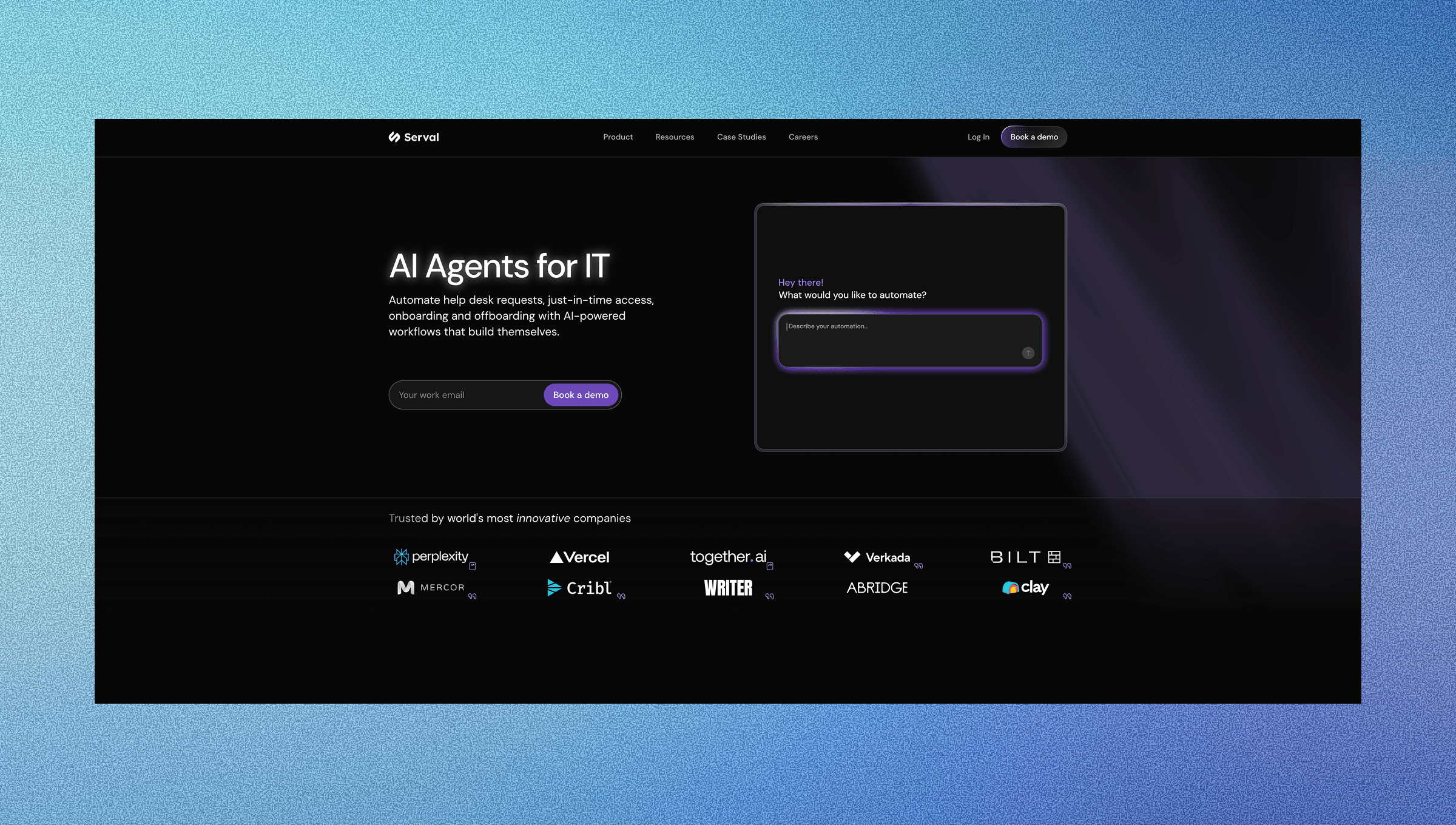
Serval is an AI-native ITSM solution that uses a code-first approach to automate help desk workflows, targeting the 52% of IT leaders who cite automation of recurring issues as their top Generative AI priority. Two specialized agents power the platform: the Helper Agent handles employee requests through Slack, email, or web forms, while the Builder Agent converts natural language descriptions into TypeScript for tasks like password resets and access provisioning. Serval integrates with ServiceNow, Jira, and Zendesk, and can function as an AI layer over existing ticketing systems or replace them. The target market is enterprise IT teams.
Why Consider Serval Alternatives?
Serval appeals to technical IT teams that want AI-powered workflow generation. The Builder Agent converts plain English into TypeScript automations that teams can version control and customize directly. While AI-powered ITSM tools can reduce ticket resolution times by 75%, the approach introduces maintenance overhead. When APIs change or integrations break, teams must debug AI-generated TypeScript. If the original creator leaves, organizations inherit a codebase that requires ongoing developer involvement.
Teams wanting workflow automation without code maintenance typically assess alternatives with visual builders and managed integrations.
Best Serval Alternatives in February 2026
Ravenna (Best Overall Alternative)
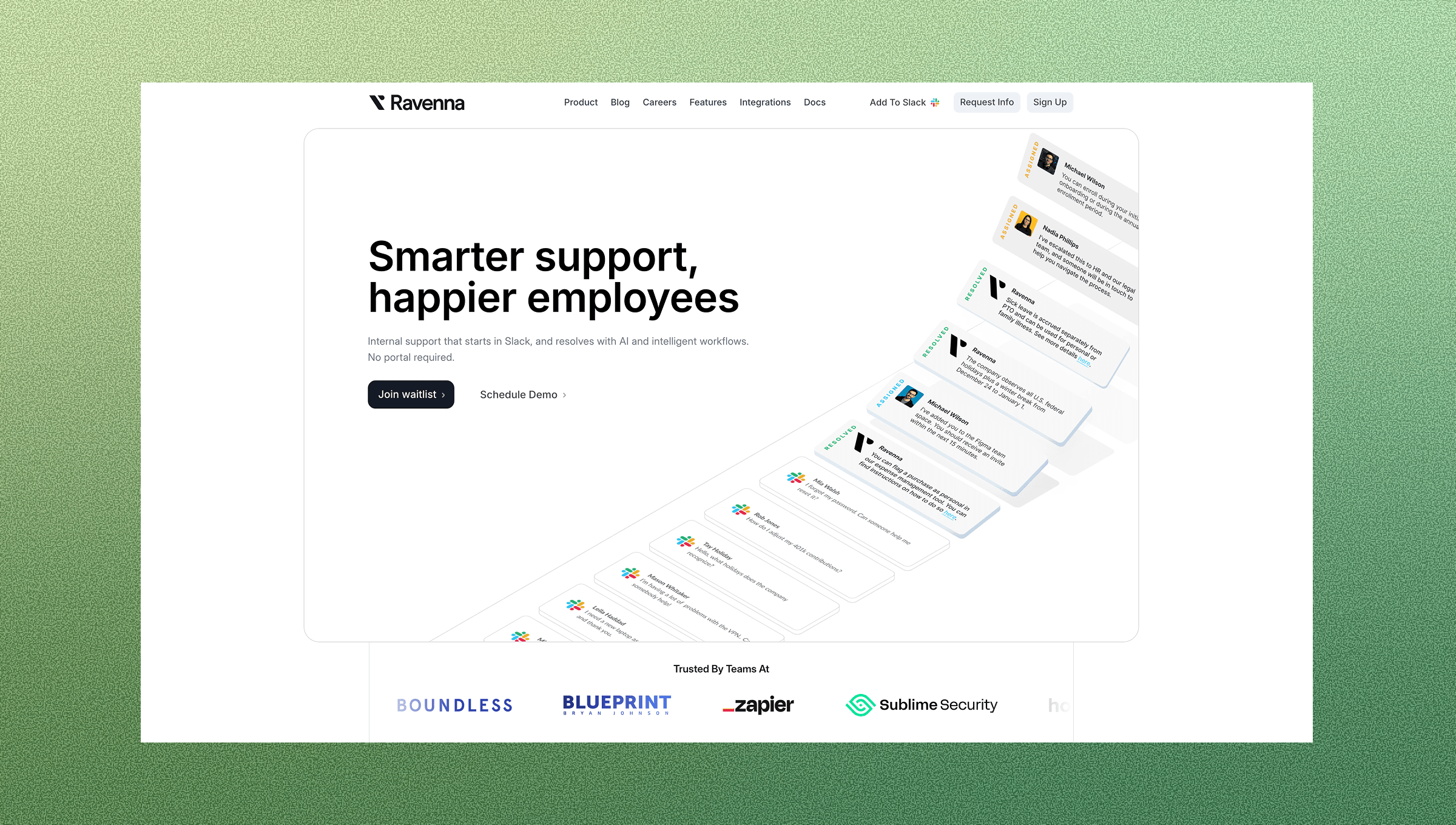
Ravenna is a Slack-native, all-in-one workflow automation solution that automates end-to-end workflows across IT, HR, and Operations teams without requiring ongoing code maintenance or developer support. Unlike Serval's code-generation approach, Ravenna provides a visual workflow builder that operations teams can maintain and iterate on without developer resources.
Key strengths:
Visual workflow builder with a drag-and-drop interface that non-technical teams can own and maintain without debugging AI-generated code.
Full-stack solution combining conversational interface, automation engine, and ticketing backend in one unified system.
Managed integrations maintained by Ravenna, eliminating the burden of fixing broken workflows when APIs change.
Advanced analytics delivered through a centralized dashboard, tracking AI versus human resolution rates and quantifiable time savings.
Ravenna works best for Slack-first organizations that want to automate high-volume internal workflows like access requests, onboarding, and device management across IT, HR, and Ops without maintaining custom code or paying for multiple systems.
Atlassian Jira Service Management
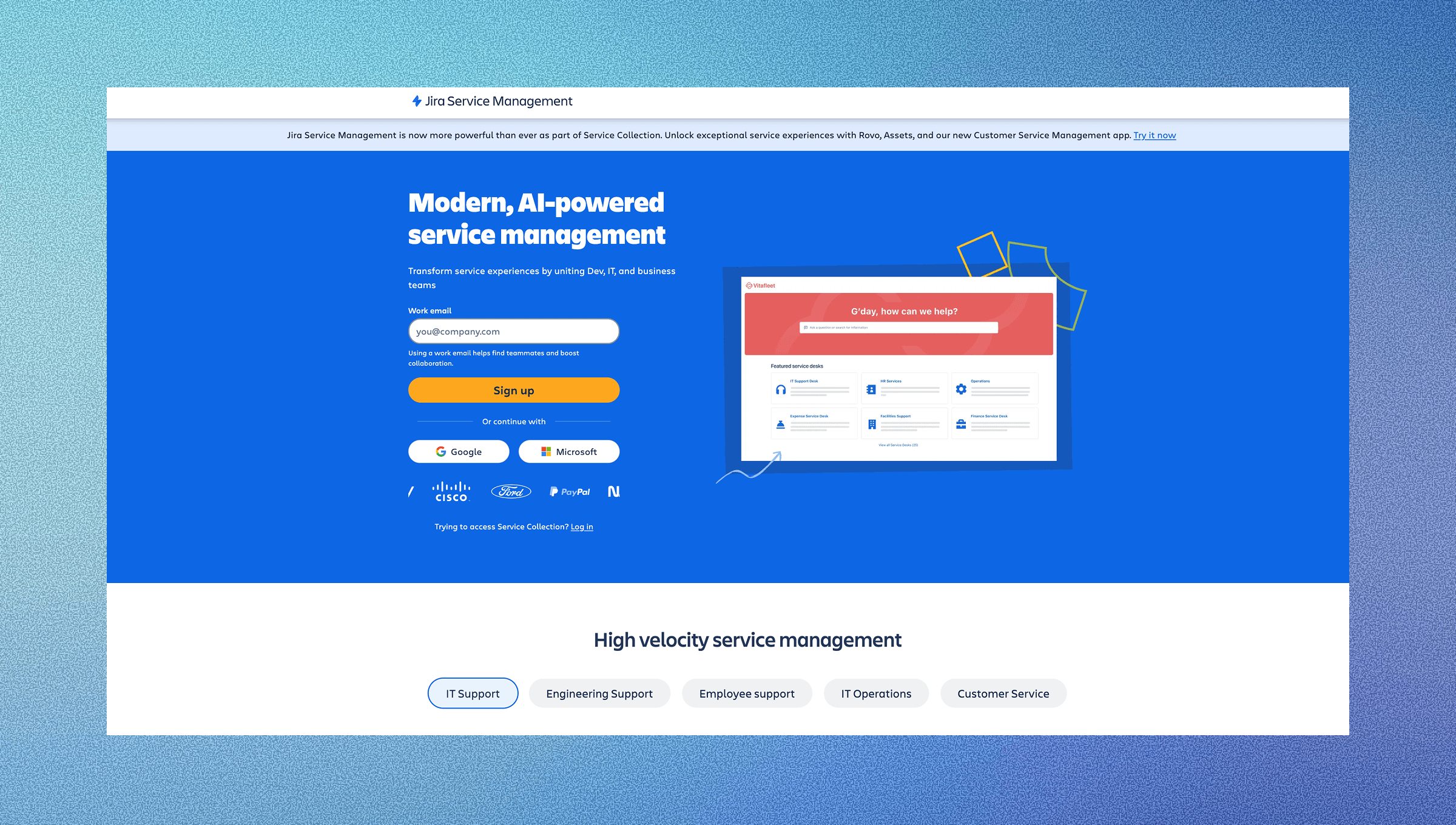
Jira Service Management is an enterprise-grade ITSM platform built on the Atlassian ecosystem, designed for teams managing IT service delivery through structured queues, SLAs, and ITIL-aligned workflows. The platform operates as a ticket-first system with a service desk portal, agent console, and extensive integration capabilities across the Atlassian suite. JSM requires dedicated Jira administrators to configure and maintain workflows, automation rules, and service catalogs.
Key Features
ITIL Process Framework: Built-in incident, problem, change, and asset management modules aligned with ITIL best practices.
Service Catalog: Customizable request forms and approval workflows for standardizing service delivery.
SLA Management: Configurable service level agreements with automated escalations and breach notifications.
Atlassian Ecosystem Integration: Native connections to Jira Software, Confluence, and Opsgenie for unified workflows.
Automation Engine: Rule-based automation for ticket routing, status updates, and notifications without code.
Limitations
Portal-First Design: Employees must leave Slack or email to submit requests through a separate web portal, reducing adoption.
Configuration Complexity: Requires ongoing Jira admin resources to maintain workflows, custom fields, and automation rules.
Limited End-to-End Execution: Automation focuses on ticket routing and status updates instead of executing work across SaaS tools.
Steep Learning Curve: Non-technical teams struggle to build and modify workflows without dedicated training.
Integration Maintenance: Third-party app integrations require manual updates and troubleshooting when APIs change.
Jira Service Management works best for IT teams already invested in the Atlassian ecosystem who need structured ITIL processes and have dedicated Jira administrators available. Organizations with complex change management requirements, large IT departments managing hundreds of services, and teams comfortable with portal-based request submission will find the most value in JSM's complete ITSM capabilities.
Freshservice
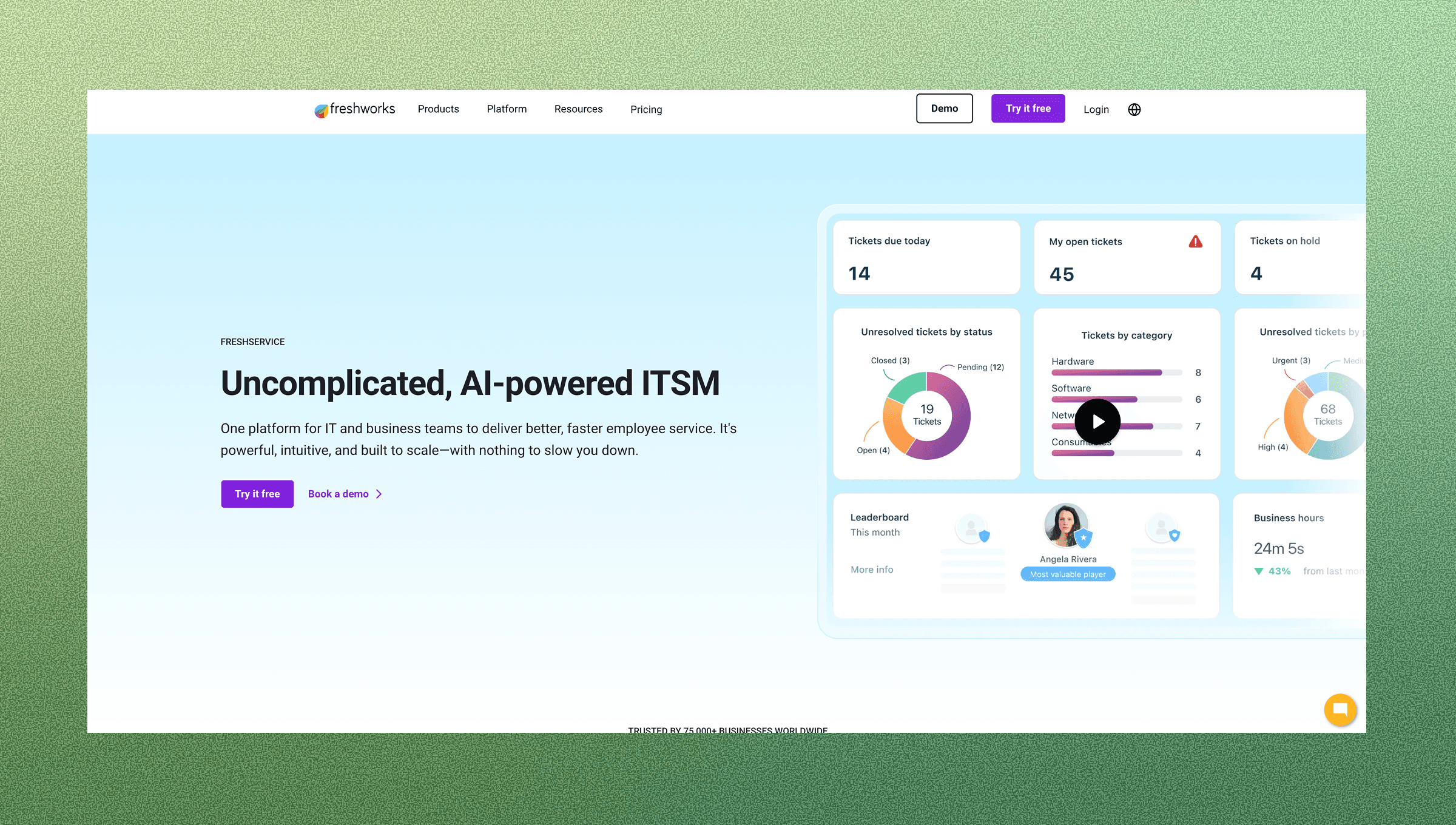
Freshservice is a cloud-based IT service desk solution focused on ticket management, service catalogs, and ITIL-aligned processes delivered through a portal and agent console interface. The platform provides incident management, asset tracking, and change management capabilities with a focus on ease of deployment for mid-market IT teams. Freshservice focuses on a modern UI and quick setup compared to legacy ITSM tools, though it maintains a traditional portal-first approach to service delivery.
Key Features
AI-Powered Ticket Routing: Freddy AI automatically categorizes and assigns tickets based on historical patterns and content analysis.
Asset Management: Complete IT asset discovery, tracking, and lifecycle management with automated inventory updates.
Service Catalog: Pre-built templates for common IT requests with customizable approval workflows and request forms.
SLA Management: Configurable service level agreements with escalation rules and real-time breach alerts.
Multi-Channel Support: Ticket creation via email, portal, phone, and Slack integration (though not Slack-native).
Limitations
Portal-Centric Experience: Employees must navigate to a separate web portal to submit requests instead of working within Slack.
Limited Workflow Execution: Automation primarily handles ticket assignment and notifications instead of end-to-end task completion across tools.
Integration Depth: Third-party integrations often require middleware or custom API work to achieve deep automation.
Scalability Constraints: Performance and customization limitations bubble up as organizations grow beyond mid-market size.
Vendor Lock-In: Moving data and workflows out of Freshservice requires a lot of migration effort due to proprietary data structures.
Freshservice works best for mid-market IT teams seeking a straightforward, cloud-based service desk with ITIL process structure and quick deployment timelines. Organizations wanting ease of use over deep customization, teams without dedicated ITSM administrators, and companies looking to modernize from legacy on-premise solutions will find Freshservice's balance of features and simplicity most valuable.
Feature Comparison: Serval vs Top Alternatives
Feature | Serval | Ravenna | Jira Service Management | Freshservice |
Slack-Native Experience | Yes | Yes | Integration only | Integration only |
Workflow Creation Method | Natural language to code | Natural language to Agents + Workflows | Manual configuration | Manual configuration |
Code Maintenance Required | Yes (TypeScript) | No | No | No |
Full-Stack Solution | Yes | Yes | Yes | Yes |
Managed Integrations | Yes | Yes | Depends on apps | Depends on setup |
Cross-Department Support | IT-focused | IT, HR, Ops built-in | IT-focused | IT-focused |
Advanced Analytics | AI Insights module | Flexible, robust reporting | Standard reporting | Standard reporting |
Why Ravenna is the Best Serval Alternative
Three core factors that make Ravenna the best Serval alternative:
Serval's code generation converts natural language into TypeScript workflows. When APIs change or integrations break, your team inherits debugging and maintenance for AI-generated scripts.
Ravenna, on the other hand, automates end-to-end workflows without code to maintain. Our visual workflow builder and workflow generation capabilities lets ops teams own and update workflows independently. When integrations need updates, we handle them.
Final Thoughts on ITSM Workflow Automation Tools
The right ITSM software depends on whether you have developers available to maintain AI-generated code or need a solution your operations teams can fully own while supporting scalable internal customer support. Serval's code-first approach works for technical teams, but many organizations want automation without debugging TypeScript when integrations break. Ravenna delivers the same workflow outcomes with managed integrations and a full-stack architecture that replaces overlapping tools instead of adding another layer.
FAQs
Why do teams look for alternatives to Serval?
Teams typically find alternatives when they lack dedicated developers to maintain AI-generated TypeScript code or need to automate workflows across IT, HR, and Operations (not solely IT).
When should you consider moving away from code-based workflow automation?
If you're spending developer time debugging AI-generated scripts when APIs change, inheriting unmaintainable codebases when team members leave, or finding that your operations team can't modify workflows independently without engineering resources, a visual workflow builder will reduce technical debt and speed up iteration.
Can you automate IT workflows without maintaining custom code?
Yes. AI Agents and workflow builders let operations teams create and modify automations through drag-and-drop interfaces or natural language descriptions without writing or debugging code. The vendor maintains integrations when third-party APIs change, removing the burden from your team.
How does a full-stack solution differ from an AI layer approach?
A full-stack solution provides the conversational interface, automation engine, and ticketing backend in one unified IT service management system. An AI layer sits on top of existing ITSM tools like ServiceNow or Jira, requiring you to purchase and maintain both systems while managing data flow between them.



