A More Configurable Workspace Experience
Platform
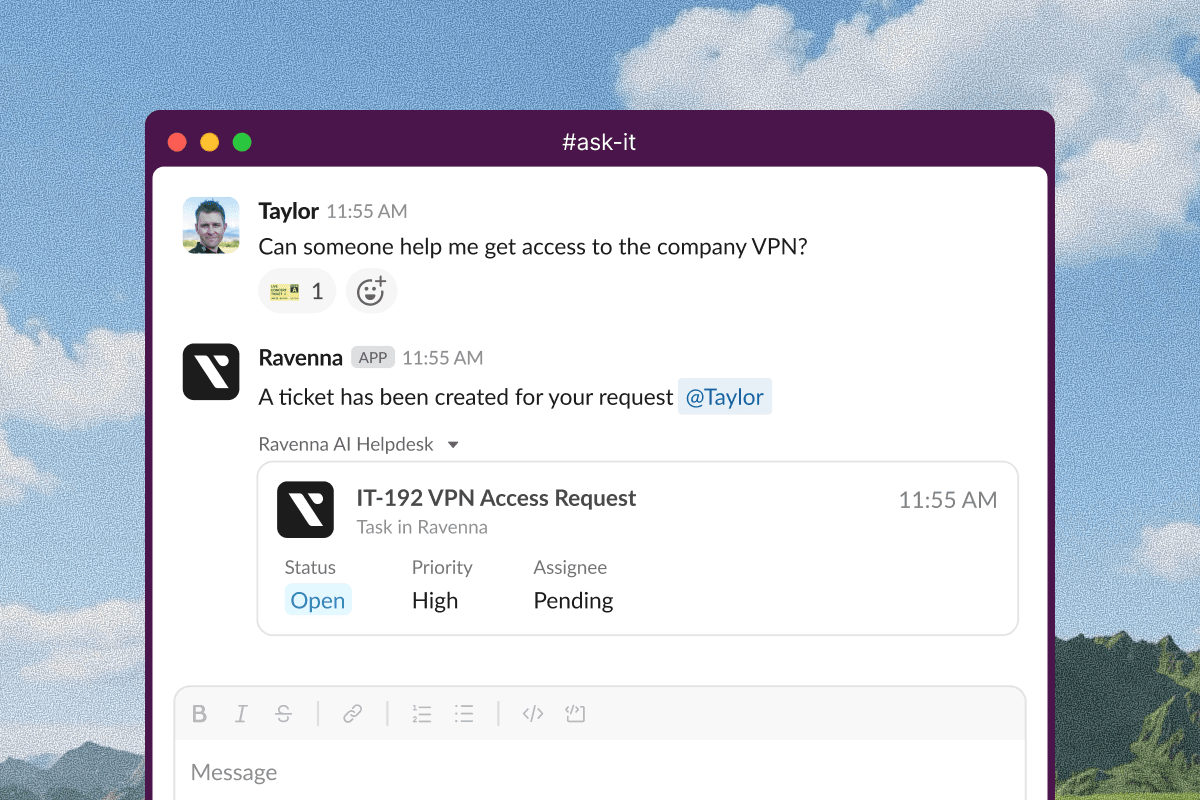
Customize which fields appear on ticket mirrors across your workspace
Control visibility for status, priority, description, assignee, requester, approvers, source, and custom fields to keep your Slack channels focused on what matters most. These workspace-wide settings ensure consistent ticket presentation while giving you flexibility to hide less relevant information.
Learn more about ticket mirror customization
Automatically redirect users to SSO based on their email domain
When users enter an email address during login, Ravenna now detects if their domain matches an organization with SSO enabled and immediately redirects them to authenticate with their corporate credentials—no manual SSO selection needed.
Learn more about automatic SSO redirect
Pages archived in Confluence are now automatically archived in Ravenna
This keeps your knowledge base in sync without manual updates, ensuring agents only reference current documentation.
Learn more about Confluence knowledge integration
Tickets
Collapse Kanban columns to focus on specific workflow stages
Empty columns collapse by default, and your preferences save per view without affecting other team members. Click the collapse icon in any column header to streamline your board view.
Workflows
New ‘Wait for Message’ action
This action pauses workflow execution until specific users send messages on a ticket. Set a timeout duration and optionally filter by message source to control when workflows resume. Use this to wait for customer responses, team input, or stakeholder feedback before continuing automation.
Learn more about the Wait for Message action
Clearer visibility into integration dependencies
Workflow actions that require third-party integrations now show a "Setup Required" badge with helpful tooltips explaining which integration is needed. This makes it clear which actions depend on configured integrations before you build your workflow.
Learn more about workflow integration requirements
Other Updates & Improvements
Agent negative feedback now creates support tickets by default to ensure timely follow-up


