
Approvals often begin as quick Slack messages. Someone sends a request, someone else reacts with an emoji, and the conversation continues until the decision feels implied. This works in the moment, but it becomes a real problem when the team needs an audit trail, a clear chain of responsibility, or predictable turnaround times. A structured Slack approvals workflow helps replace these scattered messages with a dependable process that captures the fields, decisions, and timestamps your teams need.
The goal is not to slow people down. It is to give IT, HR, and Finance a way to standardize decisions while keeping everything inside Slack, where work already happens. By introducing simple forms, dynamic routing, and clear service levels, you help approvers answer faster and reduce the back-and-forth that often gets lost in channels. This creates a smoother experience for users and a cleaner record for compliance.
TL;DR
Slack approvals work best when requests use forms, dynamic approvers, and clear SLAs.
Avoid ad-hoc DMs. Use structured threads and logged decisions to keep an audit trail.
Start with common requests such as IT access, expenses, and purchases, then expand.
Choose your tooling based on governance needs. Workflow Builder handles basics, while platforms support scale and reporting.
What Are Slack Approvals?
When people look up “Slack approvals,” many results focus on app installation controls. These pages explain how admins approve or restrict apps in the workspace. That is useful, but it is not the type of approval most teams deal with every day. In this guide, Slack approvals refer to business-driven decisions such as access, spend, exceptions, and HR processes that users begin inside Slack.
A proper Slack approval process creates a clear path from request to decision. The requester provides the right information through a short form. The system routes the request to the right people based on rules. Approvers act on the request through buttons or structured inputs. Every decision is logged so auditors can review it later. This structure replaces scattered chats with predictable workflows.
The outcome matters more than the tool. You want traceability, accountability, and efficient turnaround times. Traceability means capturing who submitted, who approved, and when it happened. Accountability means every stage has a clear owner. Efficiency means decisions arrive faster because approvers get exactly what they need to act.
In short, Slack approvals are about making everyday decisions faster and more reliable while capturing a complete record of how they happen.
Common Request Types You Can Run in Slack Today
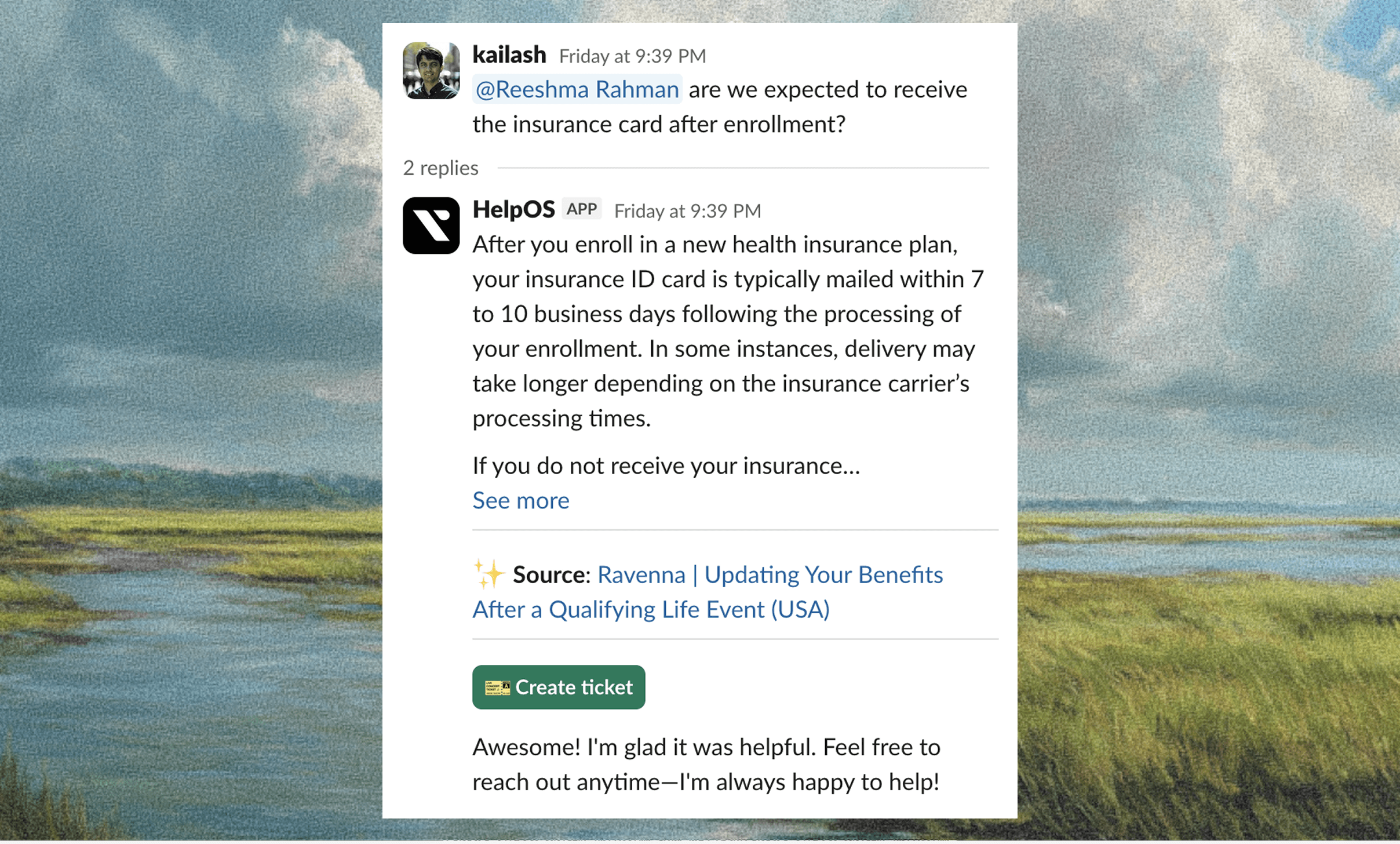
To build a predictable approval workflow, start with the request types that already appear in Slack conversations. These requests often interrupt managers and create long message chains. Formalizing them creates clarity without forcing people to switch tools.
Begin by identifying the information approvers need to make a confident decision. Combine that with a short sequence of stages. The thread becomes the single place where the request lives, including its fields, actions, and comments. This makes the process easier for both the requester and the approver.
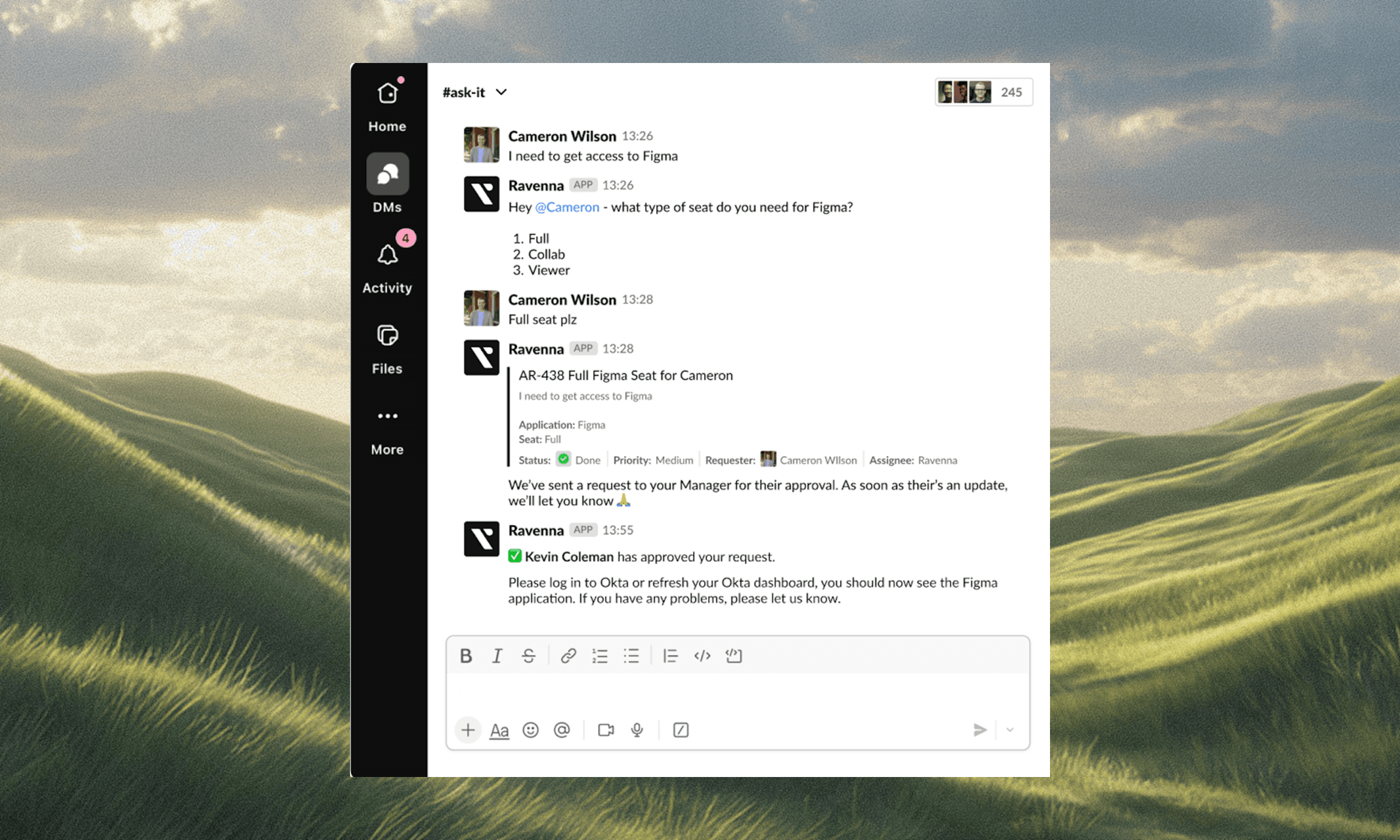
IT access approvals in Slack
Access requests are among the most frequent operational approvals. Teams often need to access tools like GitHub, Salesforce, Figma, or internal systems. Approvers want to see the role or scope requested, why the access is needed, and how long it should last. Stages usually begin with a manager, then route to an app owner, and sometimes reach a security reviewer if the access is sensitive. This minimizes risk and keeps track of elevated permissions.
Expense approval in Slack
Teams make small purchases often, and Slack is usually where they ask about them. Turning these messages into structured approvals helps Finance maintain control while avoiding delays. Approvers generally want to know the amount, category, purpose, and whether a receipt or quote is available. A short workflow can move the request from the manager to Finance when thresholds are reached.
Purchase approval in Slack
Larger requests such as software renewals, hardware, and vendor contracts benefit from a clear Slack workflow. These usually require more than one approver. A manager reviews business needs, a budget owner confirms funding, and security or legal may check for risk. A single thread makes the review process visible and keeps every decision tied to the same record.
These examples show how to take common, messy processes and reshape them into organized threads that guide users, protect data, and support compliance.
Designing Dynamic Approvers
Routing is often the hardest part of building an approval process. Hard-coded names break the moment a manager changes roles or when ownership shifts. A reliable Slack approval workflow uses dynamic rules based on data from your directory, system records, or cost center mapping.
Start by defining the patterns you use most often. Many requests should go first to the requester’s manager. Access approvals often go to an app owner. Purchases might move to a budget owner or procurement. Security or compliance reviewers should appear only when needed, based on risk or cost conditions. These patterns help you scale without rewriting your workflow every time someone leaves the company.
Fallback rules matter as well. If a data source does not map to an owner, the request should move to a team channel or backup group. This keeps requests moving instead of waiting in limbo. The goal is to build a routing system that adapts to changes in your organization while maintaining speed and accuracy.
Dynamic approvers reduce friction, eliminate manual rerouting, and create a more stable Slack approvals workflow that stays up to date automatically.
SLAs, Escalations, and Notifications That Drive Decisions
Approvals fall behind when reminders depend on memory. A structured workflow includes clear expectations for how long each stage should take. Many organizations use one business day for a manager review and two for Finance or Security. Once you define these SLAs, the workflow should send reminders and escalate when needed.
Begin with simple notifications that help without overwhelming approvers. A direct message for a pending approval with context attached is often enough. For larger teams, daily digests showing what is due today can keep reviews on track. Posting updates in the approval thread helps the requester track progress without asking repeatedly.
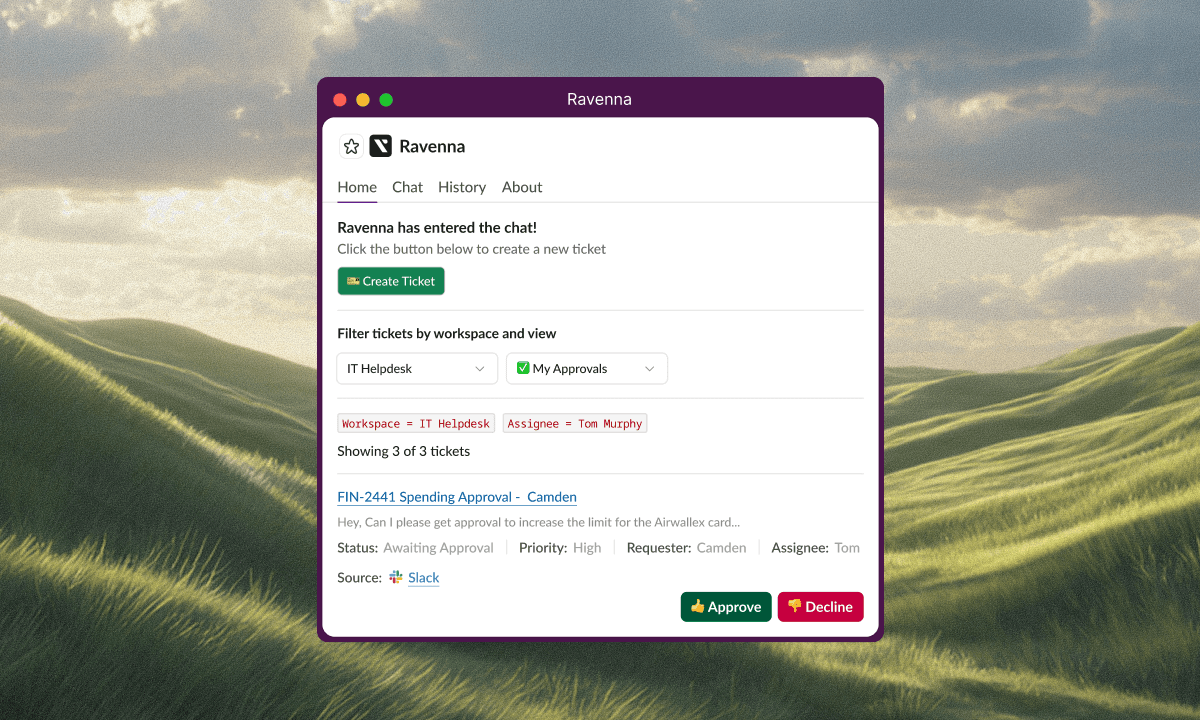
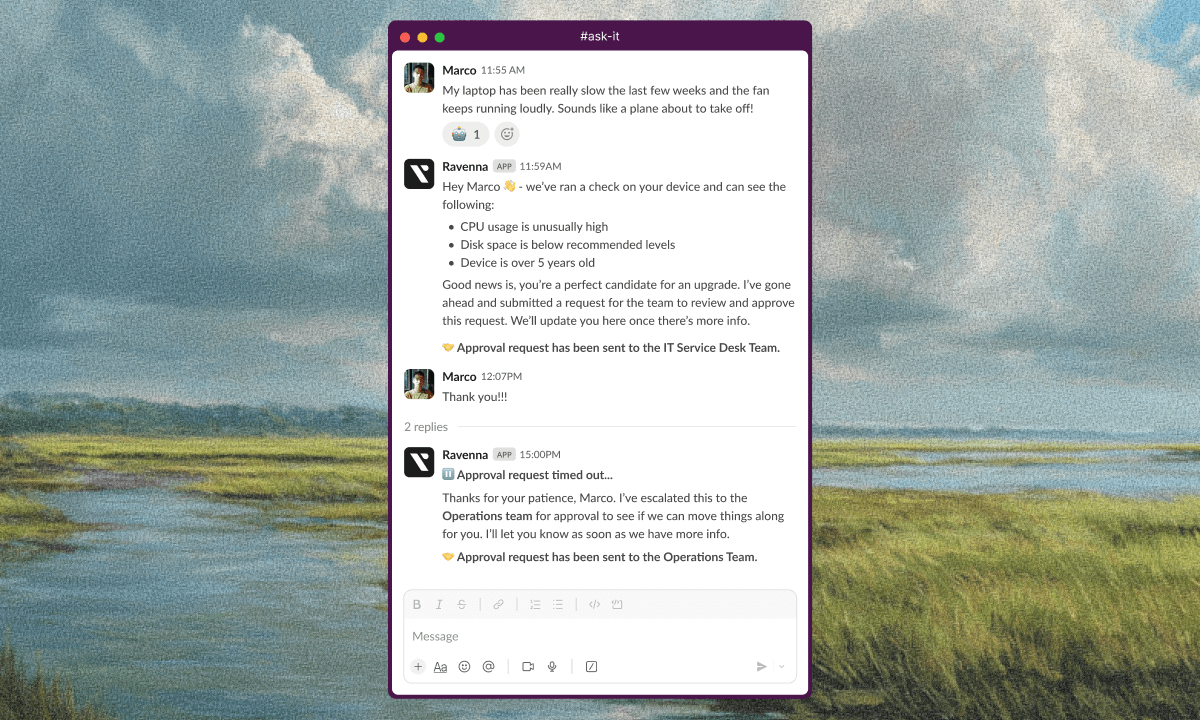
Escalation rules provide a safety net. If an approver does not respond in time, the workflow should either notify a backup or move the request to a team channel where someone else can take ownership. These paths reduce bottlenecks and prevent delays from blocking downstream work.
By setting clear SLAs and escalation paths, you improve reliability, maintain accountability, and keep Slack approvals moving at a healthy pace.
Make It Auditable: Logs, Evidence, and Retention
Fast approvals matter, but teams also need clean records. An effective Slack approvals audit trail includes the original request fields, names of each approver, timestamps for every decision, and any attachments that support the decision. All of this should remain tied to a single request ID that is easy to export or reference later.
Retention policies affect how you store this information. Some teams prefer to keep the Slack thread for context while exporting the structured record to a system of record or data warehouse. Others may choose to store only structured data depending on compliance needs. What matters is that decisions and evidence remain available for audit without searching through long channel histories.
Comments and rejections should be preserved as well. A request that was denied with a clear reason helps teams refine guidelines and prevents repeated mistakes. By capturing these details, you create a complete picture of how decisions are made and provide an easy path for auditors.
An approval is not complete until it has a reliable record. With the right structure in place, Slack becomes a dependable source of truth rather than a scattered archive of replies.
Implementation Options: Workflow Builder vs Apps vs Ravenna
Once you define your Slack approval workflows, you need to choose how to implement them. Different teams use different tools depending on scale and governance needs.
Slack Workflow Builder is a good starting point. It offers basic forms, simple triggers, and straightforward routing. It works well for small teams or simple requests. It becomes harder when you need complex routing, dynamic approvers, or audit-ready exports.
Approval-focused apps provide more structure. They offer richer forms, conditional routing, analytics, and integrations with systems like HRIS or identity providers. This makes them suitable for mid-sized teams that want stronger governance without custom development.
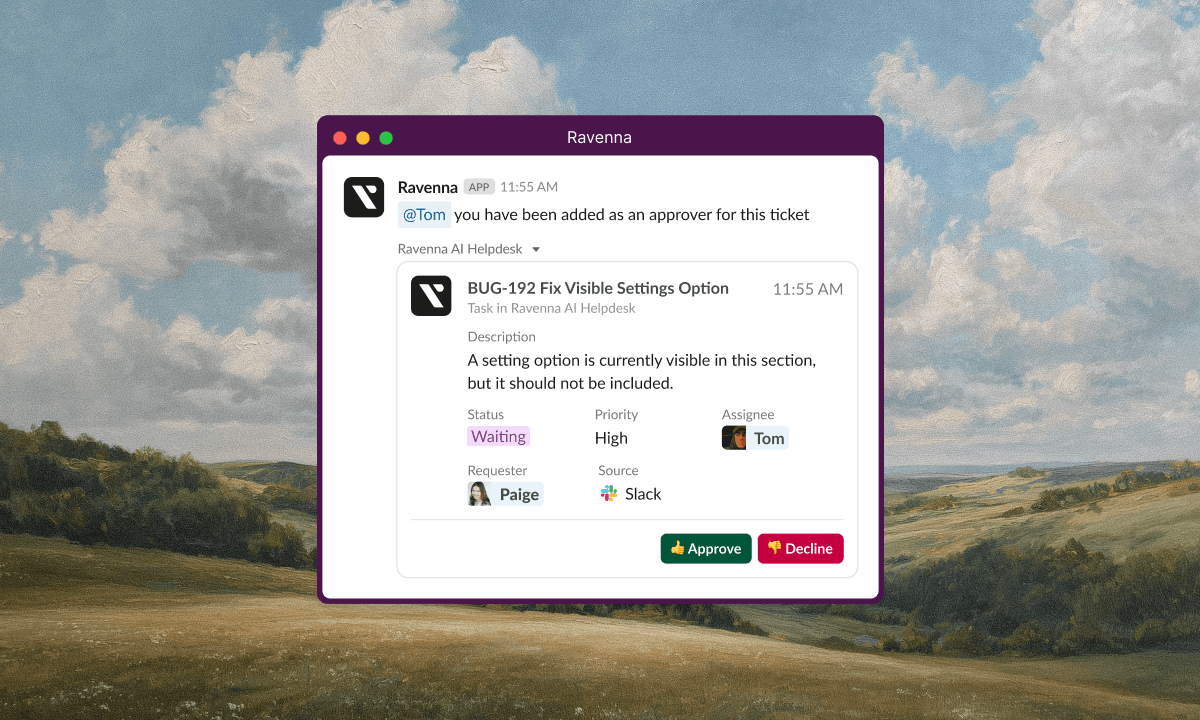
Ravenna focuses on approvals across IT, HR, and Finance with dynamic routing, SLA tracking, audit logs, and reporting. It helps teams standardize processes without switching tools and supports exports for compliance and BI analysis. When organizations want a single place to run and measure approvals in Slack, this becomes a strong fit.
Choosing the right option depends on the level of structure, automation, and auditability your teams need.
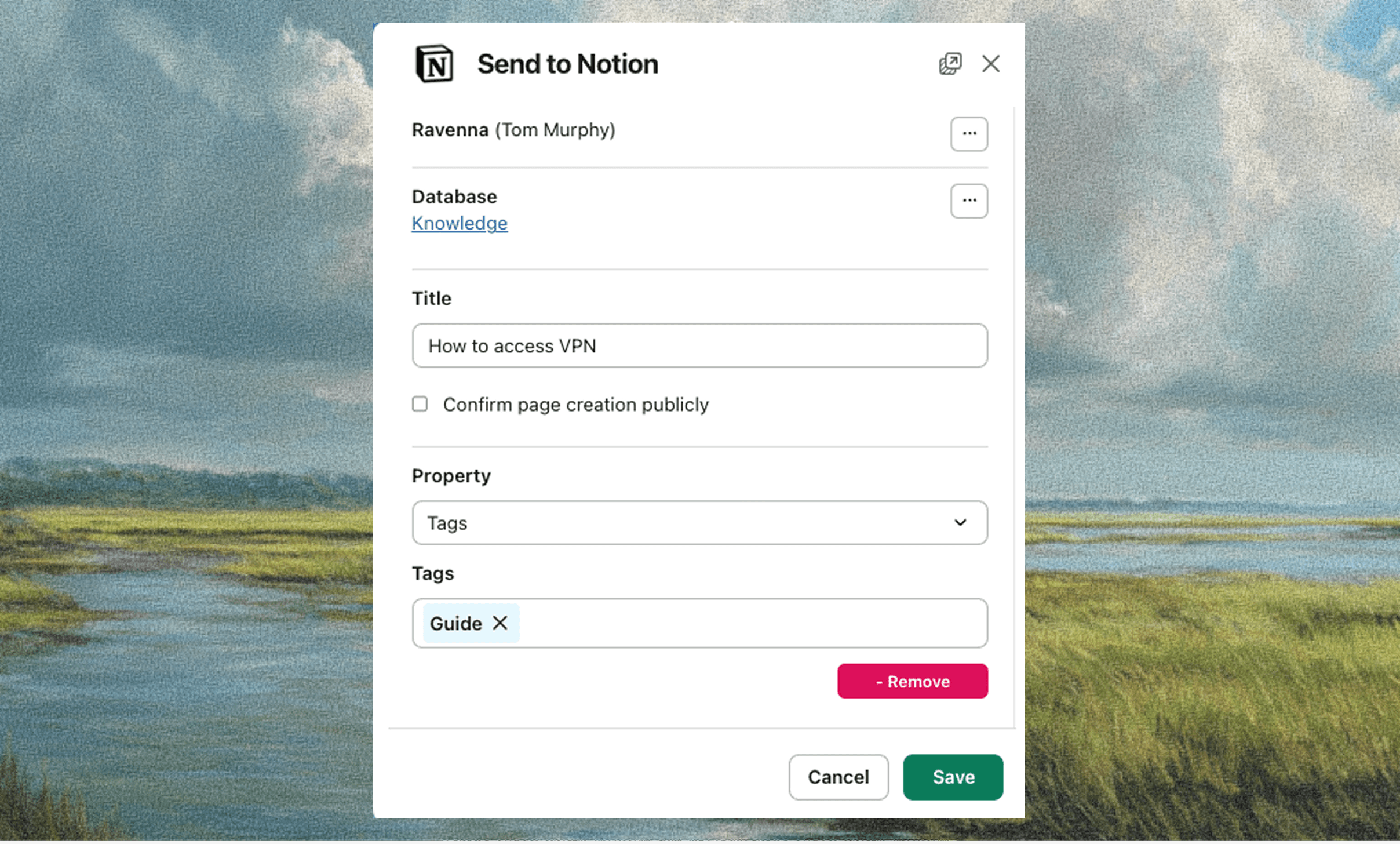
Metrics and Reporting to Prove the Impact
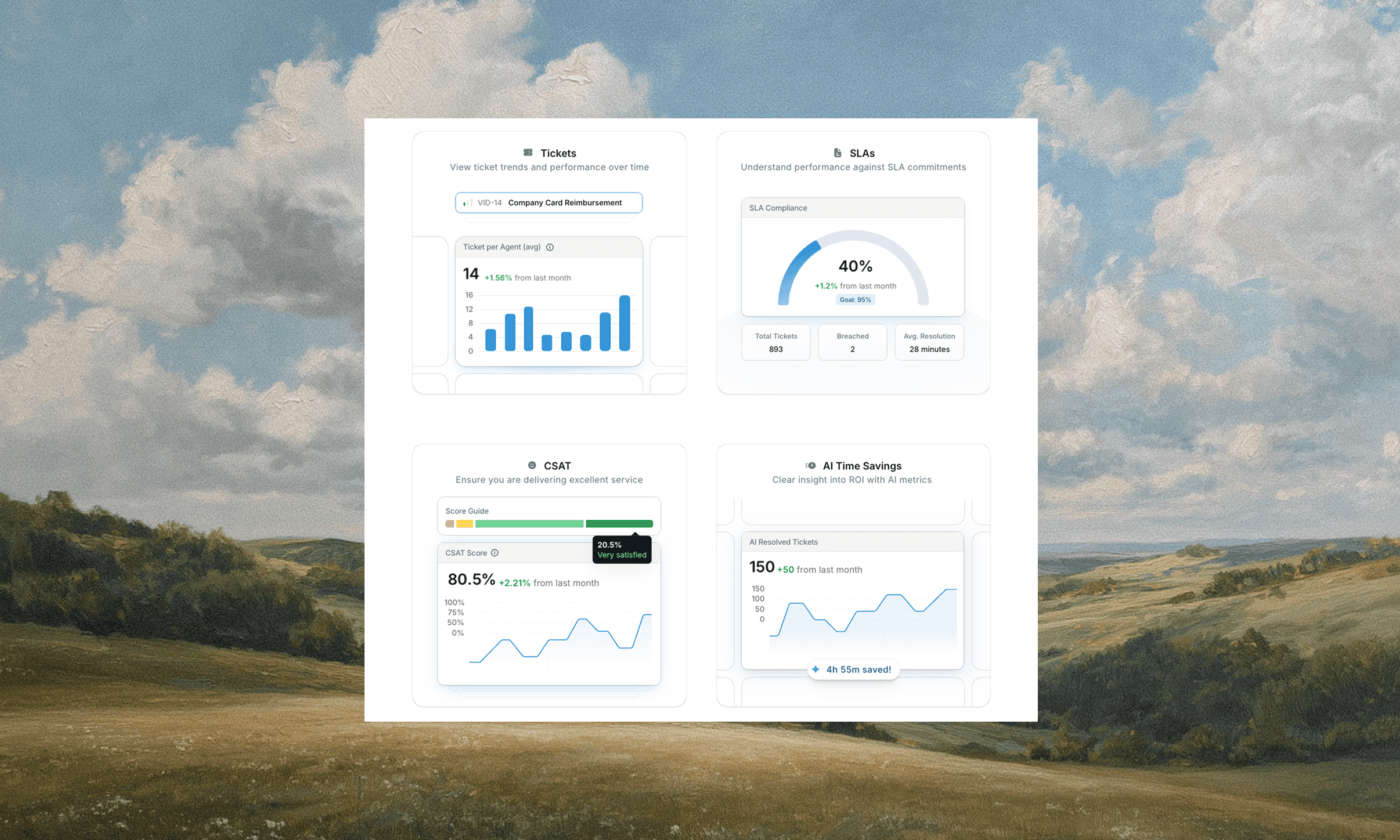
Once your Slack approvals workflow is running, reporting helps you show value and identify improvements. Start with simple metrics. Track cycle times from submission to approval. Review how many requests were completed on time. Pay attention to escalations and which stages tend to slow down. These insights guide updates to your SLAs and routing rules.
Share metrics with stakeholders so they understand how approvals affect their teams. For example, Finance may notice a trend in late reviews during month-end work. Security may see which systems generate the most access requests. When teams have this visibility, they can plan staffing and expectations more effectively.
Exporting structured records also helps build dashboards in your BI tool. These dashboards can show trends over time, compare departments, and highlight bottlenecks. Over time, these insights support process consistency across the organization.
The strongest approval workflows do more than complete tasks. They generate data that helps you improve operations over time.
Next Steps in Slack Approvals for Your Team
Begin with a single request type and build a complete workflow. Keep the form short. Use dynamic approvers whenever possible. Add clear SLAs and escalation paths. Once the process is reliable, expand to two or three more request types. This gradual rollout helps teams adjust while ensuring each workflow works well.
If you want to standardize approvals across IT, HR, and Finance with strong routing and audit capabilities, you can explore how Ravenna supports these workflows. You can also learn more about designing workflows by reviewing your internal Slack ticketing system and ITSM automation practices.
When you are ready to streamline approvals, simplify audit reviews, and improve decision speed, you can schedule a demo to see how Ravenna supports your Slack workflows.
Final Thoughts
Slack has become the center of communication for many teams. Turning that environment into a reliable approval system requires clarity, structure, and attention to detail. By using forms, dynamic routing, SLAs, and proper retention practices, you transform everyday requests into organized workflows that support security and compliance.
The shift from ad-hoc messages to structured approvals does more than protect audit readiness. It improves the speed and predictability of decisions across IT, HR, and Finance. Over time, a well-built Slack approvals workflow becomes a natural part of how teams operate and collaborate.
FAQs
How do I approve a Slack app?
App installation approvals are different from business approvals. They are handled in the admin settings for your Slack workspace. These controls determine which apps users can install and are managed by workspace administrators.
Is Slack approved for government use?
Slack offers specialized deployments for government environments. Requirements vary by agency. Your security team can help confirm the correct environment and compliance standards for your use case.
Can your employer monitor Slack?
Organizations set retention and data access policies. Admins may access messages according to company policy and legal requirements. Assume that records from your approval workflows may be retained for compliance.
How do I get alerts on Slack?
Approvers receive alerts through notifications, direct messages, and thread updates. Some teams use daily digests or channel reminders to keep decisions on track. Clear notification rules reduce delays and improve SLA performance.



