

Everyone on your IT team has their own system for tracking requests, and that's exactly the problem. A good multi-channel support solution means every Slack message, email, and form submission lands in the same queue. Here's how the top platforms stack up for internal IT teams trying to get organized.
TLDR:
Multi-channel support unifies Slack, email, and portal requests into one ticketing system.
AI-powered automation answers routine questions instantly and generates knowledge base articles.
Ravenna converts Slack conversations into tickets without forcing employees to switch tools.
Legacy solutions like ServiceNow and Zendesk require portal logins instead of native Slack support.
Look for solutions with learning AI, workflow customization, and transparent ROI metrics.
What are Multi-Channel Support Solutions for Internal IT Teams?
Multi-channel support solutions consolidate employee requests from different communication channels into a single system, replacing disconnected inboxes and traditional help desk tools. Instead of juggling separate inboxes for email, Slack messages, portal submissions, and phone calls, IT teams route everything to a single unified queue where tickets can be tracked and resolved.
Employees can reach out however they prefer. Someone might ping IT in Slack while another uses self-service options like a portal form or sends an email. The multi-channel approach captures all these requests and converts them into trackable tickets so nothing falls through the cracks.
This architecture has become necessary as workplaces adopt diverse collaboration tools. Forcing employees to log into a separate helpdesk portal creates friction and delays. When support meets people in the tools they already use daily, IT teams see faster response times and higher satisfaction rates.
What Should IT Teams Look For in Multi-Channel Support Solutions?
When assessing multi-channel support solutions, IT teams should focus on capabilities that reduce manual work and improve employee experience.
Unified ticket management: This converts every request from Slack, email, or web forms into a single trackable ticket with consistent routing and prioritization rules.
AI-powered automation: This separates high-performing solutions from basic ticketing systems. Look for AI agents that answer routine questions in real time by pulling from existing documentation, not just tagging and categorizing tickets.
Integration depth: The solution should connect with knowledge sources and workplace tools your team already uses, whether that's Confluence, Notion, Google Drive, or Slack channels, so employees get accurate answers without agents maintaining duplicate documentation.
Workflow customization: This allows the system to adapt to your processes. Custom request types, approval flows, and queue views should be configurable without developer intervention.
Reporting: This should track both channel performance and AI contribution. You need visibility into which channels drive the most tickets, average response times per channel, and measurable data on how many issues AI resolves without human intervention. A clear dashboard makes these metrics easier to act on.
Best Overall Multi-Channel Support Solution: Ravenna
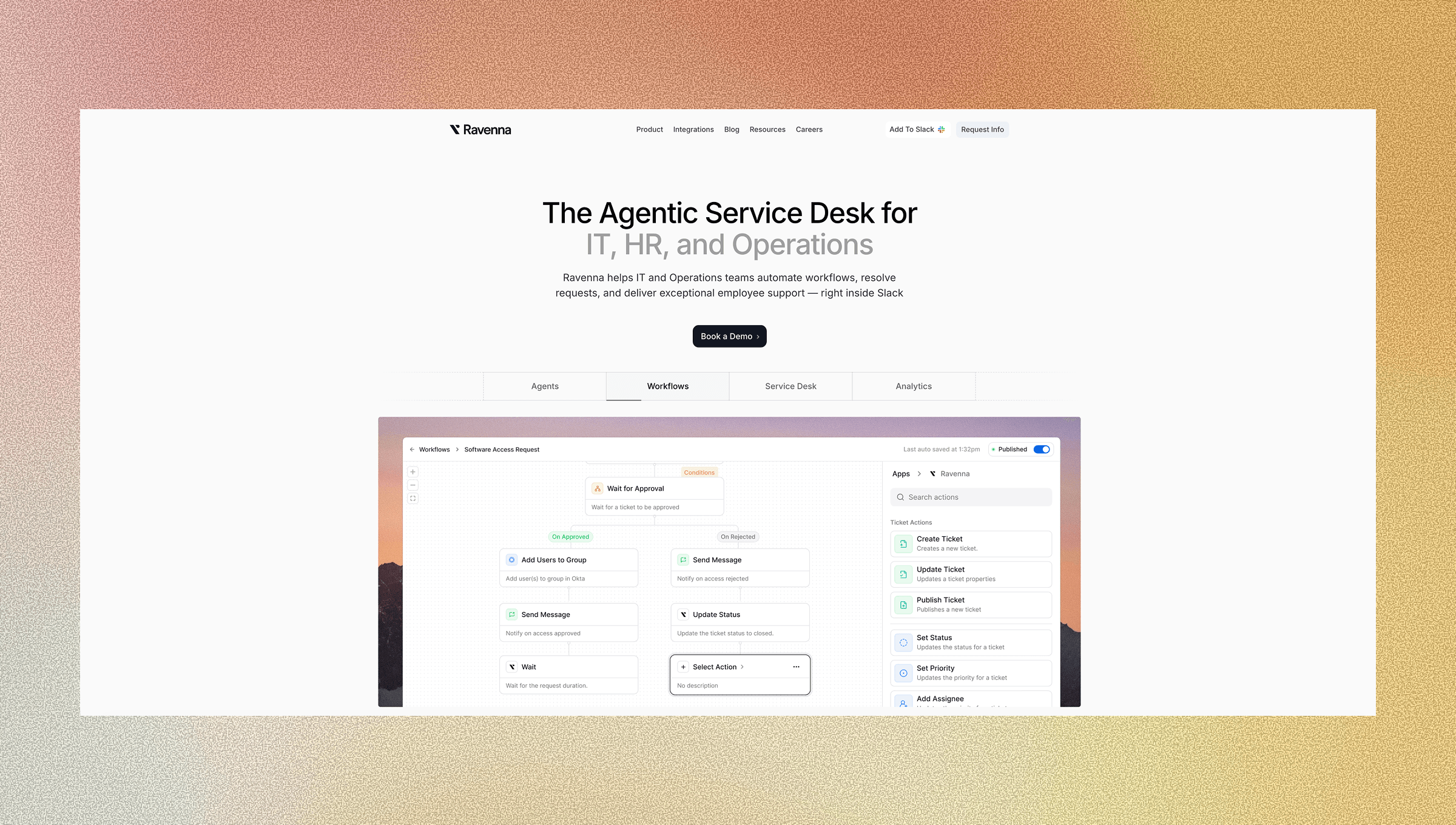
Ravenna is a workflow automation tool that manages end-to-end workflows across tools, teams, and systems directly from Slack. While traditional ITSM solutions focus on ticket tracking, Ravenna automates high-friction workflows including User Lifecycle Management, Device Management, and Access Requests. The tool combines learning AI that answers questions from existing knowledge bases with best-in-class analytics that deliver transparent ROI metrics showing workflows automated, tickets resolved, and time saved.
Key Features
Ravenna has a number of features related to multi-channel support:
Slack-native workflow automation that executes work across systems as an app within your workspace, not a basic chatbot interface.
End-to-end workflow orchestration for User Lifecycle, Device Management, and Access Requests that completes tasks across IAM, HRIS, MDM, and SaaS tools.
Learning AI that provides instant answers from multi-source knowledge integration across Notion, Confluence, Google Drive, Coda, and GitHub.
Best-in-class analytics suite with transparent metrics on workflows automated, resolution rates, and measurable time savings.
Ravenna delivers workflow automation that empowers employees to continue working while giving IT teams an analytics suite that tracks measurable outcomes. The tool's app-within-workspace approach provides a superior experience compared to standard chatbot interfaces. Learn more about setting up a self-service helpdesk in Slack.
Zendesk
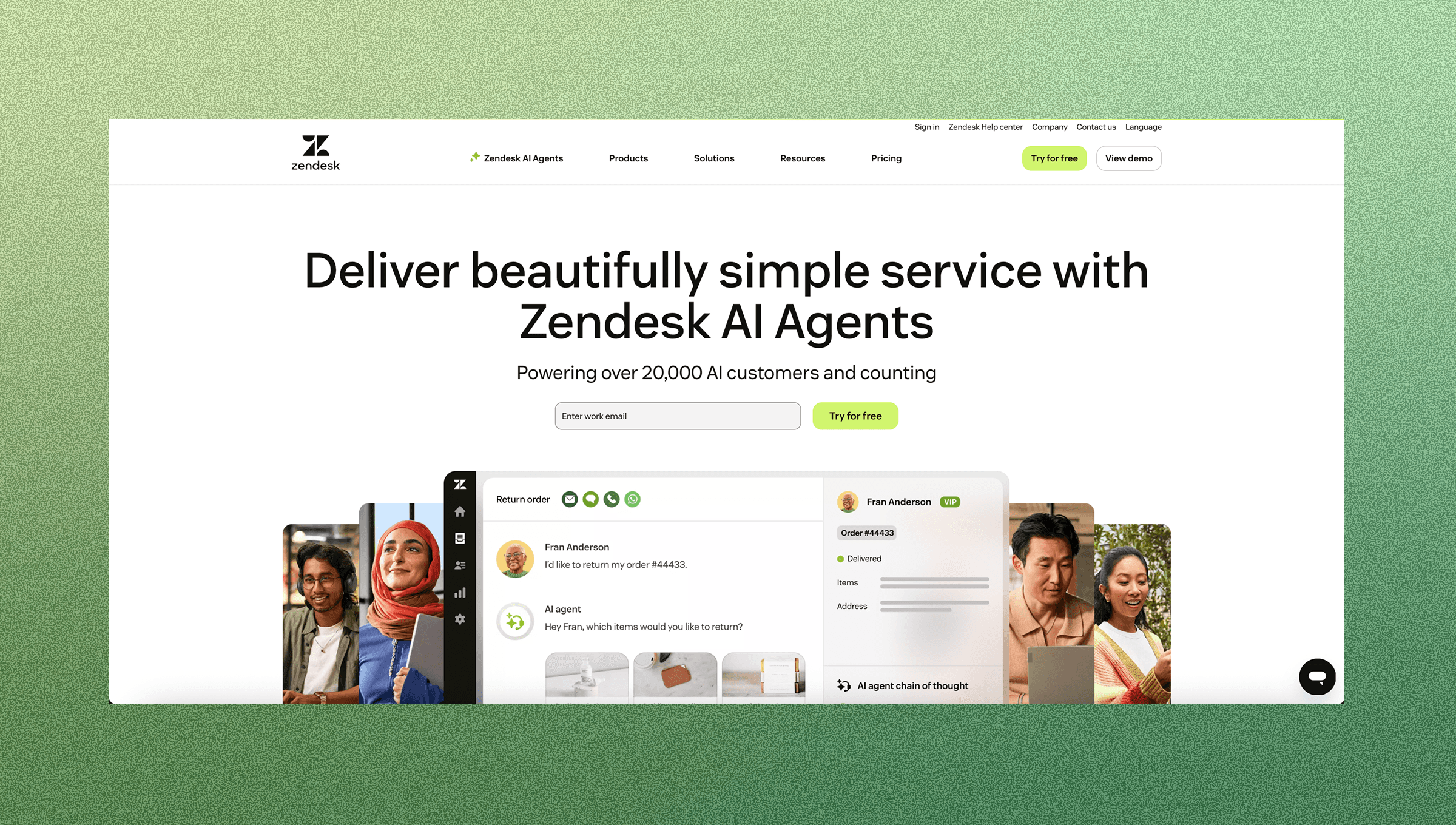
Zendesk offers ticketing across email, chat, phone, and social channels for enterprises handling high-volume support.
Key Features
Zendesk has a number of features related to multi-channel support:
Multichannel ticket management consolidating email, live chat, phone, and social media into a unified agent workspace.
AI copilot suggesting responses and automating triage for incoming requests.
Integration marketplace with over 1,800 apps and APIs for workflow customization.
Reporting on response times, resolution rates, satisfaction scores, and agent performance.
Limitations
Integrations with business messaging tools like Slack and Teams are notification-only instead of native support experiences, meaning IT teams cannot manage tickets directly within the communication tools where employees work, forcing context switching between systems.
Zendesk is good for large enterprise IT departments supporting external customer support operations or requiring phone support alongside digital channels with technical resources for implementation.
ServiceNow
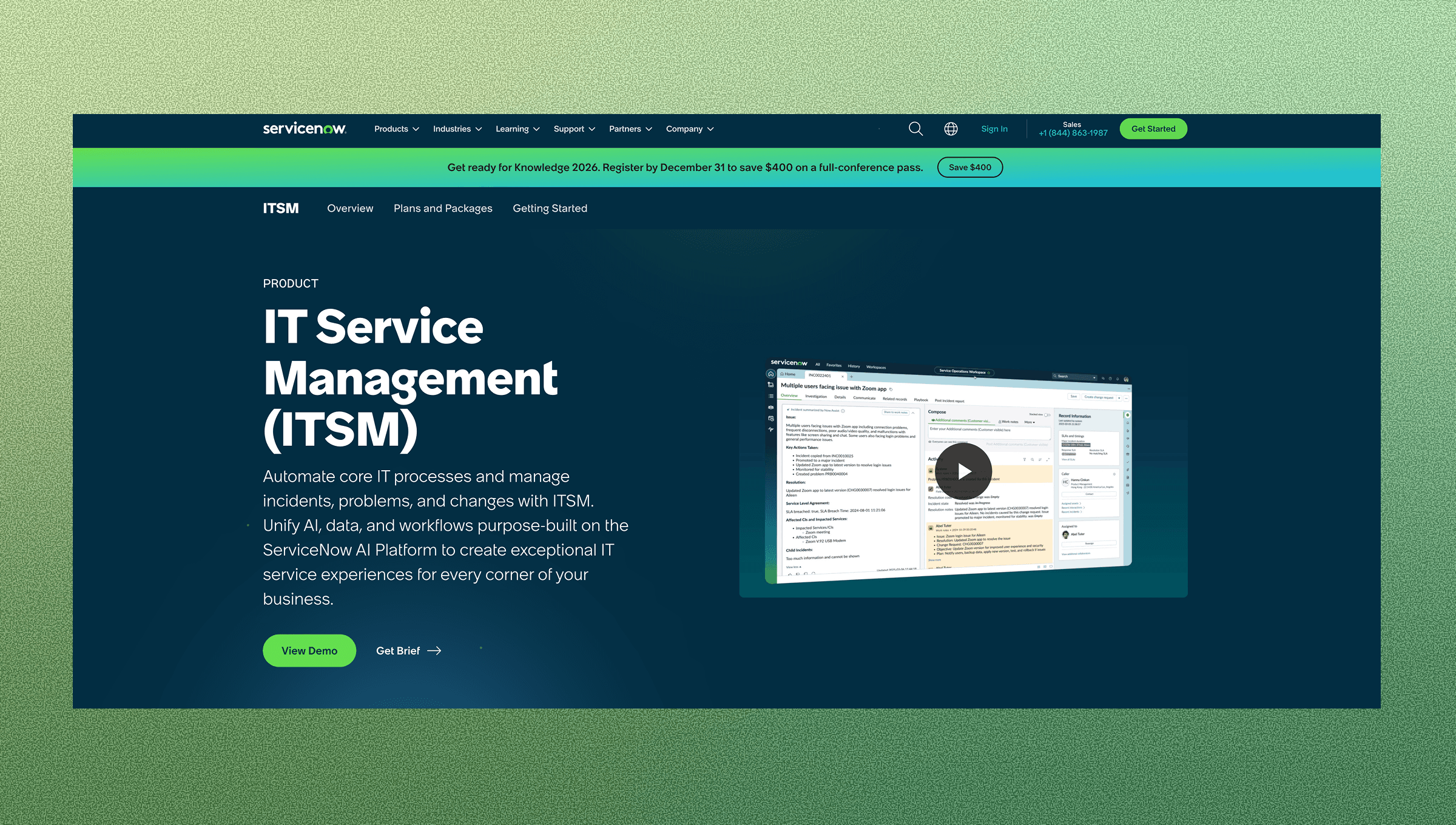
ServiceNow provides enterprise-grade ITSM capabilities built as a configurable, governance-first system of record for large organizations managing service catalogs, SLAs, and ITIL-aligned processes across multiple departments. The tool excels at standardizing service delivery and making sure of process compliance, but it follows an enterprise rollout approach that typically requires dedicated administrators and longer implementation timelines.
Key Features
ServiceNow's strength lies in process management and governance. The tool offers ITSM modules for incident, problem, change, and asset management, aligned with ITIL, making it well-suited for organizations that focus on process standardization over execution speed. While ServiceNow includes workflow capabilities through scripting and low-code tools, these typically support routing and tracking versus end-to-end execution across SaaS systems. The tool can span departments, including IT, HR, facilities, legal, and finance, though each domain often requires separate rollout phases with dedicated configuration work. AI features focus on predictive analytics, intelligent routing, and automated ticket classification, which improve how requests are managed.
Limitations
ServiceNow follows a portal-centric model that creates friction for employees who work primarily in Slack. The tool requires estimated costs of $90 to $225 per user monthly, with no transparent pricing. It demands technical expertise for setup and ongoing administration and offers only basic Slack notifications instead of native conversational support. While ServiceNow excels at governance and process management, organizations seeking immediate execution across SaaS systems directly from Slack may face longer rollout timelines. The core difference: ServiceNow standardizes how you track and route work, while Ravenna focuses on automating the work itself.
ServiceNow fits large enterprises that need a system of record for service management with strong governance, ITIL process compliance, and the resources to support an enterprise rollout motion with dedicated administrators. It's the right choice when your priority is standardizing service delivery across departments with structured catalogs and SLAs.
Freshservice
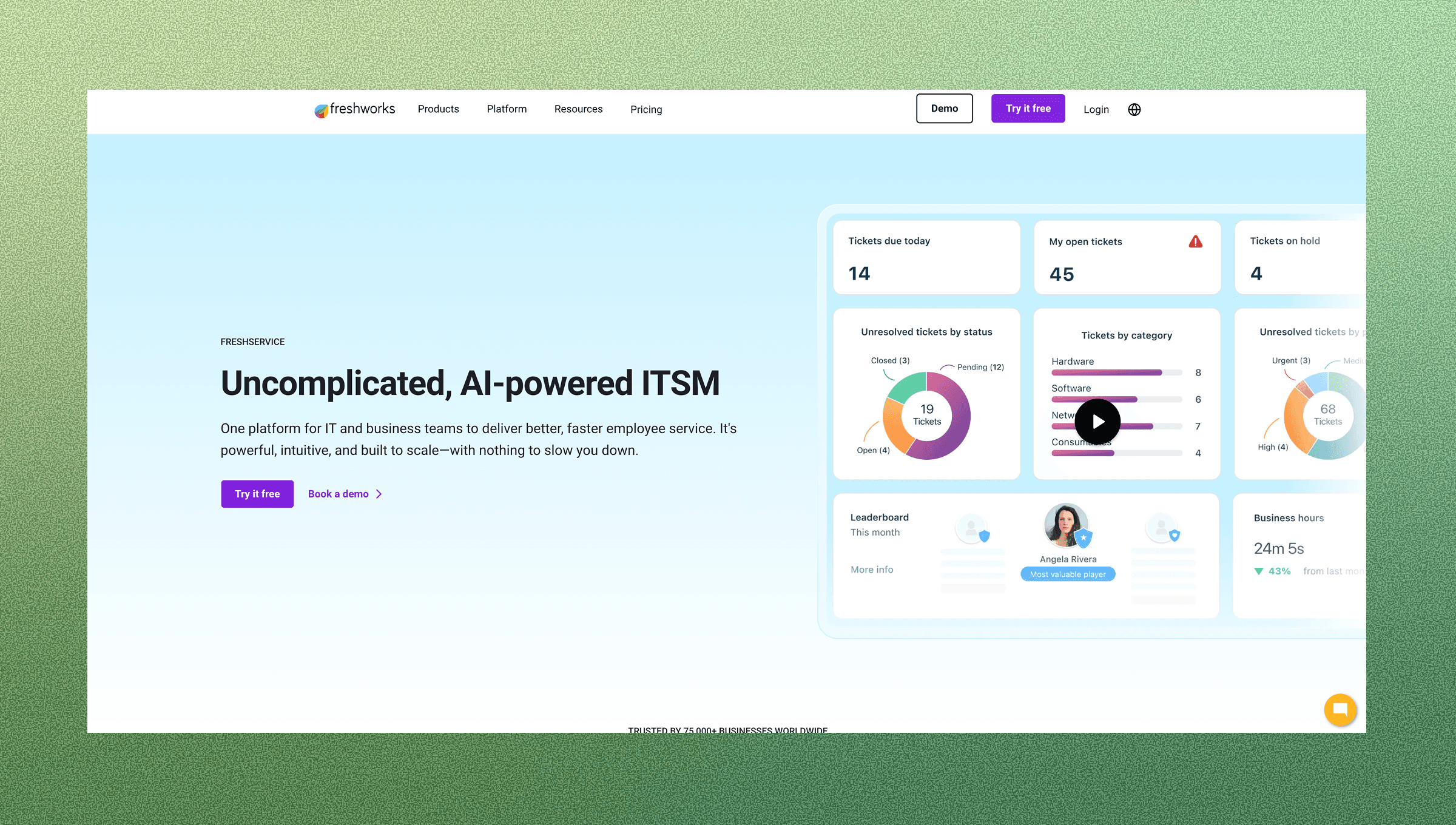
Freshservice offers cloud-based ITSM functionality with an intuitive interface, tailored for small- to mid-sized IT teams seeking a straightforward implementation.
Key Features
Freshservice is built around a ticket-first service desk model with ITSM process management at its core. The tool focuses on incident management, service catalog, SLAs, and ITIL-aligned workflows delivered through a portal and agent console. While it includes automation capabilities, these typically support ticket routing and handling. Freshservice works well for teams looking to modernize traditional IT service desk operations with cloud-based infrastructure and predictable pricing tiers suited to growing organizations.
Limitations
Freshservice follows a portal-centric model, where employees typically need to log in to a service desk interface versus getting help where they already work. The tool focuses on optimizing ticket lifecycle management routing, status updates, and SLA tracking versus automating end-to-end workflow execution across SaaS systems. For organizations that need cross-functional automation across IT, HR, and Operations teams, Freshservice's IT service desk focus means additional implementations in other departments as well. Phone support requires separate Freshcaller purchases with extra monthly fees per agent, and organizations needing measurable automation outcomes (hours saved, percentage auto-resolved) over ticket throughput metrics may find the service desk model limiting.
Freshservice fits teams that want a modern, cloud-based IT service desk with structured ITSM processes, SLA management, and ticket-first workflows. It's best for organizations that are comfortable with portal-based support, where employees will reliably submit requests through a service desk interface. If your priority is running an efficient IT service desk operation with strong process compliance, Freshservice delivers that at accessible price points.
Intercom
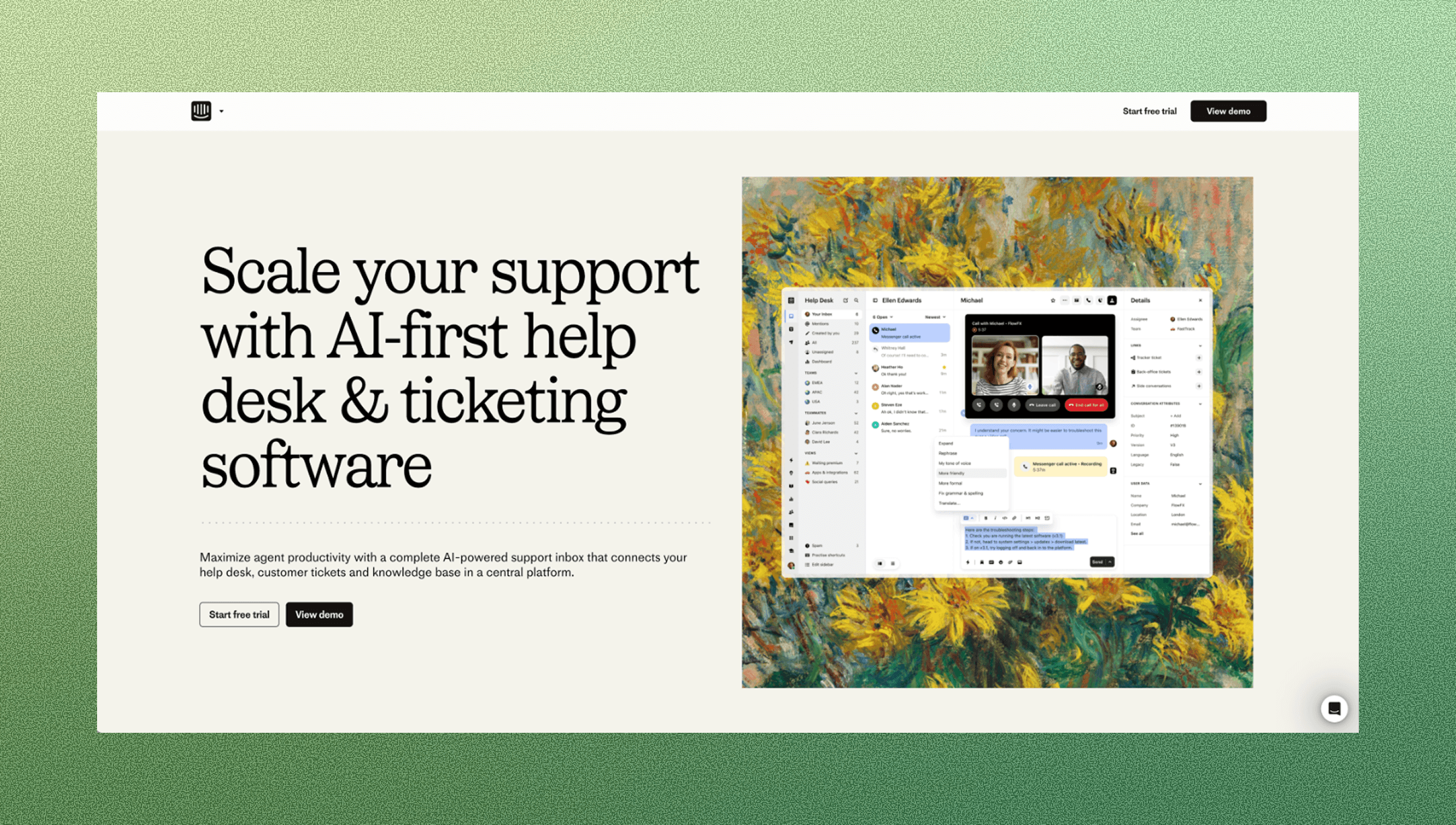
Intercom specializes in messaging-first customer communication with live chat, email, and automated bot interactions in a unified inbox.
Key Features
Intercom has a number of features related to multi-channel support:
Conversational customer support through live chat, in-app and real-time messaging, and email with a unified agent view.
AI chatbot capabilities for automating routine inquiries and providing instant responses.
Event-based triggers for personalized, real-time messages based on customer behavior and context.
Integrations with CRM systems and other business tools for accessing customer data and managing customer interactions.
Limitations
Intercom is built for external customer communication instead of internal employee IT support, lacks ITSM-specific features like asset management and change workflows, and becomes expensive as contact lists grow with pricing that penalizes scale.
Intercom is best for product-led SaaS companies focused on external customer support through in-app messaging and live chat who need conversational engagement for customer acquisition and onboarding.
Risotto
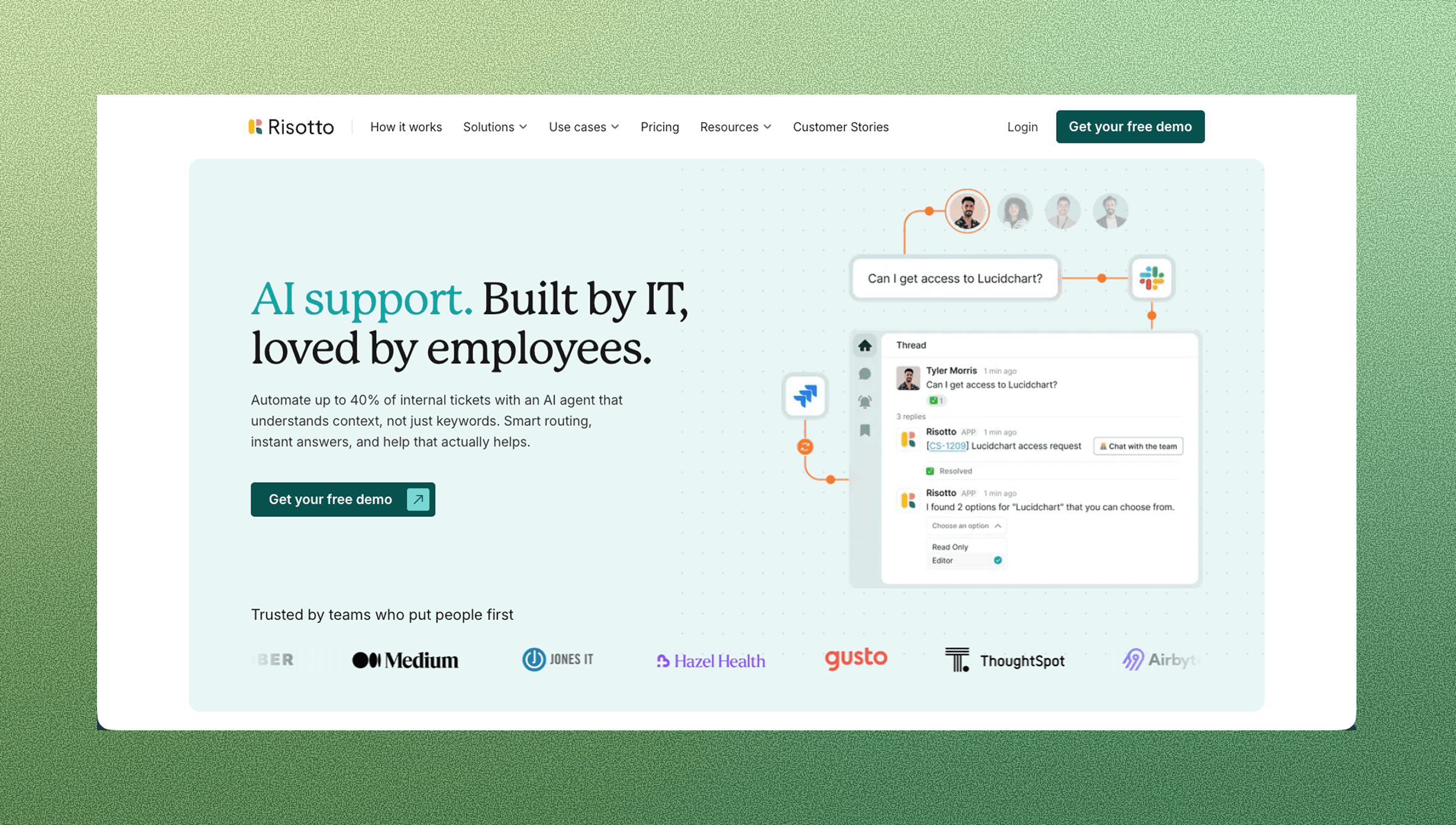
Risotto is a Y Combinator-backed company that offers Slack-based IT support capabilities for internal teams. As a smaller player in the market, Risotto appears less frequently in competitive deal cycles compared to more other solutions.
Key Features
Risotto provides basic Slack integration for IT support workflows, allowing employees to submit requests through Slack channels. The tool includes ticketing capabilities and knowledge base functionality accessible through conversational interfaces. Like other chatbot-based solutions, Risotto attempts to meet employees where they work by offering a Slack-first support experience.
Limitations
While Risotto offers Slack integration, it functions as a standard chatbot interface versus an app within the workspace that delivers true workflow automation. The solution focuses primarily on knowledge base answers and ticket routing versus automating high-friction workflows like User Lifecycle Management, Device Management, and Access Requests across multiple systems. Organizations reviewing Risotto should assess whether the tool provides the analytics depth needed to measure automation outcomes, workflows automated, tickets resolved, and hours saved, or whether it simply tracks basic ticket metrics. Teams seeking to automate work across IAM, HRIS, MDM, and SaaS tools will find that Ravenna's workflow orchestration capabilities and best-in-class analytics suite deliver measurable outcomes that go beyond what chatbot-based knowledge bases can provide.
Risotto may suit teams looking for a straightforward Slack-based knowledge base with basic ticketing capabilities at a startup-friendly price point. The tool works for organizations that want to answer employee questions in Slack without needing deep workflow automation or advanced analytics.
Feature Comparison Table: Multi-Channel Support Solutions
Solution | Slack-Native Support | Workflow Automation | AI Capabilities | Best For | Starting Price |
Ravenna | Full app-within-workspace integration with conversational ticketing and workflow execution directly in Slack | End-to-end orchestration across IAM, HRIS, MDM, and SaaS tools for User Lifecycle, Device Management, and Access Requests | Learning AI with multi-source knowledge integration (Notion, Confluence, Google Drive, Coda, GitHub) plus best-in-class analytics on workflows automated and time saved | Slack-first IT teams needing workflow automation with measurable ROI and transparent outcome metrics | Contact for pricing |
Zendesk | Notification-only integration requiring portal login for ticket management | Basic automation for ticket routing and triage, not cross-system workflow execution | AI copilot for response suggestions and automated triage of incoming requests | Large enterprises handling high-volume external customer support across multiple channels including phone and social media | Contact for pricing |
ServiceNow | Basic Slack notifications without native conversational support | Workflow capabilities support routing and tracking | Predictive analytics, intelligent routing, and automated ticket classification focused on request management | Large enterprises needing ITIL-compliant system of record with strong governance, service catalogs, and dedicated administrators | $90-$225 per user/month (estimated) |
Freshservice | Add-on integration | Automation supports ticket routing and handling | Standard service desk automation for ticket lifecycle management and SLA tracking | Small to mid-sized IT teams wanting modern cloud-based ITSM with structured processes and portal-based support | Starts at accessible price points for growing teams |
Intercom | Not designed for internal Slack integration, focused on external customer messaging | Event-based triggers for customer messaging, not internal IT workflow automation | AI chatbot for routine customer inquiries and instant responses in external-facing channels | Product-led SaaS companies focused on external customer support through in-app messaging and live chat | Contact for pricing (scales with contact list size) |
Risotto | Standard chatbot interface in Slack | Focuses on knowledge base answers and ticket routing | Basic knowledge base functionality through conversational interfaces with limited workflow orchestration | Teams wanting straightforward Slack-based knowledge base with basic ticketing at startup-friendly pricing | Contact for pricing |
Why Ravenna is the Best Multi-Channel Support Solution for Internal IT Teams
We built Ravenna as a workflow automation tool because legacy ITSM solutions only track work, not execute it. Employees shouldn't need to leave Slack to get IT help, and IT teams shouldn't spend time on manual tasks that can be automated across systems. Our Slack-native approach manages workflows end-to-end without forcing portal logins.
Ravenna stands apart through three core capabilities: First, we automate high-friction workflows like User Lifecycle Management, Device Management, and Access Requests. Second, our analytics suite outpaces the reporting capabilities of traditional ITSM tools with transparent metrics on workflows automated and time saved. Third, our app-within-workspace integration delivers a superior employee experience compared to standard chatbot interfaces that require context switching.
For IT teams managing repetitive workflows, Ravenna automates the work itself while improving employee satisfaction through immediate, conversational experiences in Slack.
Final Thoughts on Finding the Right Support Solution
Integrated support channels work best when they fit naturally into your team’s daily workflow instead of adding another system to manage. Employees want fast answers in the tools they already use, and your IT team needs automation that reduces ticket volume and repetitive tasks. Focus on solutions that save time for both sides without adding complexity.
To see how Ravenna fits into your workflows, schedule a demo.
FAQ
Which multi-channel support tool works best for small IT teams just starting out?
Freshservice offers the most approachable entry point with budget-friendly pricing and quick setup, while Ravenna provides faster value if your team already works in Slack and wants AI automation without the learning curve of traditional ITSM systems.
How do I choose between a Slack-native solution and a traditional helpdesk portal?
If your employees already spend their workday in Slack and you want to reduce friction, choose a Slack-native option like Ravenna that handles tickets conversationally. If you need phone support or serve external customers across social media channels, traditional solutions like Zendesk make more sense.
Can multi-channel support tools actually reduce the number of tickets my team handles?
Yes, but only if the tool includes learning AI that answers questions from your knowledge base. Ravenna and Zendesk offer AI that resolves routine requests automatically, while basic ticketing systems just organize tickets without reducing volume.
What's the difference between notification-based Slack integration and native Slack ticketing?
Notification-based integration sends alerts to Slack but requires agents to switch to a separate portal to manage tickets. Native Slack ticketing lets employees create requests and agents resolve issues entirely within Slack conversations without context switching.
When should I consider switching from our current ITSM solution?
Switch if your team spends excessive time answering repetitive questions, employees complain about portal friction, or you lack visibility into which issues AI could resolve automatically versus those requiring human attention.



