

You're probably spending way too much time on routine IT tasks that don't need a human touch. IT process automation handles repetitive work like ticket categorization, access approvals, and system updates without manual intervention. We've rounded up the best workflow automation tools for IT operations teams so you can see which option fits your workflow.
TLDR:
IT workflow automation eliminates manual ticket routing and approvals using software triggers.
A survey by Salesforce found that 98% of IT teams struggle with integration.
Native Slack tools deploy faster than portal-based systems.
AI-native ITSM systems use agentic reasoning and context to execute workflows, while legacy tools rely on static rules and manual upkeep.
What is Workflow Automation
Workflow automation uses software to automate tasks by executing repetitive IT work without manual input. Instead of having IT staff route tickets, approve access requests, or update systems, automation tools handle these activities using predefined rules and triggers.
For IT operations teams, this optimizes how you manage employee requests, incident response, and day-to-day operational processes. When someone requests software access or reports an issue, automation can categorize the ticket, assign it to the right person, gather necessary approvals, and fulfill simple requests without any human involvement.
The goal is to reduce the time your team spends on routine work so staff can focus on complex problems that require human judgment. These workflows run in the background to keep operations moving smoothly.
Modern AI-native platforms go beyond static rules by interpreting intent, gathering missing context, and executing workflows autonomously across connected systems.
How We Ranked Workflow Automation Tools
We compared each tool against seven core criteria that matter most to IT operations teams looking to automate workflows and reduce manual work:
Deployment Speed and Complexity: How quickly can your team get up and running? Tools that require weeks of professional services scored lower than those offering immediate value.
Integration Capabilities: We reviewed native connections, APIs, and connectors to identity providers, knowledge bases, communication tools, and existing ITSM systems. A Salesforce survey found that 98% of IT teams struggle with digital transformation, making this a critical factor.
Automation Breadth: We measured how much you can actually automate, from simple ticket routing to complex multi-step approval chains.
AI Intelligence: We looked at whether tools offer true learning capabilities or basic rule-based automation.
User Experience: User experience matters because adoption drives ROI. We gave tools that work where employees already spend time instead of forcing them into separate portals with higher weight.
Scalability for Growing Teams: We looked at how easily the system supports expanding to serve more team members.
Analytics and Measurement: We assessed the depth of analytics and how flexible and customizable reporting options are.
All rankings rely on publicly available documentation, feature lists, and vendor-published capabilities.
Best Overall Workflow Automation Tool: Ravenna
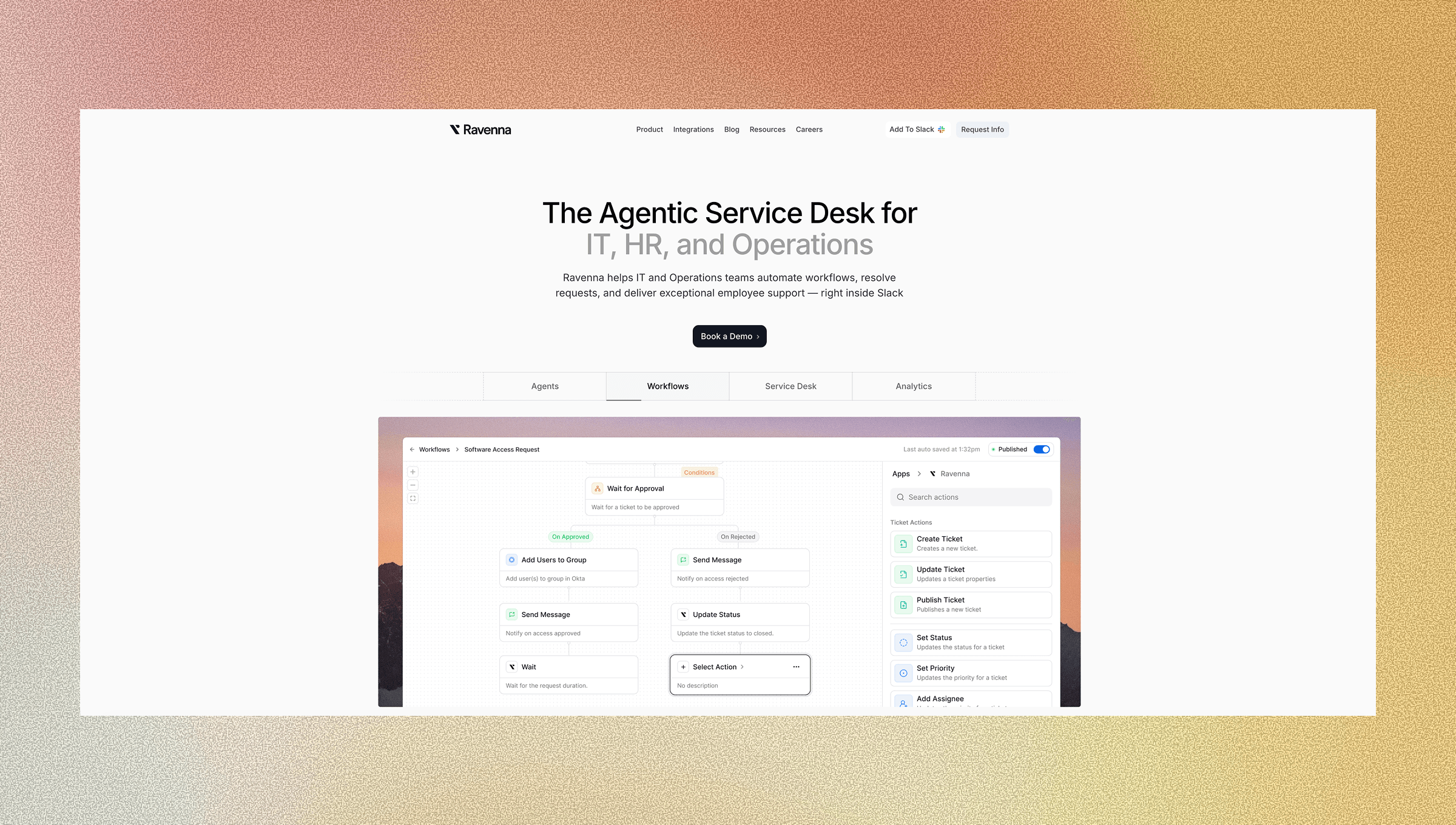
Ravenna is an AI-native workflow automation platform built for IT operations teams working in Slack. The platform runs entirely inside Slack, automating end-to-end workflows where work already happens, without forcing employees to switch to a separate portal.
Within Slack, AI agents interpret natural-language requests, ask clarifying questions, and determine whether to provide information from the knowledge base or execute actionable workflows without manual triage. Using a no-code visual workflow builder, IT teams can build workflows and deploy templates that trigger actions through a drag-and-drop interface. These flows handle everything from simple ticket routing to complex approval chains like Okta access provisioning. Ravenna can surface resolved conversations as searchable knowledge, reducing the need for separate documentation workflows.
Analytics dashboards track response times, SLA compliance, and agent workload alongside the automation itself. This visibility helps you identify which workflows deliver ROI and where bottlenecks remain.
ServiceNow
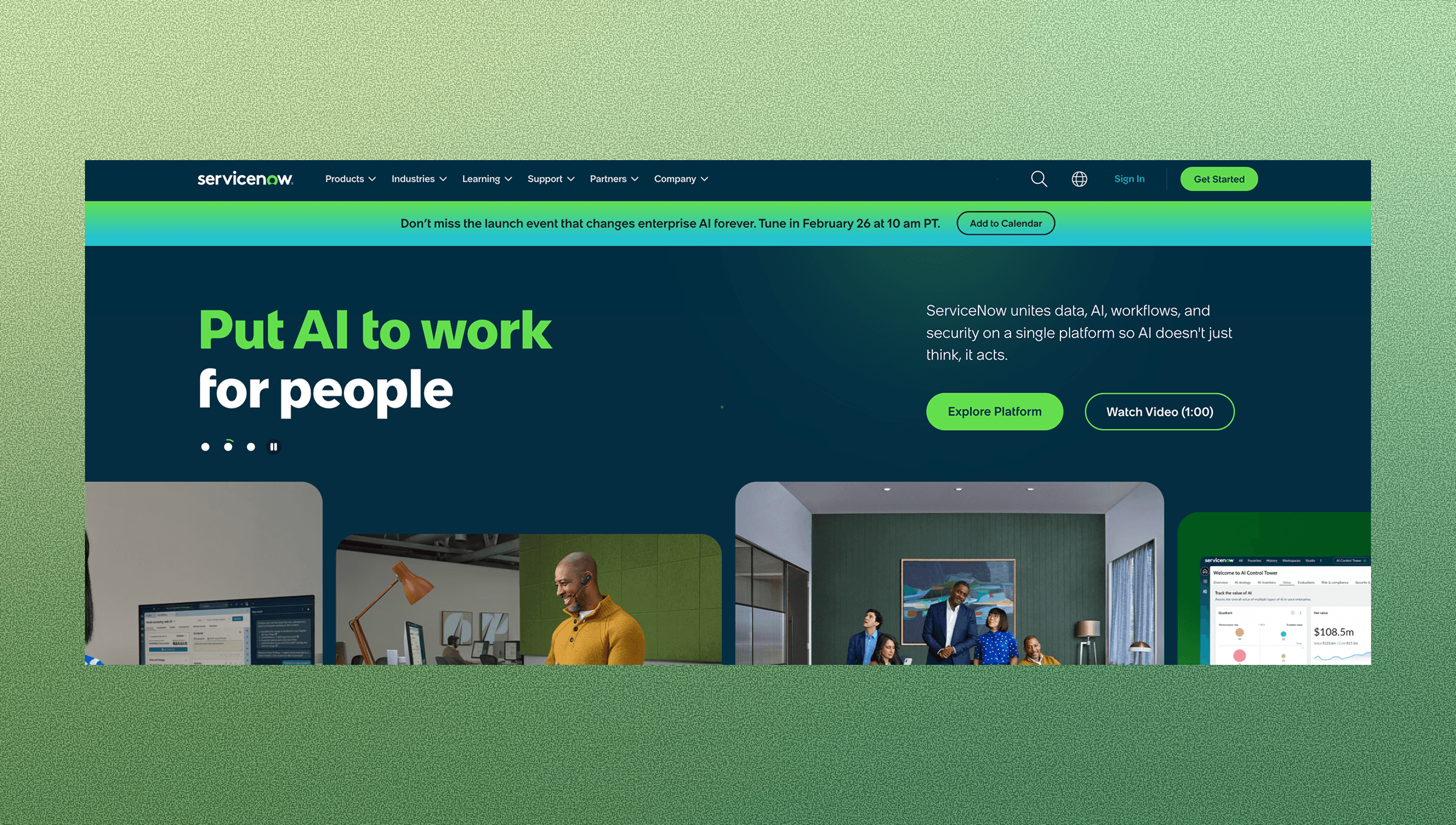
ServiceNow operates as an enterprise service management suite with workflow automation capabilities across IT operations. Key features include,
IT service management with incident and change workflows that route tickets based on predefined rules and escalation paths.
Low-code automation builder for custom processes that connects service requests to backend systems without writing code.
Integration capabilities across enterprise systems including ERP, CRM, and HR software through pre-built connectors.
Reporting and analytics dashboards that track ticket resolution times, SLA compliance, and team performance metrics.
The system provides ITSM functionality alongside customizable workflow engines that connect to existing enterprise infrastructure. You can build multi-department processes that span IT, HR, and facilities through a single system.
On the downside, ServiceNow requires substantial implementation time and higher licensing costs to unlock full functionality. Deployments often involve months of professional services and extensive configuration to maintain custom workflows.
ServiceNow suits large enterprises that require scalability, have substantial budgets, and run complex multi-departmental workflows
Jira Service Management
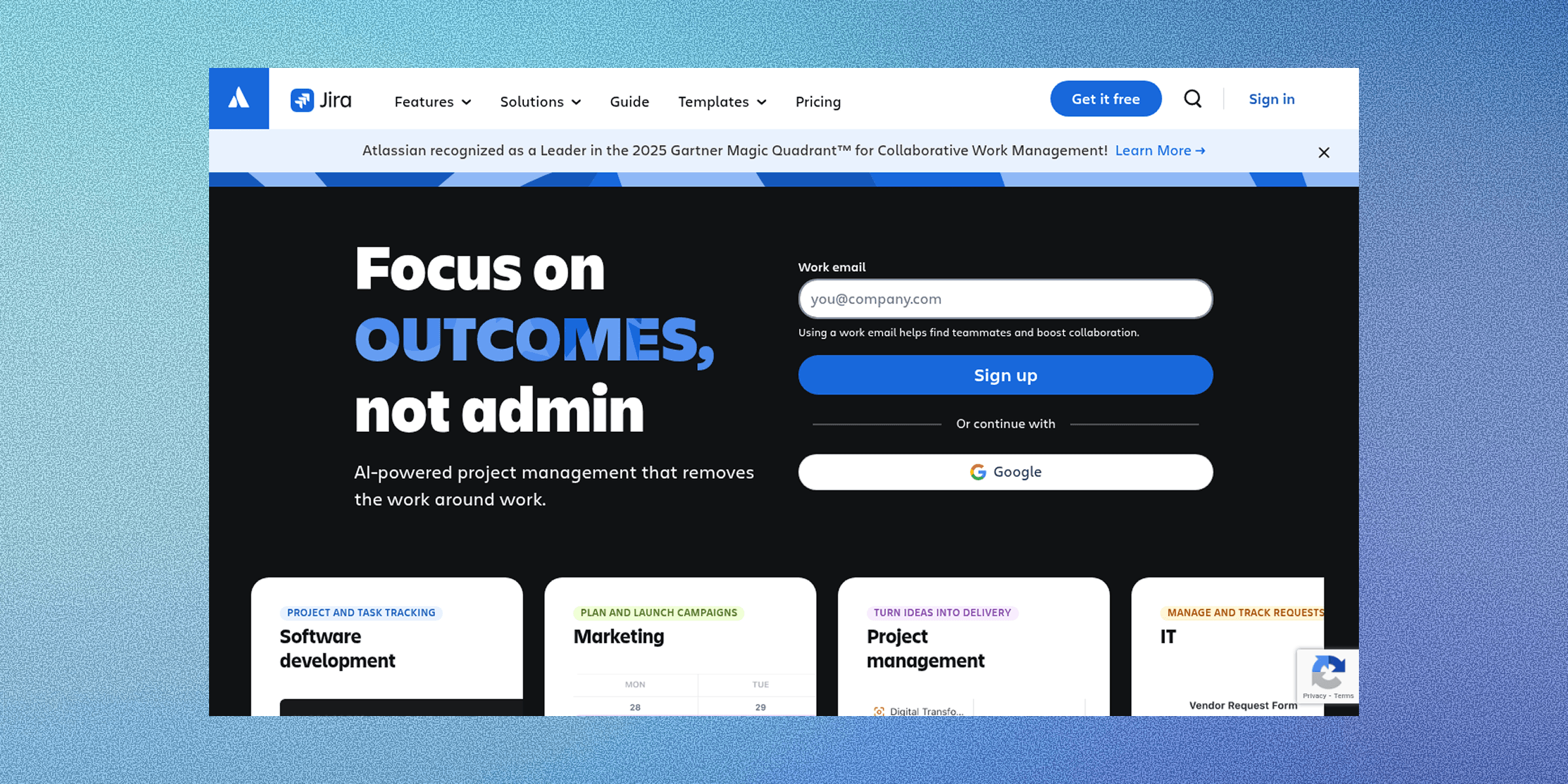
Jira Service Management provides IT service desk functionality with workflow automation features integrated into the Atlassian ecosystem. Key features include,
Incident and request management workflows handle ticket routing and escalation based on configurable rules. The automation engine connects service requests to resolution processes across IT teams.
Integration with Atlassian products creates unified workflows between development and operations. Custom workflow configuration lets you define approval chains, status transitions, and conditional logic for different request types.
Asset management capabilities link hardware and software inventory to service requests, which allows automated asset provisioning workflows tied to IT infrastructure.
The main downside of Jira is that its Slack integration still pushes users into separate web interfaces rather than handling requests conversationally. This creates friction for Slack-first teams.
Jira Service Management works for teams already embedded in Atlassian's ecosystem, but lacks conversational workflow capabilities that reduce context switching.
Freshservice
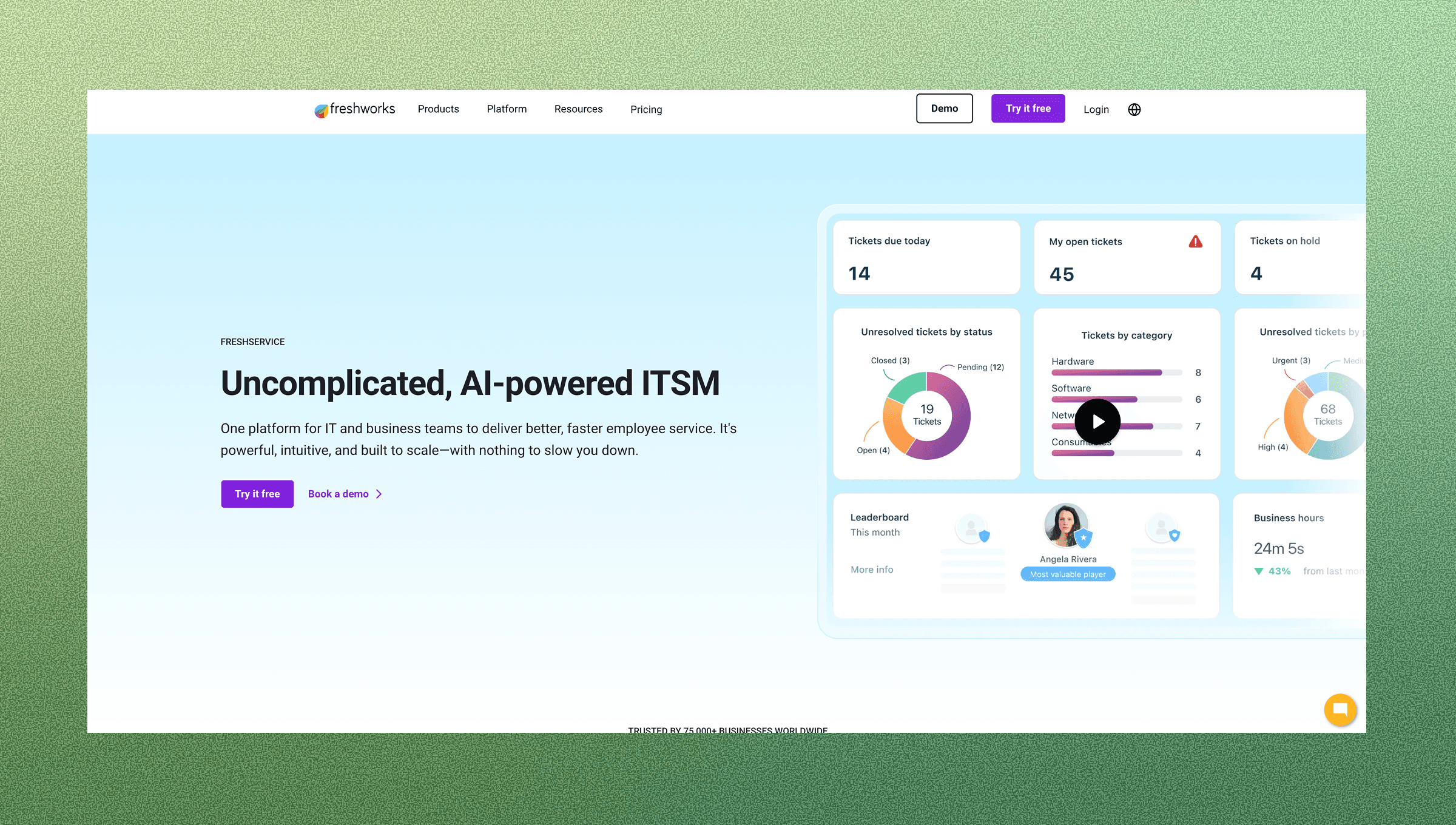
Freshservice delivers cloud-based IT service management with built-in automation for common IT processes and workflows. Key features include,
Pre-built automation rules handle ticket routing, assignment, and escalation for standard IT workflows. Asset discovery automatically identifies hardware and software across your infrastructure, connecting inventory data to service requests.
Multi-channel support lets employees submit requests through email, web portals, and chat interfaces. Reporting dashboards track standard ITSM metrics including resolution times and agent performance.
The main drawbacks of Freshservice are that AI capabilities function as add-ons rather than core intelligence. The system also lacks conversational workflow automation, requiring employees to navigate separate interfaces instead of working within their existing communication tools.
Freshservice provides standard ITSM automation, but doesn't eliminate the context switching that slows down request resolution for Slack-first teams.
Moveworks
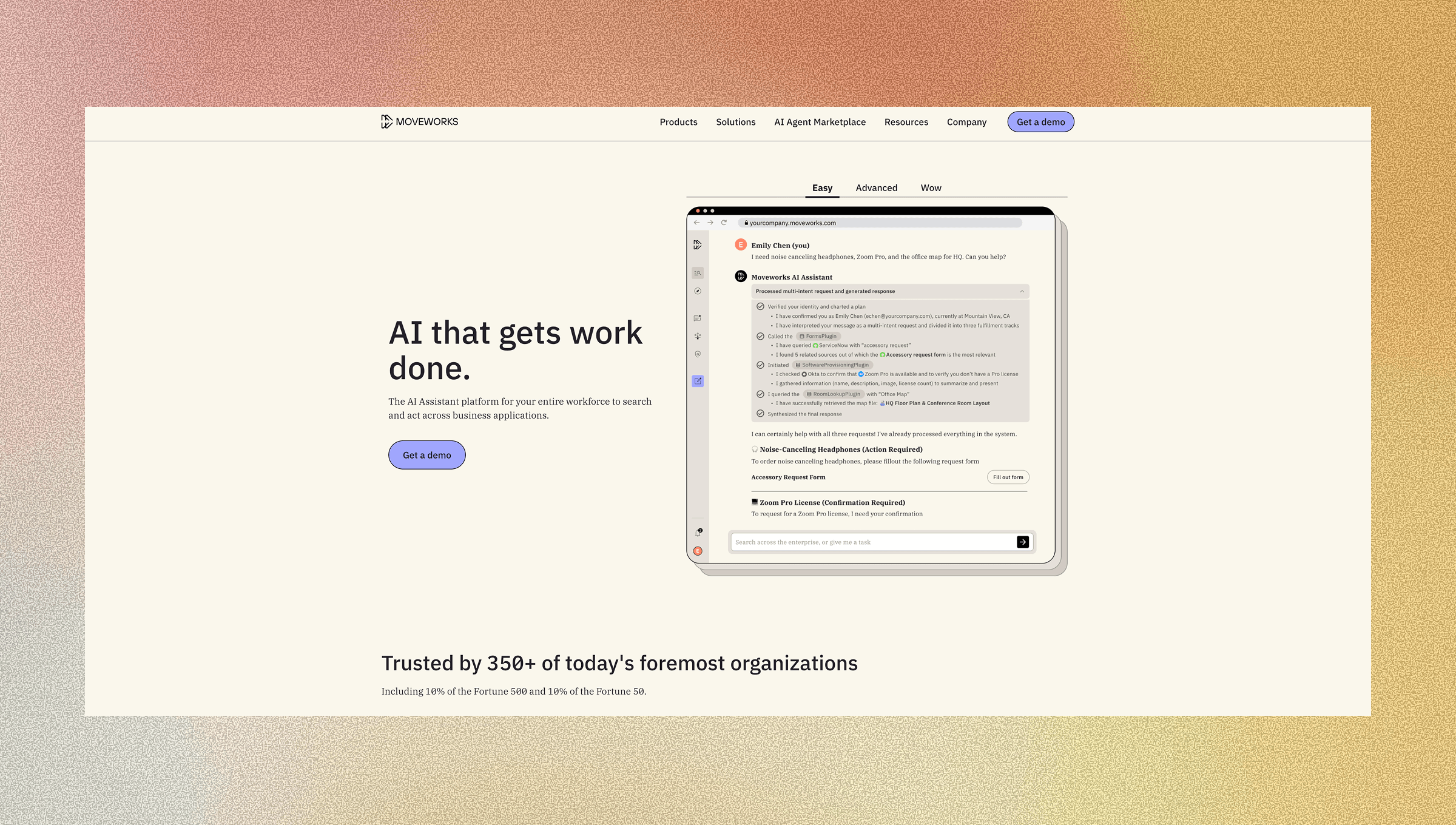
Moveworks is an AI-powered IT support solution that automates employee requests through conversational interfaces. Key features include,
An AI-powered chatbot that handles IT requests across multiple communication channels.
Integration with existing ITSM systems like ServiceNow and Jira Service Management.
Natural language understanding to interpret employee questions and route requests automatically.
Analytics dashboards tracking automation success rates and deflection metrics.
One downside is that Moveworks functions as an overlay that requires integration with existing ITSM systems. For teams evaluating Moveworks alternatives, this dependency on underlying infrastructure is an important consideration.
It doesn't operate as a standalone solution. You still need ServiceNow, Jira, or another ticketing system underneath. The workflow automation market continues growing as organizations seek optimization gains, but Moveworks demands complex integrations and substantial investment commitments. Deployments typically require months of setup and ongoing tuning to maintain accuracy.
Moveworks adds AI capabilities to existing setups but won't replace your core ITSM infrastructure.
Feature Comparison Table of Workflow Automation Tools
Feature | Ravenna | ServiceNow | Jira Service Management | Freshservice | Moveworks |
Slack Integration | Native, full workflow automation | Limited add-on | Basic notifications | Portal-based | Multi-channel overlay |
AI Categorization | Automatic, continuous learning | Rule-based | Basic automation | Add-on feature | Core capability |
Visual Workflow Builder | Drag-and-drop, version control | Low-code builder | Configurable rules | Pre-built templates | N/A (overlay only) |
Knowledge Management | Auto-capture from conversations | Separate knowledge base | Confluence integration | Built-in articles | Searches existing systems |
Approval Workflows | Multi-step, Slack-native | Enterprise-grade chains | Configurable paths | Standard approvals | Routes to ITSM |
Analytics Dashboards | Real-time metrics, custom views | Enterprise reporting | Atlassian analytics | Standard ITSM metrics | Deflection tracking |
Deployment Speed | Minutes | Months | Weeks | Days | Months |
IT teams report that deployment complexity remains a top barrier to automation adoption.
Why Ravenna is the Best Workflow Automation Tool
Ravenna solves workflow automation directly in Slack. Employees create tickets through conversation, the Request Agent handles triage, and workflows execute without switching tools. The AI learns from every interaction, automatically categorizing requests and identifying knowledge gaps. When tickets get resolved, those conversations become searchable knowledge articles without manual documentation work.
Most modern organizations are adopting intelligent automation, but deployment complexity still blocks progress. Ravenna deploys in minutes with a visual workflow builder that requires no professional services.
The system combines conversational ticketing, autonomous agents that complete multi-step workflows, and real-time analytics. You measure impact immediately instead of waiting through lengthy implementations.
Final Thoughts on Selecting Workflow Automation Software for Your Team
The best workflow automation platform works where your team already spends their time, rather than relying on tools like Zapier to stitch systems together. Ravenna automates end-to-end workflows directly in Slack, orchestrating processes across tools, teams, and systems so nobody has to jump between interfaces. Your team can build approval chains and routing rules through drag-and-drop, while AI learns to handle more requests over time. Start with the workflows that take up most of your team's day and expand from there. You end with happier employees who can get work done faster by operating in the channels, like Slack, where they already live.
Schedule a demo to see how Ravenna can automate your workflows.
FAQ
How do I get started with IT workflow automation if my team works primarily in Slack?
Choose a tool that runs natively inside Slack, not one that relies on separate portals or web interfaces. Look for solutions that let employees create and track requests through conversation, with workflows that run in the background without forcing context switches.
What's the difference between AI-native automation and rule-based automation?
AI-native automation learns from interactions to categorize requests, identify patterns, and improve over time without manual rule updates. Rule-based automation follows predefined logic you must configure and maintain manually, requiring ongoing adjustments as your processes change.
When should I consider replacing my current ITSM system versus adding an automation layer?
If your team spends more than 10 hours weekly on manual ticket routing and your current system lacks Slack integration, a native solution may deliver faster ROI. If you have complex enterprise workflows already configured, an AI overlay that connects to your existing system might reduce implementation time.
Can workflow automation tools automatically create knowledge articles from resolved tickets?
Some tools capture resolved conversations and convert them into searchable knowledge articles without manual documentation work. This builds your self-service library as your team solves problems, reducing repetitive requests over time.
Why does deployment speed matter when choosing workflow automation software?
Tools requiring months of professional services delay ROI and tie up IT resources during implementation. Solutions that deploy in minutes or days let you measure impact immediately and iterate on workflows based on real usage data, not theoretical configurations.



