

Console and Risotto IT help desk tools keep showing up in Slack-first conversations about support. Both promise to reduce portal friction and get requests logged faster. That part works. Where it breaks down is after the ticket is created. Neither platform executes the resolution. Provisioning, deprovisioning, group assignments, password resets all still require a human agent to open the downstream system and complete the task manually. The architecture is ticketing-first, not execution-first. We're walking through what console and risotto IT help desk systems do well, where the manual work persists, and what the fit looks like if your goal is elimination instead of visibility.
TLDR:
Console and Risotto manage tickets in Slack but still require human agents to complete the work.
Console sits on top of existing ITSM tools for access requests, leaving general IT support in the legacy system.
Risotto logs every request as a ticket before execution, creating delays across connected systems.
Neither platform extends beyond IT into HR or ops workflows, leaving cross-functional requests partly manual.
Ravenna's AI agents execute workflows end-to-end in Slack without routing requests through a human queue first.
What Console Does and Its Approach
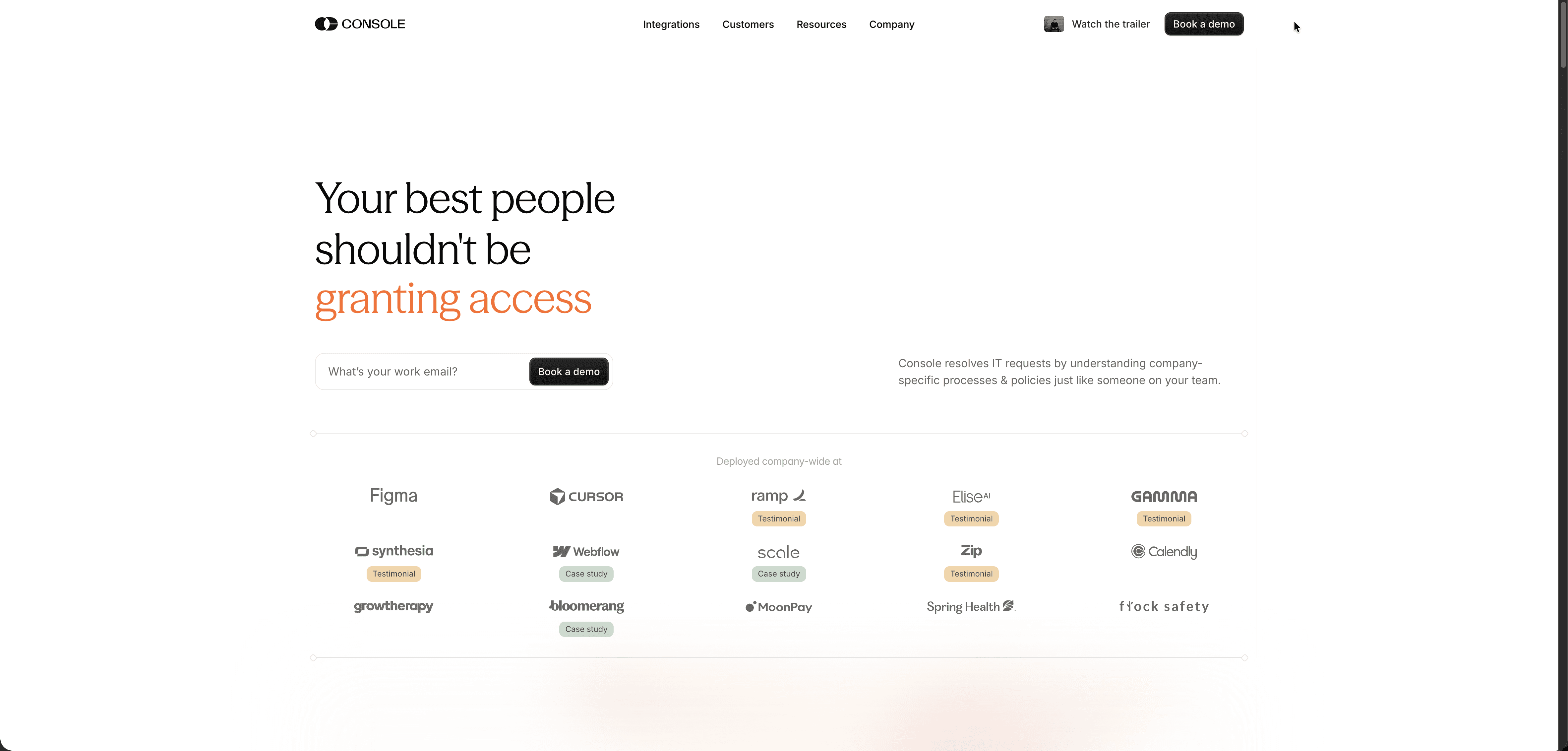
Console is a Slack-native IT help desk built around the idea that support should live where work already happens. Instead of routing employees to a separate portal, Console keeps requests inside Slack through a structured intake flow, converting conversations into trackable tickets without pulling anyone out of their workflow.
How Console Handles Requests
Console's model is ticket-centric at its core. An employee submits a request in Slack, Console captures it, and the ticket moves into an agent queue for manual review and resolution. The experience feels lighter than a traditional ITSM tool: intake happens directly in channels or DMs, so employees never need to leave the tools they already use. But once the ticket lands in the queue, a human agent still picks it up and acts on it. That dependency stays in place regardless of request type.
From there, Console gives IT teams structured visibility into open requests, priorities, and assignees, all tracked in one place. Basic SLA tracking flags anything approaching or past its response window, and a knowledge base layer lets teams store and surface articles at the point of request, which cuts down on repeat questions for common issues without routing every one through an agent.
Console fits smaller IT teams that want a cleaner Slack experience than a bolted-on integration provides, but whose workflow still relies on human-driven resolution. The setup is fast, the interface is approachable, and for teams not yet ready to automate resolution end-to-end, it reduces the friction of getting requests logged and visible.
What Risotto Does and Its Approach
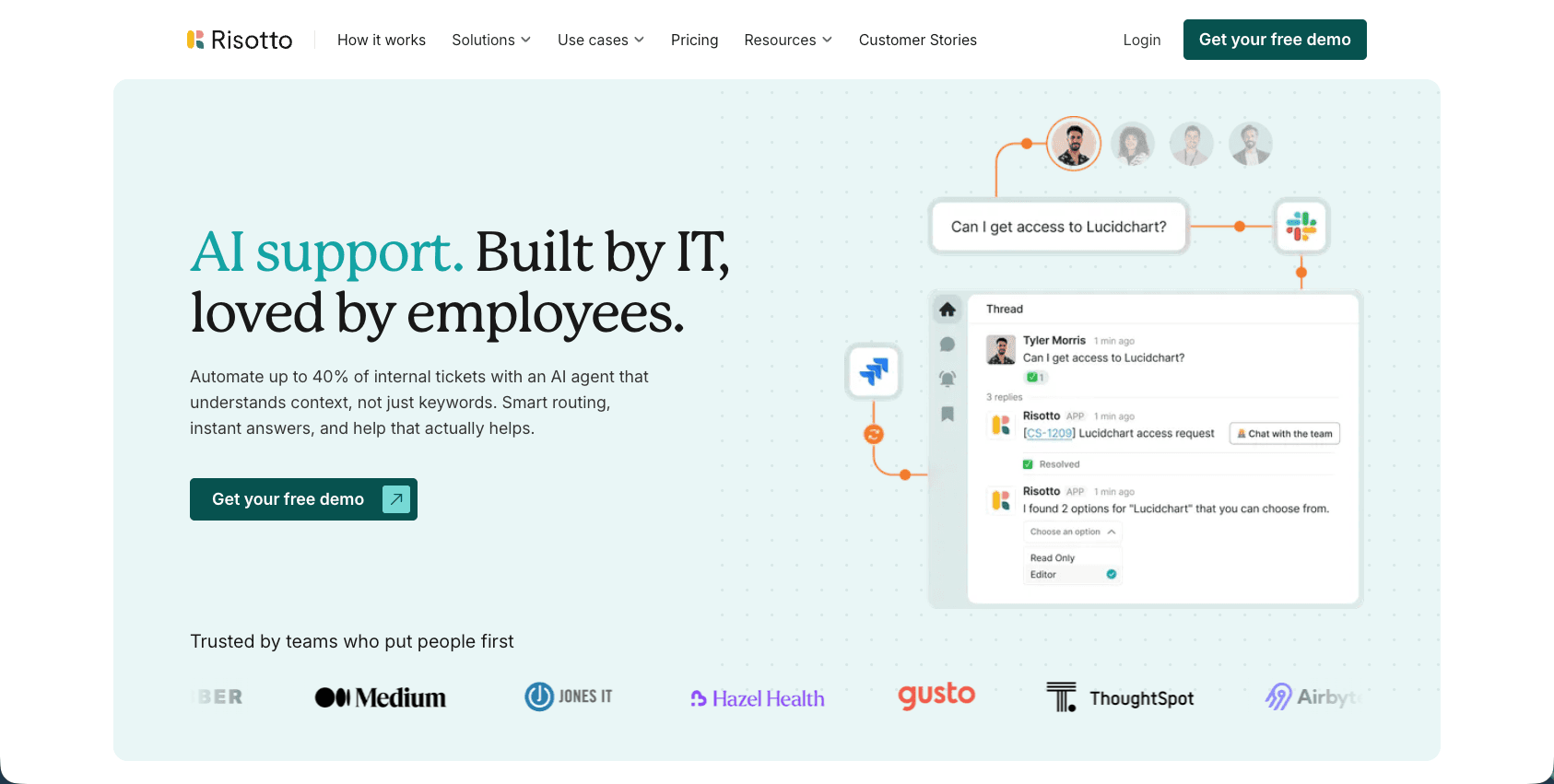
Risotto is a Slack-native IT help desk built around conversational ticketing. Requests come in through Slack, get logged, and route to the right agent without employees ever leaving the messaging interface they already use. The intake model is the product's clearest strength: employees skip the portal entirely, and IT gets a centralized inbox without context-switching between tools. Risotto pairs that with AI-assisted triage that categorizes incoming tickets and suggests responses, which cuts the manual sorting load on IT staff. A built-in knowledge base surfaces relevant articles at the moment a request comes in, giving employees a self-service path before a human needs to step in. Reporting and SLA tracking round out the package, giving IT leads a clear view into queue health and response times.
Risotto's architecture is built around ticket creation and routing, and that boundary appears the moment you want the work to actually happen. Resolution still depends on a human agent picking up the ticket after it lands in the queue. Workflow automation beyond triage is limited: Risotto does not execute actions in downstream systems like Okta, Google Workspace, or your HRIS on its own. For organizations running complex, multi-system provisioning or offboarding workflows, that ceiling becomes a real constraint without adding external automation layers on top.
Risotto is a strong fit for IT teams that want to get off email and web portals and into Slack without overhauling their support model. If the priority is faster ticket intake and cleaner agent communication, Risotto handles that well. Teams whose priority is having the work executed automatically, without a human completing steps downstream, are looking at a different category of tool.
Architectural Comparison: Console, Risotto, and Ravenna
The core architectural difference across these three platforms is where automation stops. Console sits as a middleware layer on top of your existing ITSM tool, handling access requests in Slack while everything else stays in the legacy system.
Risotto logs every inbound request as a ticket before any action is taken, which means every connected system (Okta, Google Workspace, your HRIS) waits for a human to act on that ticket first. According to Fixify's 2026 IT Help Desk Benchmark Report analyzing 50,000+ tickets, partially automated tickets requiring human intervention had resolution times swinging between 49 and 102 hours, while fully AI-automated tickets resolved in just 2.4 to 6.3 hours. Ravenna's AI agents skip the ticket lifecycle entirely: they classify the request, pull context from connected systems, and execute the resolution without routing anything to a human queue.
The table below maps those differences directly: core architecture, how each platform handles resolution, and whether cross-functional workflows are in scope or fall back to manual coordination.
Platform | Core Architecture | Resolution Model | Cross-Functional Workflow Support |
|---|---|---|---|
Console | Middleware layer sitting on top of existing ITSM tools, focused on software access requests | Captures access requests in Slack but routes to human agents for manual completion in downstream systems | Limited to IT access requests; password resets, device issues, and general helpdesk work remain in legacy ITSM system |
Risotto | Slack-native ticketing system with AI-assisted triage that logs every request as a ticket before execution | Human agents complete resolution after ticket creation; integrations with Okta, Google Workspace, and HRIS wait for agent action | Purpose-built for IT help desk work; does not extend into HR onboarding, offboarding, benefits requests, or operations functions like procurement |
Ravenna | AI-native workflow automation platform that executes resolutions end-to-end without ticket lifecycle dependency | AI agents classify intent, gather context from connected systems, and execute workflows autonomously across IT, HR, and operations | Handles IT provisioning, HR onboarding and offboarding sequences, and cross-functional requests that span multiple departments in a single workflow |
Console's Software Access Focus Limits General IT Support
Console started as a focused solution for software access request automation. It sits on top of existing ITSM tools instead of replacing them, a middleware approach that leaves organizations running two systems in parallel: Console for access requests, and a separate ticketing tool for everything else.
That split has real overhead. Password resets, device issues, onboarding sequences, and general helpdesk work all stay in the legacy system. Console owns that access request layer, as reflected in its $6.2M raise. Teams hoping to consolidate IT operations find themselves maintaining more infrastructure than they started with, not less.
Risotto's Ticketing System Dependency Creates Integration Overhead
Risotto was built as a ticketing-first system, and that architecture shows up as overhead the moment you try to connect it to the rest of your stack.
Every request that comes in through Risotto gets logged as a ticket before anything else happens. That means your integrations with Okta, Google Workspace, or your HRIS aren't running in parallel with the request lifecycle. They're waiting for a human to act on the ticket first. The ticketing layer sits between the request and the resolution, and every connected system inherits that delay.
That dependency compounds when your team scales or your integrations grow. Each new tool you connect means another workflow that bottoms out at the same queue. Console, by contrast, routes requests directly into connected systems without requiring ticket creation as a prerequisite step, which keeps resolution time from stacking up across integrations.
For teams running lean IT ops across five or more integrated tools, that architectural difference shows up in the weekly workload fast.
Slack Dependency Limits Broader Service Management Use Cases
Ravenna runs in Slack. That's a genuine architectural choice with real tradeoffs worth naming plainly.
Teams that have standardized on Slack get the full benefit: requests flow in the same channel where work already happens, AI agents execute workflows without anyone opening a separate portal, and resolution happens in the same thread where the ask was made. For those teams, the Slack-native design removes friction instead of adding it.
But if your organization runs on Microsoft Teams, or if you need a formal ITIL-governed service management layer with change advisory boards and on-premises infrastructure, Ravenna is not the right fit. It's purpose-built for Slack-native environments, and it doesn't try to be everything outside that context.
This is a targeting decision, not a capability gap. Organizations with mixed communication stacks or deep compliance requirements around formal CAB processes should weigh that boundary carefully before choosing Ravenna.
Limited Workflow Orchestration Across IT, HR, and Operations
Both Console and Risotto are purpose-built for IT help desk work, but their automation scope stays within that lane. Neither product extends into HR workflows like onboarding or offboarding, and neither connects to operations functions like procurement approvals or vendor access.
For small teams where IT, HR, and ops requests all land in the same queue, that boundary matters. A new hire ticket might require Okta provisioning, a laptop order, Slack group assignments, and a BambooHR profile update. Console and Risotto can handle the IT slice, but the surrounding steps fall back to manual coordination or a separate system entirely.
If your request volume breaks cleanly along departmental lines, this constraint is manageable. But if your team regularly fields cross-functional requests, the orchestration gap shows up fast.
Console and Risotto Miss Analytics for Measuring Automation ROI
Both Console and Risotto surface ticket volume and response time metrics, but neither gives IT teams a clear view into what percentage of work automation is actually handling versus how much still falls to humans. Without that data, it's hard to answer the questions that show up in budget reviews: how many tickets closed without agent involvement, what the average handle time is per request type, or how many hours weekly the team spent on requests that followed an identical resolution path every time.
Ravenna's reporting ties directly to workflow execution, so you can see resolution rates by request type, how often AI agents complete a request without human touchpoints, and where handoffs still happen. That makes the ROI conversation concrete instead of anecdotal.
Ravenna Provides Full-Stack Workflow Automation Without Legacy ITSM Dependency
Ravenna is an AI-native workflow automation platform that runs natively inside Slack, handling IT, HR, and operations requests where work already happens.
In platforms like Console and Risotto, completing a request still means a human agent opening Okta to provision access, updating a Google Workspace group manually, or triggering an HRIS change after the ticket is logged. Ravenna skips that step entirely. When an employee submits a request, Ravenna's AI agents classify intent, gather context from connected systems, and execute the resolution end-to-end without routing the request to a human queue first.
A password reset gets resolved in Okta. An access request triggers provisioning and posts confirmation back in the same Slack thread. No ticket lifecycle. No waiting. That's the core separation from Console and Risotto: those platforms manage tickets. Ravenna's IT Agent resolves requests.
A few things worth noting about where Ravenna fits best:
Ravenna is purpose-built for Slack-native environments. Teams that don't run on Slack will see limited benefit from the architecture.
It's built to augment IT teams, not thin them out. Ravenna's AI agents handle repetitive, high-volume requests autonomously so engineers focus on work that actually requires them.
Setup takes minutes. There's no multi-week configuration runway or ITIL governance model to build around before the first workflow runs.
For teams already in Slack who want requests resolved instead of tracked, the fit is straightforward.
Final Thoughts on Console and Risotto
The real decision isn't which tool manages tickets better, it's whether you want the work done automatically or routed to your team. Console and Risotto both handle intake and triage cleanly, but they depend on human agents to finish requests once they're logged. Ravenna executes the resolution end-to-end across your systems, so provisioning, deprovisioning, and access requests close without manual steps. If your team is tired of being the last mile on every request, reach out and we'll show you.
FAQ
What's the main difference between Console and Risotto?
Console started as a software access request tool and sits on top of existing ITSM platforms, while Risotto is a Slack-native ticketing system with AI-assisted triage. Both are ticket-first systems where a human agent still completes the work after the request is logged, but Console focuses narrowly on access automation whereas Risotto handles broader helpdesk intake.
Which tool is better for teams running multiple integrated systems?
Neither Console nor Risotto handles multi-system workflow orchestration well. Console specializes in access requests but leaves password resets, device issues, and general helpdesk work in your legacy system. Risotto logs everything as tickets but doesn't execute actions across downstream tools like Okta, Google Workspace, or your HRIS autonomously. Resolution still waits on a human touching each connected system manually.
How do Console and Risotto pricing models differ?
Console assumes you already have a mature ITSM foundation in place and prices as an add-on layer for access requests alone. Risotto prices as a standalone ticketing system but charges per agent seat. Both models mean you're either running two systems in parallel or paying for agent licenses that scale with your IT team size instead of your employee base.
Can either platform handle cross-functional workflows like onboarding or offboarding?
No. Both are purpose-built for IT help desk work. HR workflows like onboarding sequences, benefits requests, or employment verification letters fall outside their scope, as do operations functions like procurement approvals. If your team fields requests that span IT, HR, and Ops, you'll need separate systems or manual coordination to complete the full workflow.
When should I consider a workflow automation platform instead of Console or Risotto?
If your team spends more than 10 hours weekly on repetitive, multi-step requests that follow identical resolution paths (password resets, access provisioning, offboarding checklists), a workflow automation platform that executes work autonomously across systems will eliminate that manual work entirely. Console and Risotto improve how you track and route those requests; workflow automation platforms eliminate the manual work.



