
When you pull up a Moveworks review, the pitch sounds great until you reach the pricing model. Charging per employee instead of per active user means costs grow with headcount, whether those people submit tickets or not. The 8-12 week deployment window also delays value while your IT team continues firefighting manually. If you're looking for workflow automation that goes live in weeks instead of months and doesn’t penalize team growth, you should consider alternatives built for speed and affordability.
TLDR:
Moveworks costs $100-200 per employee annually, with multi-year contracts and 8-12+ week deployments.
Ravenna automates workflows end-to-end in Slack with a visual builder and 2-4 week deployment timeline.
Most alternatives either lack true workflow automation or require heavy enterprise implementation cycles.
Ravenna offers predictable pricing and no-code workflow building that your IT team can own directly.
Ravenna is an agentic ITSM platform that automates workflows across tools without enterprise overhead.
What is Moveworks and How Does it Work?
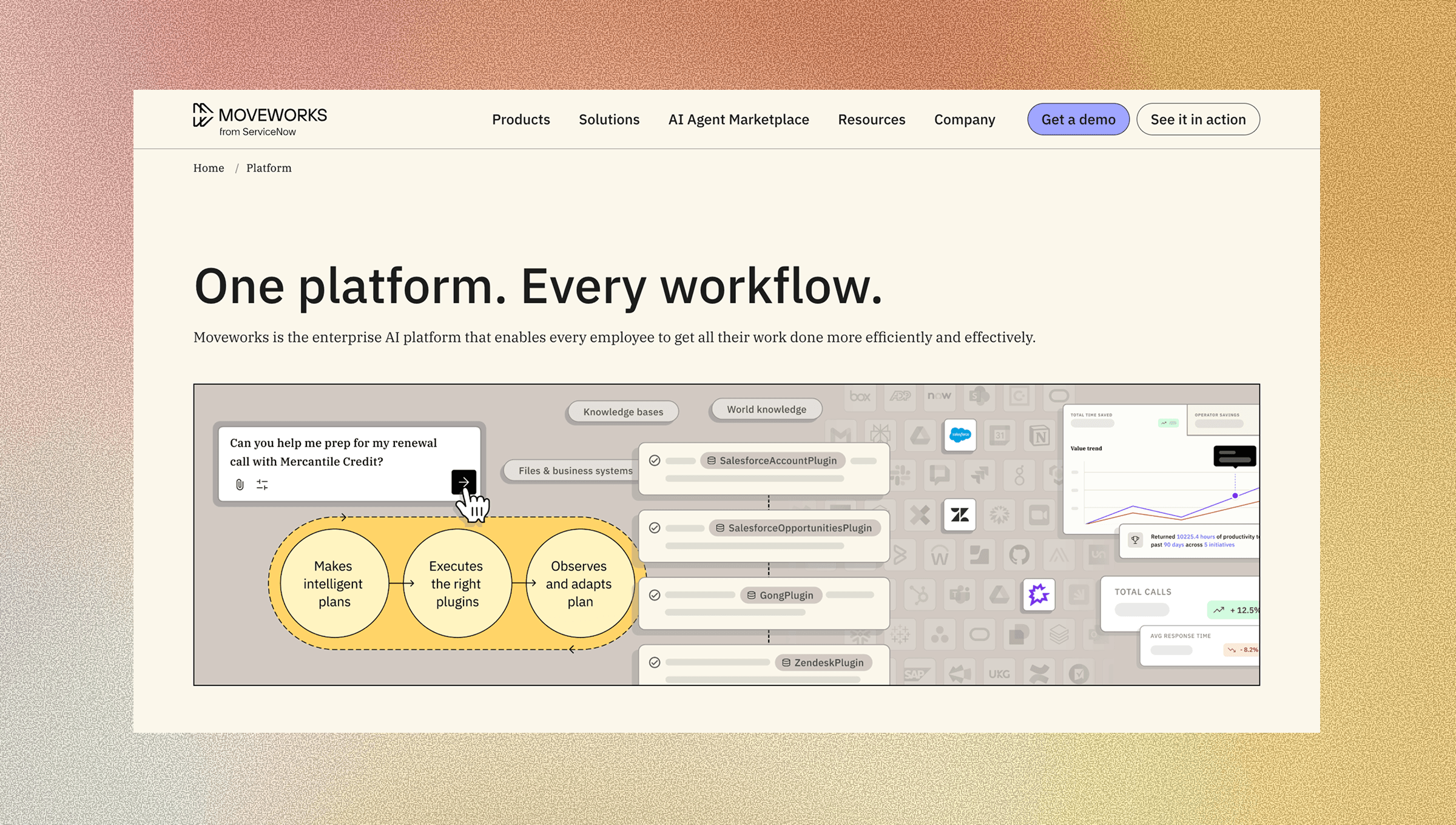
Moveworks is an AI-powered employee support platform built to automate IT help desk requests through conversational interfaces. It connects to enterprise systems like ServiceNow, Workday, and Active Directory, then uses AI to interpret employee questions and resolve common requests without routing them to a human agent.
At its core, Moveworks uses an AI reasoning layer that sits between the employee and your backend systems. When someone submits a request, like resetting a password or requesting software access, Moveworks parses the intent and attempts to fulfill it automatically by triggering the right action in the right system.
Here’s a quick breakdown of the key components in the Moveworks product:
The conversational interface typically lives inside Microsoft Teams or Slack, giving employees a chat-based way to submit requests without filing a formal ticket.
The AI reasoning engine interprets what the employee needs and maps it to a predefined workflow or system action.
Integrations with tools like ServiceNow, Jira, and Workday allow Moveworks to read and write data across enterprise systems to fulfill requests.
An analytics dashboard gives IT teams visibility into resolution rates, deflection volume, and common request patterns.
Moveworks primarily targets mid-to-large enterprise IT teams looking to reduce help desk ticket volume and improve response times. The product is built around the idea that most Tier 1 IT issues are repetitive enough to automate, which holds true for many organizations dealing with high support request volume.
Why Consider Moveworks Alternatives?
Moveworks works well for large global enterprises dealing with high ticket volume, multilingual workforces, and mature ITSM infrastructure. For organizations with thousands of employees already running ServiceNow, there's a real case for it. But several friction points push teams toward alternatives:
Pricing is the most immediate. Moveworks charges based on total employee headcount, not active users, with costs typically running between $100 and $200 per employee per year. For a 500-person company, that's a six-figure annual contract before implementation costs even enter the picture. Multi-year commitments are standard, which limits flexibility.
Setup is another hurdle. Moveworks requires deep integrations with existing ITSM infrastructure, and most deployments take months before they're producing value. That timeline is a real cost for IT teams that need results sooner. Without a dedicated implementation resource, the process can stall entirely.
There's also a fit problem. Moveworks is engineered for the enterprise, which means smaller or mid-market IT teams often end up paying for scale and complexity they don't need. The product's configuration options can feel rigid for teams that want to customize workflows without going through a professional services engagement.
Finally, some teams report that AI responses can be inconsistent, requiring ongoing model tuning that demands internal expertise most lean IT teams don't have on hand.
Moveworks has carved out a strong presence in enterprise AI, but it’s far from the only option worth considering. Depending on your team's size, tech stack, and automation goals, there are several alternatives that may serve you better.
Here's a look at the top Moveworks alternatives available right now.
Ravenna: Best Moveworks Alternative in May 2026
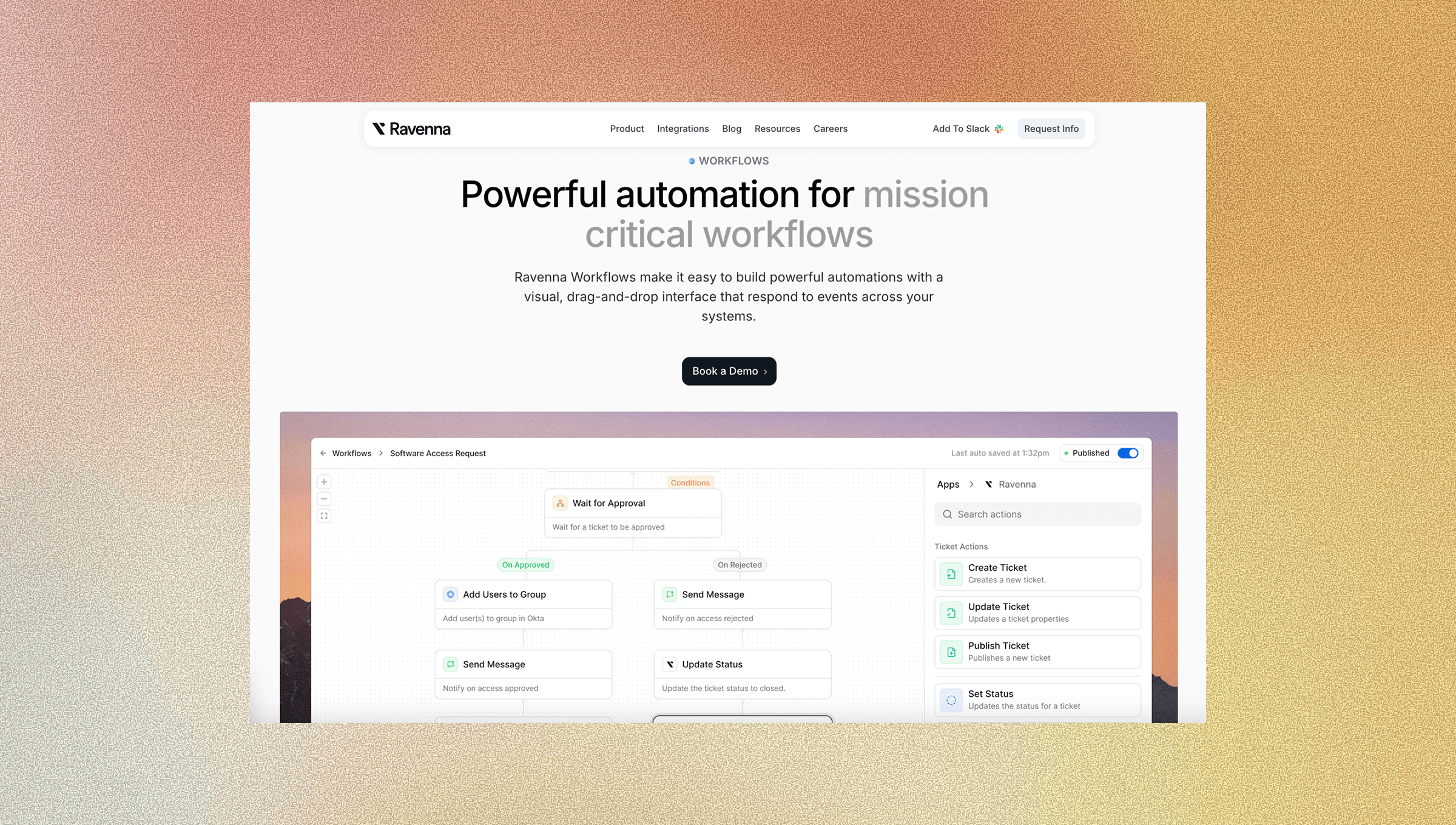
Ravenna is an agentic ITSM platform built for IT teams that want to do more with less. Where Moveworks focuses heavily on the conversational layer, Ravenna automates end-to-end workflows across tools, teams, and systems, so requests get resolved instead of just routed.
Ravenna is Slack-native, meaning your team handles support requests where work already happens. There's no separate portal to manage, no context switching, and no overhead from adopting yet another interface. Requests that come in through Slack get triaged, acted on, and closed out through automated workflows that run in the background.
Another area where Ravenna stands out is time-to-value. Moveworks typically requires a lengthy enterprise onboarding cycle. Ravenna is built to get teams up and running quickly, with automation workflows driven by AI that can be configured without heavy IT involvement.
Ravenna works best for IT teams looking for an automation layer across internal workflows and support requests without the enterprise price tag or implementation friction. The main limitation compared to Moveworks is enterprise scale: if you're managing tens of thousands of employees across multiple continents with complex multilingual requirements, Moveworks' enterprise infrastructure may be a better fit. For most mid-market and growing teams, though, Ravenna delivers faster time to value with workflow automation that your team can own directly.
ServiceNow
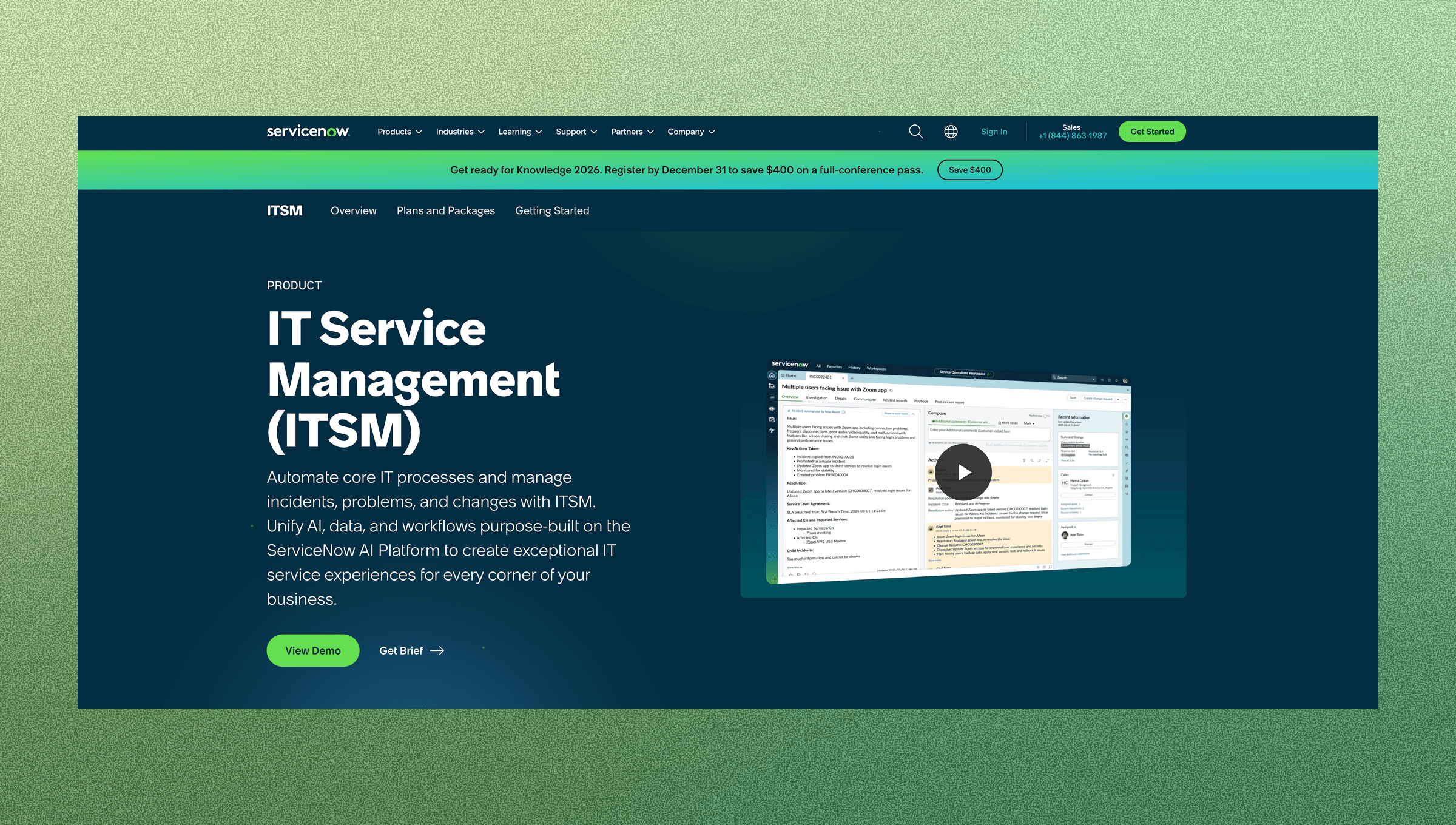
ServiceNow is the incumbent in enterprise ITSM, and its breadth is unique: asset management, change management, CMDB, ITIL workflows, and more all live under one roof. For large organizations that need that level of depth and are prepared to invest in dedicated admin resources, it delivers full-range service management capabilities. The platform excels when you need deep configuration control and enterprise-grade compliance features.
The tradeoff is complexity and longer timelines. ServiceNow implementations are notoriously long and expensive, often taking 12-24+ weeks and requiring dedicated admin resources just to keep the instance configured correctly. For teams that want AI-driven automation without months of setup, it tends to get in the way. Bottom line: ServiceNow is the right choice for large enterprises with mature ITSM requirements and implementation resources, but overkill for teams that need workflow automation delivered quickly.
Jira Service Management
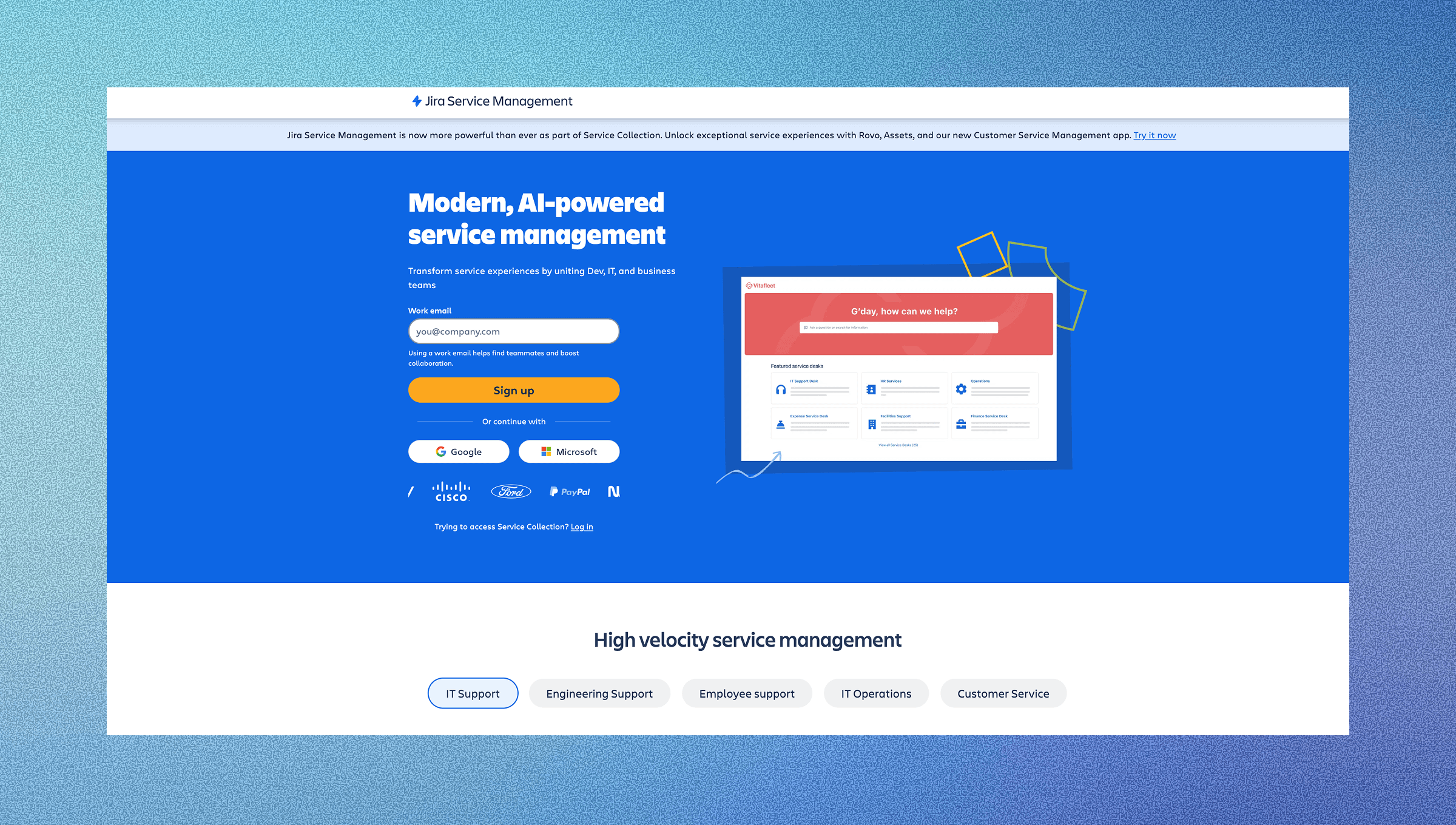
Jira Service Management is a strong choice for engineering-heavy organizations already running Atlassian tools. If your team lives in Jira for project tracking and Confluence for documentation, JSM fits naturally into that ecosystem, offering solid incident management, change tracking, and request queues without forcing a context switch. The native Confluence integration means your knowledge base and ticketing workflows share the same environment, which reduces friction for teams that already treat Atlassian as their backbone.
The gap becomes clear in AI-driven automation. JSM's workflow capabilities are largely rules-based, and the platform was built around ticket management instead of autonomous resolution. You can configure automation rules to route and escalate tickets, but coordinating multi-step workflows across tools like Okta, Jamf, or your HRIS requires workarounds through connectors and third-party middleware. Pricing is per agent instead of per employee, which is more predictable than Moveworks, but the platform still requires meaningful setup time before it delivers consistent value. Bottom line: JSM is the right call if your team is deep in the Atlassian ecosystem and needs structured IT service management with solid project tool integration, but if autonomous workflow execution is the goal, you'll be building a lot of that capability yourself.
Freshservice
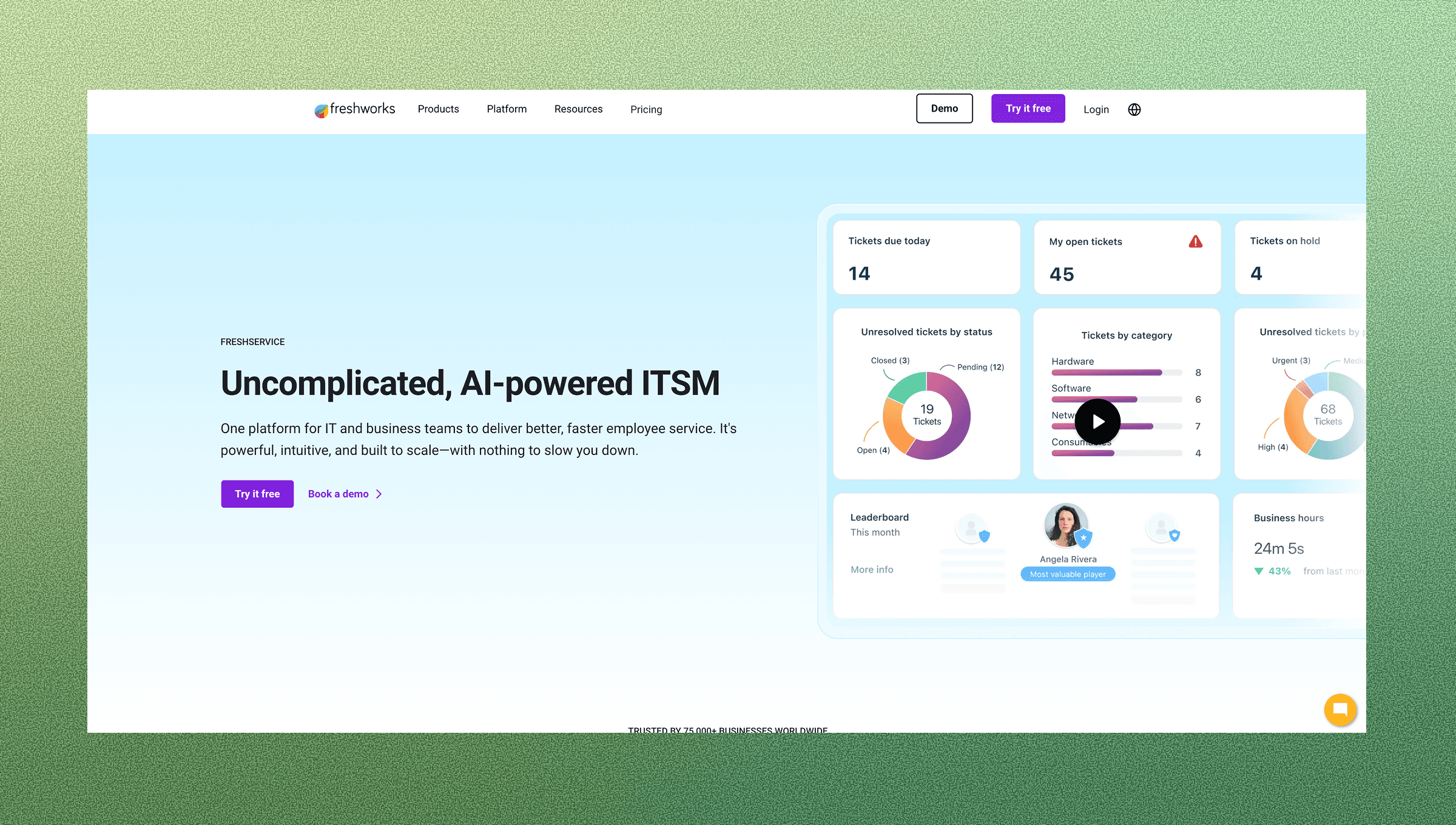
Freshservice offers a more accessible take on ITSM, with AI-assisted ticketing, a clean interface, and straightforward pricing. It works well for mid-market IT teams that need structure without enterprise overhead, and the platform delivers solid ticket management with predictable costs and a reasonable learning curve.
Where it falls short is proactive automation. Freshservice handles tickets well, but it's not built to coordinate workflows across multiple systems or resolve issues autonomously. You're still doing a lot of the day-to-day work manually. Bottom line: Freshservice is a good fit if you need better ticket management with AI assistance, but if you're looking to automate the actual work of resolving requests, you'll hit limitations quickly.
Intercom
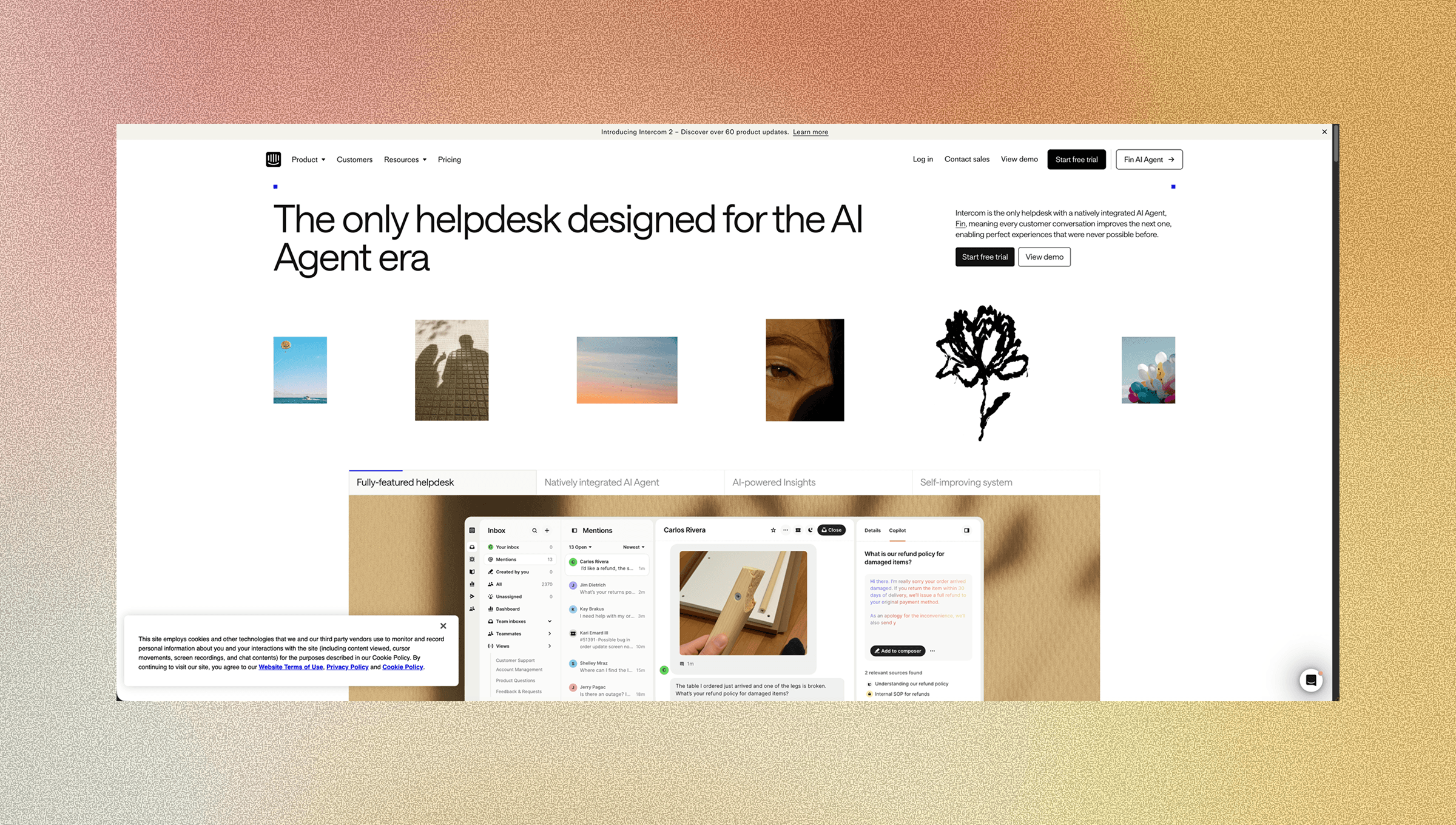
Intercom is primarily a customer support platform, and its AI features are solid for customer-facing contexts. If you're already using Intercom for external support and want to consolidate vendors, there's some appeal to extending it internally.
The fundamental limitation is that Intercom was not designed for internal IT. It lacks native ITSM functionality, integrations with tools like Okta or Jamf, and the kind of workflow automation that IT teams actually need. Bottom line: Intercom works for customer support, but forcing it into an internal IT role means building workarounds for core functionality that purpose-built platforms handle natively.
Console
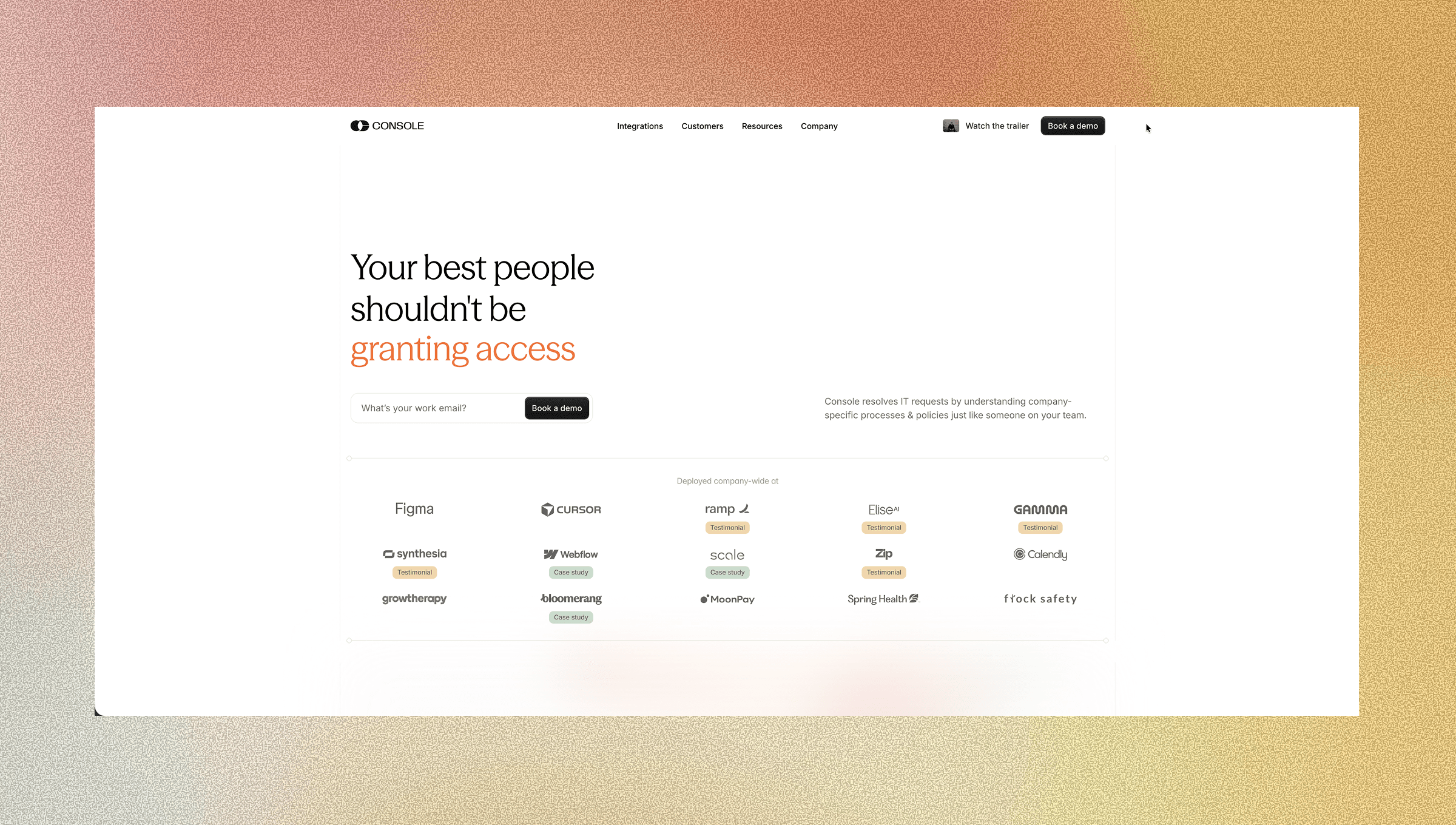
Console is a point solution built around software access requests, which means it does that one thing reasonably well. For teams whose primary pain point is managing application provisioning and access approvals, Console offers a focused experience with a relatively low barrier to entry. It sits on top of your existing ITSM platform instead of replacing it, which can feel appealing if you're not ready to rethink your full tooling stack.
The limitation is the narrow scope. Console was built to handle access requests, not to function as a general-purpose service desk or workflow automation platform. It lacks native ITSM functionality beyond its core use case, and expanding it to cover broader IT support workflows, device management, or employee lifecycle automation requires leaning heavily on your underlying ticketing system to fill the gaps. The pricing model also assumes you already have a mature ITSM foundation in place, which adds cost complexity. Bottom line: Console is a reasonable fit if access request management is your single biggest bottleneck and you already have everything else covered, but as a standalone solution for IT teams looking to automate across the full range of support requests, it falls well short of what purpose-built platforms deliver.
Feature Comparison: Moveworks vs Top Alternatives
Here's how the major players compare across the features IT teams actually care about.
Feature | Ravenna | Moveworks | ServiceNow ITSM | Jira Service Management | Freshservice | Intercom | Console |
Slack-Native | Yes (primary interface) | Partial (portal also required) | No (portal-first) | No (portal-first) | No (portal-first) | No (portal-first) | Partial (middleware) |
Workflow Execution | Yes (visual builder) | Yes (deep integrations required) | Yes (requires configuration) | Limited (rules-based) | Limited (ticket automation) | Limited (customer-facing only) | Limited (access requests) |
No-Code Workflow Builder | Yes (drag-and-drop) | No (developer tools) | Yes (requires training) | Limited | Limited | Limited | No |
HRIS Integration | Yes (native, context sync) | Yes | Yes (extensive config) | Via connectors | Via connectors | No | No |
MDM Integration | Yes (native device workflows) | Yes | Via connectors | Limited | Limited | No | No |
Bidirectional ITSM Sync | Yes (JSM, Freshservice, Linear) | Yes (ServiceNow-centric) | N/A | N/A | N/A | No | Yes (sits on ITSM) |
Deployment Timeline | 2-4 weeks | 8-12+ weeks | 12-24+ weeks | 4-8 weeks | 4-6 weeks | 2-4 weeks | 6-8 weeks |
Pricing Model | Slack-native transparent pricing | Per employee, $100-200/user/year | Enterprise contracts | Per agent | Per agent | Per seat / per agent | Custom (requires base ITSM) |
Knowledge Base AI | Yes (gap analysis) | Yes | Yes | Yes (Confluence integration) | Yes | No | No |
Identity Verification | Yes (Okta Verify push) | Yes | Yes | Via integrations | Via integrations | Yes (customer-facing) | Limited |
Conversational Forms | Yes (natural chat-based) | Yes | No | No | No | Yes (customer-facing) | Limited |
A few are patterns worth noting. Moveworks and Ravenna both score well on conversational AI and workflow execution, but the key difference is deployment overhead and the no-code builder. Moveworks requires developer involvement to configure workflows, while Ravenna offers a drag-and-drop builder that IT teams can manage directly. On pricing, Moveworks operates on a per-employee model that scales painfully at larger headcounts. Ravenna's Slack-native pricing structure is more predictable. For teams already invested in ServiceNow, tools like Aisera or Moveworks may feel like a natural extension, but you are still looking at 8-12+ weeks before anything is live.
Why Ravenna is the Best Moveworks Alternative
Moveworks earns its reputation in large, well-resourced enterprise IT organizations. If you have thousands of employees, a mature ServiceNow instance, and months to spare on implementation, it can deliver real automation value. That's a specific profile, though, and most teams looking at alternatives don't fit it.
For everyone else, Ravenna is the stronger choice. The deployment gap alone matters: Ravenna goes live in weeks, with pre-built connectors to your existing stack and a visual workflow builder your IT team can own and maintain without outside help. You're not waiting on a vendor to configure integrations or training developers to manage workflow logic.
Moveworks requires a significant upfront investment, with ROI expected later. Ravenna flips that equation: automation runs quickly, and the results are measurable before you've signed a multi-year contract.
Pricing reflects the same philosophy. Ravenna doesn't penalize headcount growth with per-employee billing that compounds annually. You get predictable costs as your team scales, which makes budgeting straightforward instead of stressful.
If you're looking for Slack-native workflow automation that actually executes work across tools, teams, and systems instead of routing tickets around, Ravenna is built for exactly that use case.
Final Thoughts on Selecting IT Support Automation
Comparing Moveworks alternatives comes down to speed, cost, and whether the platform fits your team size. Moveworks works for a specific enterprise profile, but if you're outside that narrow band, you're paying for complexity you don't need. Ravenna gives you workflow automation that goes live in weeks and pricing that stays predictable as you scale. Connect with us to see what automated IT workflows look like without the enterprise overhead.
FAQ
When should you consider moving away from Moveworks?
If you're a mid-market IT team spending six figures annually on a tool that took months to deploy, or if you need workflow customization without going through professional services, it's time to look at alternatives. Moveworks makes sense for large global enterprises with mature ServiceNow instances and dedicated implementation resources, but most teams need automation that delivers results in weeks, not quarters.
What features should you focus on when comparing Moveworks alternatives?
Focus on deployment timeline, workflow customization capabilities, and pricing structure. The best alternatives offer visual workflow builders your IT team can own directly, native integrations with your existing stack (HRIS, MDM, identity tools), and transparent pricing that doesn't penalize headcount growth. Look for platforms that automate end-to-end workflows instead of just routing tickets through conversational interfaces.
Can you use an AI service desk alongside your existing ITSM platform?
Yes, through bidirectional integrations. Tools like Ravenna sync tickets in real time with platforms like Jira Service Management, Freshservice, and Linear, so you can layer AI-driven automation on top of your current system without migration disruption. This approach lets you keep existing reporting structures and workflows while gaining autonomous resolution capabilities and Slack-native employee interactions.
How long does it typically take to deploy a Moveworks alternative?
Deployment timelines vary widely by platform. Moveworks typically requires 8-12+ weeks before going live, while alternatives like Ravenna can be up and running in 2-4 weeks with pre-built connectors and visual workflow configuration. ServiceNow implementations often extend to 12-24+ weeks, making the deployment timeline one of the most important factors in your evaluation if you need results quickly.
What's the difference between ticket deflection and workflow automation?
Ticket deflection answers employee questions to prevent ticket creation, while workflow automation executes the actual work to resolve requests. Moveworks excels at the conversational layer and deflection, but platforms built for workflow automation coordinate multi-step processes across your tools: provisioning access, updating systems, and closing requests without human intervention. For IT teams drowning in daily work, automation that executes tasks delivers more value than chatbots that answer questions.



