

The real cost of a service desk isn't ticket volume. It's the gap between routing and execution, where requests sit idle before anyone opens the relevant system to act. That's the problem agentic AI ITSM platforms are built to close.
TLDR:
An IT service desk is the single point of contact between employees and IT, handling incidents, service requests, and change coordination.
Most service desks lose time between routing and execution, where tickets sit idle before a human opens the relevant system to act.
Ravenna is a Slack and Teams-native workflow automation platform whose IT Agent and PeopleOps Agent execute service desk workflows end-to-end without a human in the path.
What Is an IT Service Desk?
An IT service desk is the single point of contact between employees and the IT organization. When something breaks, access gets denied, or a new tool needs provisioning, the service desk is where that request lands, gets tracked, and resolved.
The scope goes beyond fixing broken laptops. A service desk handles incidents, where something has stopped working, and service requests, where something new is needed, and sometimes change coordination. It owns the communication layer between IT and the rest of the organization.
Without a centralized intake function, requests get lost in email chains, Slack DMs, and hallway conversations. The service desk brings order to that by creating a defined channel and a record for every request that comes in.
IT Service Desk vs. Help Desk vs. ITSM
These three terms get used interchangeably, but they describe meaningfully different things. A help desk is reactive and narrow: take the call, fix the problem, close the ticket. Per SysAid, a service desk goes further, handling incidents, requests, change coordination, and employee communication. ITSM is the full IT service management framework sitting above both, with the service desk as one function within it.
Term | Scope | Primary Focus |
|---|---|---|
Help Desk | Narrow, reactive | Incident resolution |
Service Desk | Broader, proactive | Incidents, requests, business alignment |
ITSM | Organization-wide framework | Full IT service lifecycle |
The distinction matters when comparing tools. A help desk tool may handle tickets well but skip workflow automation, while an ITSM-backed service desk covers more ground with more overhead.
Core Responsibilities of an IT Service Desk
A service desk typically supports five areas, and gaps in any one of them show up fast:
Incident management: logging, triaging, and resolving service disruptions as fast as possible
Service request fulfillment: handling provisioning, access grants, software installs, and password resets
Knowledge management: documenting resolutions so repeat issues get answered without reopening tickets
Change support: coordinating with IT teams during planned changes to minimize disruption and communicate impact
User communication: keeping employees updated on ticket status, outages, and resolution timelines
How an IT Service Desk Works: The Request Lifecycle
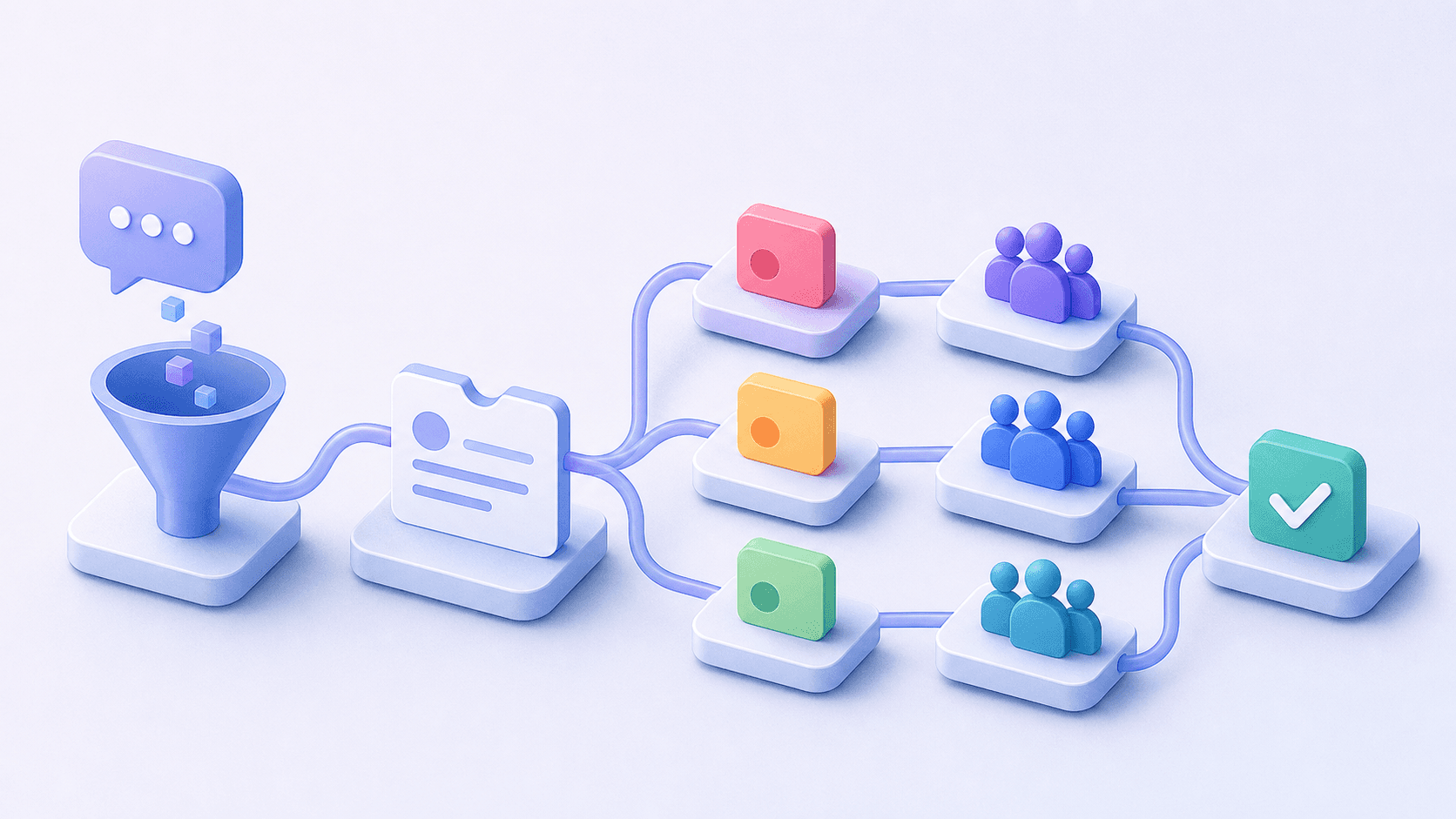
A request enters through a portal, email, phone, or Slack or Teams message, gets logged, and triaged for urgency and type. Priority determines queue placement, and the ticket routes to the right tier or team.
The full sequence looks like this:
Intake: employee submits via portal, email, chat, or phone
Logging: request becomes a tracked ticket with a timestamp and owner
Triage: urgency and type assessed, priority assigned
Classification and routing: ticket directed to the right tier or team
Execution: the underlying task is performed directly in the relevant system
Closure: ticket marked resolved, requester notified, resolution documented
Common Challenges in IT Service Desk Management
Repetitive requests are the most predictable drain on service desk capacity. Password resets, software access grants, and MFA unlocks often involve repeat steps, yet they can land in the same queue as incidents that need investigation. The checks still vary: a privileged account or a failed identity check needs a different path from a routine request.
A separate portal can add friction when employees already work in Slack and email. If requests continue arriving through DMs, IT has to capture that work before it can reliably track or automate it.
Slow resolution follows from the gap between routing and execution, where a ticket waits until someone picks it up and manually opens the relevant system. Ticket volume and time-to-close alone don't tell you how many requests resolved without human involvement, making the case for better tooling hard to build.
IT Service Desk Best Practices
Tools alone won't fix unclear ownership. Agree on how work flows through the team before automating it.
SLA schedules that reflect actual availability
Define business schedules by timezone and working hours, and tie routine-request SLA timers to those windows. Keep separate policies for incidents that require around-the-clock coverage; escalation rules should match the service commitment.
A knowledge base built for deflection
Start with articles for your highest-volume repeat requests, password resets, software access, and VPN setup, then use question-volume data to decide what gets written next. Give each article an owner, and review it when the underlying system or policy changes.
Self-service that employees actually use
Self-service IT support in Slack fails when it adds friction instead of removing it. Meeting employees where they already work, whether Slack, Teams, or email, raises the odds that requests enter a structured channel. Make sure the conversation creates a tracked request with an owner and a visible status.
Measuring automation effectiveness, beyond throughput
Track the share of eligible requests fully resolved without human involvement, beyond ticket volume and time-to-close. Report automated execution after human approval separately, and check reopened tickets so premature closure doesn't look like success.
The Role of AI in the IT Service Desk
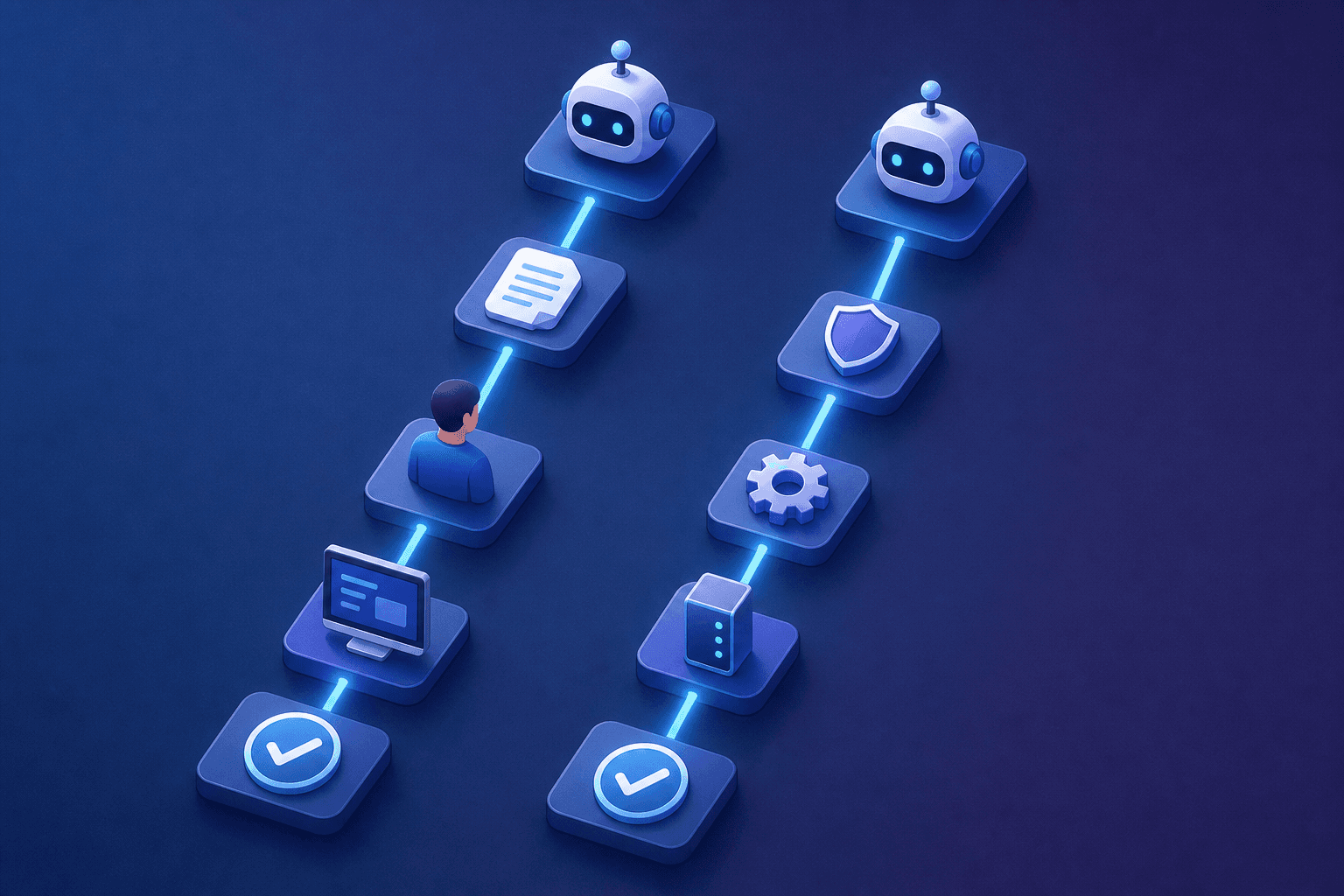
When AI is limited to intake, a chatbot suggests an article, classifies intent, and routes the ticket to a human. The human still opens Okta, still grants the access, still closes the loop.
Agentic systems can go further, gathering context from connected systems and executing supported tasks within configured permissions and approval rules. Fixify's 2026 IT Help Desk Benchmark Report, analyzing 50,000+ tickets, reports median resolution times of 4.4 hours with AI automation versus 71 hours without it. That is roughly a 16x difference in its dataset, not a guaranteed improvement for your service desk.
A system that answers questions and hands off to a human has moved the manual step one position to the right. An agentic service desk can automate that execution step while keeping approvals and exception handling in place.
IT Service Desk Software and Tools: What to Look For
Five capability areas are worth checking when evaluating a service desk tool.
Intake channel fit
Look for tools that accept requests through the channels your employees already use, whether Slack, Teams, email, or a portal, and turn those requests into tracked work.
Ticketing and queue management
Look for configurable queues, SLA policies with business schedule support, multi-channel ticket creation, assignment routing, and status visibility for both the employee and the agent.
Self-service and knowledge base
The knowledge base should surface relevant answers automatically. Define what counts as successful self-service, and check repeat contacts alongside deflection rate; showing an article doesn't prove it solved the problem.
Workflow automation and integrations
Check whether the tool connects directly to your identity provider (Okta, Entra, JumpCloud), HRIS (Workday, BambooHR), and MDM (Jamf, Kandji), and whether it executes the specific actions you need or only notifies a human to act. Ask what happens if approval is declined, an action fails, or a duplicate request arrives.
Analytics
Track AI vs. human resolution rate alongside volume and close time, with clear definitions for each. Compare similar request types and include failed automation attempts in your reporting.
How Ravenna Automates IT Service Desk Workflows End-to-End
Ravenna supports service desk requests in Slack and Teams, with automation for supported tasks such as password resets, software access provisioning, and onboarding. Agents handle conversations and create or update tickets; workflows respond to ticket events and execute configured actions across connected systems. The available actions depend on your integrations and permissions.
Routing a ticket to a human who then opens Okta is still manual execution; Ravenna workflows can automate supported Okta provisioning and group-assignment actions. Agents and workflows connect through ticket state, rather than agents triggering workflows directly.
Required approvals can remain part of the process. Ravenna's Wait for Approval action provides approved, declined, and timeout paths, so an unanswered request doesn't have to move forward automatically.
Final Thoughts on Understanding the IT Service Desk Inside and Out
The IT service desk rewards clarity: clear intake channels, clear ownership, and a clear read on what automation is actually handling versus what still needs a human. That last part is where most teams have the most room to improve.
FAQ
How does agentic AI reduce shadow IT and informal Slack DM requests to the IT team?
Shadow IT forms when employees route around portals that require extra steps. A Slack DM to IT is faster than logging into a separate system. Agentic platforms like Ravenna's IT Agent intercept those requests where they already originate: inside Slack or Teams. The agent classifies intent, executes the workflow across connected systems like Okta or Jamf, and posts confirmation back in the same thread, so employees get a faster resolution through the structured channel than they would through an informal workaround.
What are the core responsibilities of an IT service desk?
An IT service desk owns five areas: incident management (logging, triaging, and resolving service disruptions), service request fulfillment (provisioning, access grants, password resets), knowledge management (documenting resolutions to prevent repeat tickets), change support (coordinating with IT during planned changes), and user communication (keeping employees updated on status and outages).
What is the difference between AI-assisted and agentic IT service desk automation?
AI-assisted means a chatbot classifies intent, suggests an article, and routes the ticket to a human who then opens Okta, grants access, and closes the loop. The manual execution step still exists, just one position further right. Agentic means the system classifies intent, pulls context from connected systems, and completes the task end-to-end without a human in the path. According to Fixify's 2026 IT Help Desk Benchmark Report analyzing 50,000+ tickets, AI automation delivers a 16x resolution time advantage over tickets requiring human intervention.
How do I enforce SLA policies that pause timers outside business hours and automatically escalate overdue tickets?
Configure business schedules that define working hours by timezone, weekly availability, and company holidays, then tie your SLA policies to those schedules so timers pause outside defined windows and resume during working periods. This produces accurate compliance data and stops escalation logic from firing during hours when no one is staffed. For auto-escalation, set breach thresholds in your SLA policy so the system reassigns or alerts a team lead when a ticket passes its response deadline.
Console vs. Risotto for IT helpdesk automation in 2026: which should I pick?
Console was built as a point solution for software access provisioning and is expanding into general ticketing; it works well for teams focused primarily on SaaS access management. Risotto handles conversational AI request classification and routing inside Slack and is a strong fit for teams that want natural-language intake within their existing Slack environment, with agents executing resolutions on the back end. Neither is designed for autonomous end-to-end execution across IT, HR, and Operations in a single platform.



