

It's pretty common to have automation running and still feel like your team is just as buried as before. Usually, that's because the automation handles the classification but not the resolution: it points to the right place, and then a person finishes the job. There's a real architecture difference between that and a system that closes the loop on its own, and knowing where your current setup sits on that range is the starting point for everything else. This guide covers which request types to start with, how to design workflows that run without constant hand-holding, and how to tell when you've actually gotten there.
TLDR:
Only a handful of IT organizations have reached full autonomous execution; most are still doing work manually after AI weighs in
Start automation with password resets, MFA unlocks, and access provisioning: high volume, zero judgment calls, provisionable via API
AI-driven intent classification resolves routing failures that keyword-matching creates; test with real employee phrasing, not sanitized examples
Track AI vs. human resolution rate and deflection rate by workflow category, not in aggregate; aggregate numbers hide where automation breaks down
Ravenna is a Slack and Teams-native workflow automation platform whose IT Agent executes multi-step workflows across Okta, BambooHR, and Google Workspace without a human in the path
What Service Desk Automation Actually Means in 2026
Most teams use "service desk automation" to mean one of three very different things, and the gap between them is where most IT ops budgets disappear.
The first tier is rules-based routing: tickets get tagged and assigned based on keywords. The second is AI-assisted triage: an LLM suggests a response or KB article, and a human executes the fix. The third is agentic execution: the system classifies intent, pulls context, reaches into connected systems, and resolves the request without a person in the loop.
The industry is heavily concentrated in tiers one and two. According to SysAid's research, 61% of IT organizations now use AI in their service management processes, yet only 3.3% have reached what AI-native ITSM looks like at full execution.
Processes Worth Automating First
Not every workflow is worth automating first. The highest-ROI starting points share four traits: high volume, a predictable resolution path, no judgment calls, and systems you can already integrate with.
Requests that pass all four are candidates for full autonomous execution. The clearest first targets:
Password and MFA resets: identical resolution path every time, zero ambiguity, high daily volume
Software access requests: structured enough to route by role, approvable by policy, provisionable via API
Employee onboarding and offboarding sequences: predictable steps across identity, HRIS, and productivity tools
SLA escalation alerts: pure logic with no judgment required
Start here because these let you prove automation value fast without taking on edge-case risk. Once a few run autonomously without intervention, you have the data to support expanding scope.
Automated Ticket Routing and Triage
Routing is where most triage systems break down. Rules-based routing fails when a single ambiguous phrase maps to several resolution paths and a keyword match won't tell you which applies. Ravenna's AI agents read the full request and infer intent before routing, so the right workflow fires the first time.
Design for three destinations: automated workflow execution, knowledge base answer, and human handoff. Every request should resolve to exactly one. Then test routing with real request language from Slack or email threads, not sanitized examples. The phrasing employees use rarely matches the phrasing an IT admin used to write the category definition.
Building Approval Workflows That Don't Create Bottlenecks
Low-risk requests (read-only permissions, standard software licenses) auto-approve when the requester meets defined criteria; privileged access or high-cost licenses route through additional sign-off. Two design choices drive the rest:
Parallel routing: if legal, finance, and IT security all need to approve, route to them simultaneously. Sequential chains are the primary cause of multi-day resolution times on requests that take minutes to execute.
Escalation timeouts: every approval stage needs a deadline. When it passes without a response, the workflow re-notifies, escalates to a backup approver, or flags the chain as stalled.
Automating Employee Onboarding and Offboarding
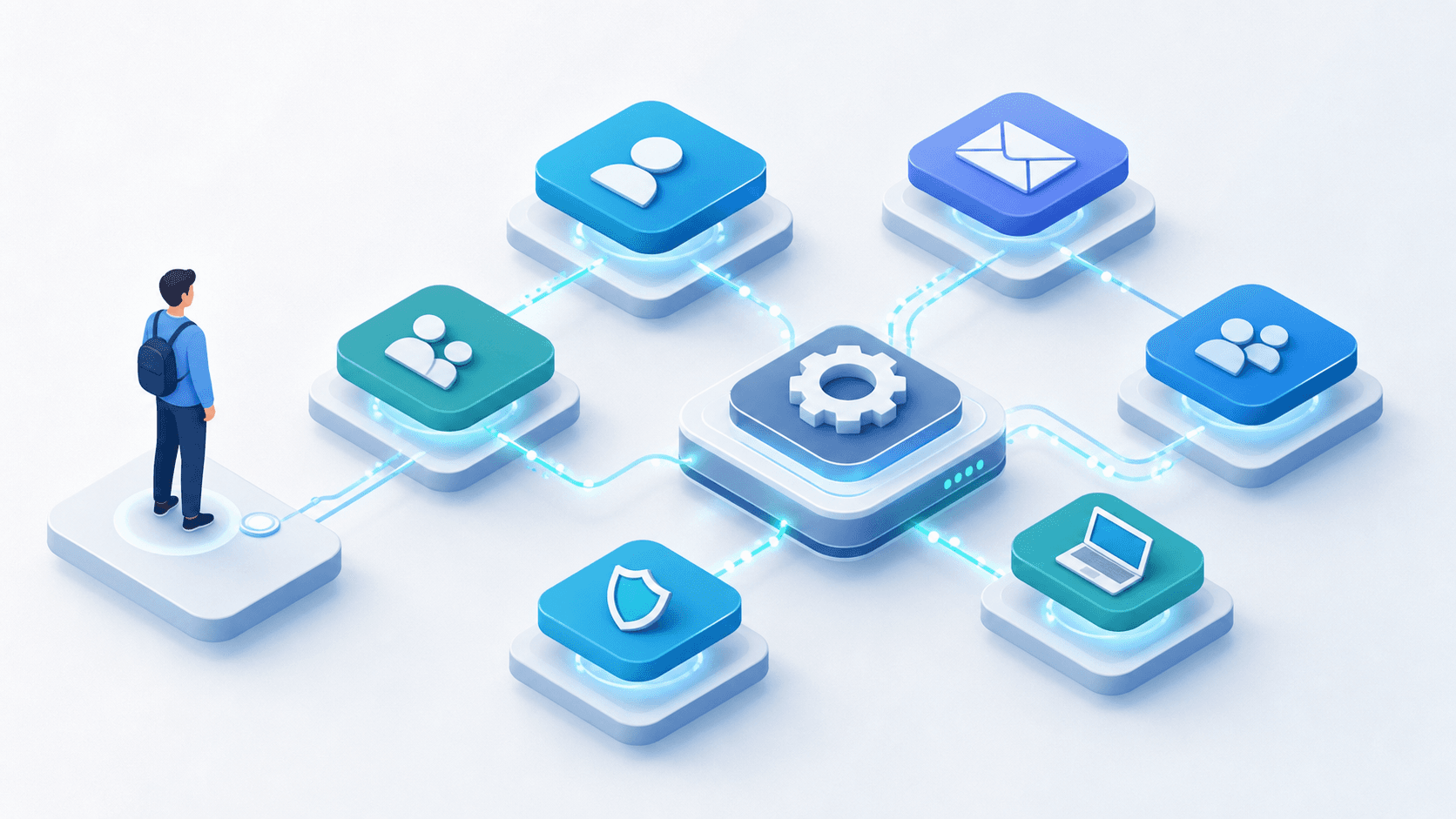
A new hire's first day arrives and they can't log in, can't access their tools, and can't do their job, all because three people each owned one step of provisioning and none of them knew the others hadn't finished yet. That is the cost of partial automation in onboarding and offboarding.
On the onboarding side, the problem is coordination across systems that don't communicate by default, which is why automating employee onboarding across systems matters. Each step happens manually, in sequence, and the new employee is missing access for days. The fix is treating the hire event as a trigger: when an HRIS record goes active, the workflow provisions Okta, assigns Google Workspace groups, sets the correct role, and confirms completion as a single coordinated sequence.
Offboarding carries higher stakes. A missed deprovisioning step is an active security exposure. Automating the employee offboarding workflow means the recurring audit finding of former employees retaining access to production systems or active SaaS licenses after termination becomes an avoidable one. The offboarding sequence needs to be atomic: HRIS termination fires, Okta suspends, licenses reclaim, Google Group memberships revoke, and a timestamped confirmation posts back as a record of what completed and when. For both workflows, the design principle is HRIS-as-trigger: the workflow starts the moment the employment record changes state, eliminating the gap between HR completing their process and IT starting theirs. In manual environments that gap often stretches days.
Self-Service That Employees Actually Use
Employees don't usually use the self service portal and DM the IT team on Slack instead, because opening a separate tab, logging in, and browsing a service catalog takes longer than typing "hey can you reset my MFA?" into a thread. That shadow support is the default state for most teams running portal-first self-service. The self-service adoption playbook for IT and HR tackles exactly this problem.
The fix is to put self-service where employees already are. Intake through a slash command, a conversational request in a channel, or an interactive form that opens as a modal inside Slack produces structured requests without a portal login in the path. Adoption follows friction, and the self-service channel has to require less effort than a Slack DM.
No-Code Workflow Builders for IT Teams
The builder matters as much as the automation it produces. Visual, no-code builders let IT admins see the entire workflow as a graph of connected steps, and non-developers can modify logic by dragging steps instead of debugging code.
When assessing a builder for multi-system workflows, check for:
Dry run or sandbox mode so you can test automation without writing to production systems
Explicit failure diagnostics that name which step failed and why, beyond a generic error that something went wrong
Conditional branching and approval routing built into the visual layer, not scripted separately
Retry logic that resumes from the failed step instead of restarting the entire sequence
The practical test: hand the builder to someone who did not build the workflow and ask them to make a small change without help. If they can, it passes.
Setting and Enforcing SLAs Through Automation
Three configuration decisions prevent the Friday-afternoon P2 from sitting unassigned all weekend and showing up Monday as a breach. First, business-hour scoping: pause SLA clocks outside defined working hours by timezone, so a ticket submitted at 4 PM Friday does not register a breach by 9 AM Monday. Second, live recalculation: when a ticket is reclassified from low to high priority, the resolution target updates and carries elapsed time forward instead of restarting the clock. Third, escalation triggers: when a ticket approaches its threshold, the system re-notifies the assignee, routes to a backup, or flags it as at-risk, with no manual queue monitoring required.
Metrics That Tell You If Your Automation Is Working
Ticket volume and average time-to-close measure queue activity, not automation effectiveness. The metrics that actually show what's happening:
Surface Metrics vs. Automation-Effectiveness Metrics
Metric | What It Measures | What It Misses |
|---|---|---|
Ticket volume | How many requests entered the queue | Whether any were resolved without a human touching them |
Average time-to-close | How fast the queue empties | How much of that speed came from automation vs. more headcount |
Agent vs. human resolution rate | What percentage of requests closed without a human action | Nothing; this is the signal you want |
Deflection rate | Requests intercepted before a ticket was ever created | Needs segmentation by request type to be actionable |
Automation success rate by workflow | Which automated workflows ran to completion | Aggregate numbers hide where specific workflows break down |
Resolution path breakdown | How each ticket actually closed (fully automated, human-touched, etc.) | Requires per-ticket classification to surface accurately |
Fixify's 2026 IT Help Desk Benchmark Report, analyzing more than 50,000 tickets, found that AI automation delivers 16x faster resolution times compared to human-handled tickets.
When to Automate vs. When to Escalate to a Human
Most high-volume request types have a clear resolution path. The categories requiring genuine human judgment are a small, identifiable subset:
Security incidents that require active investigation, beyond running a remediation script
Sensitive HR situations: terminations, performance-related access changes, accommodation requests
Novel issues with no prior resolution path and no matching workflow
Requests where ambiguous intent means acting incorrectly causes downstream harm
When a workflow reaches its limit, hand off with context already assembled: what the employee requested, what steps completed, where execution stopped, and why. The human picks up mid-resolution, not from scratch.
Assessing and Running a POC for an AI-Powered Service Desk
Before signing anything, define what a successful POC looks like in writing. Two criteria to nail down first:
Resolution rate target: what percentage of test requests should close without human intervention
Integration requirements: which systems must be connected natively, and which connectors are surface-level webhooks dressed up as integrations
Test your three to five highest-volume, most predictable request types: password resets, MFA unlocks, software access requests. If the platform stumbles on a password reset, the complex stuff won't improve that picture.
On integration depth: use an agentic service desk evaluation checklist and ask vendors to run a live write action against a real connected system, not a recorded walkthrough. A platform with genuine Okta integration executes the provisioning call in the session. Deployment speed is a clear signal: six to eight weeks to configure a password reset reveals integration complexity, not capability ceiling.
How Ravenna Approaches IT Service Desk Automation
When an employee messages that they are locked out of their MFA, Ravenna's IT Agent reads the request, resets the factor in Okta, and posts confirmation in Slack with no ticket and no human in the path. When an HRIS termination fires, the PeopleOps Agent suspends the Okta account, reclaims licenses, and removes Google Workspace memberships as a single atomic sequence. That is the architecture of Ravenna, a Slack and Teams-native workflow automation platform: the request should be resolved, not logged.
Fixify's 2026 IT Help Desk Benchmark Report puts a number on what that architecture difference produces: fully AI-automated tickets resolved in 2.4 to 6.3 hours; partially automated tickets requiring human intervention took 49 to 102 hours. The no-code workflow builder lets IT admins see, modify, and debug workflows without touching generated code, and the Analytics Suite surfaces deflection rate, AI vs. human resolution rate, and resolution path breakdowns by ticket.
Final Thoughts on IT Service Desk Automation Best Practices
Getting from rules-based routing to genuine autonomous execution is a sequence, not a switch. Pick the request types with the clearest resolution paths, confirm your integrations hold, and let the data tell you where to expand next. When you're ready to see what that looks like in practice, reach out to the Ravenna team.
FAQ
What tools automate employee onboarding across Okta, BambooHR, and Google Workspace without requiring custom scripts?
Platforms like Ravenna connect natively to Okta, BambooHR, HiBob, and Google Workspace and trigger coordinated provisioning sequences directly from HRIS hire events, no custom middleware required. Ravenna's IT Agent treats the BambooHR hire event as a trigger and provisions Okta, Workspace groups, and role in a single sequence. Run a live provisioning action during any POC to confirm whether Okta and HRIS connections are genuine write integrations or notification layers dressed as workflows.
How do I build a self-service IT portal that employees actually use instead of routing requests through Slack DMs?
Portals fail because they require more effort than a Slack DM. Moving intake to where employees already work, via a slash command, a channel request, or a native Slack modal, produces structured requests without a separate login in the path. When self-service requires less effort than the workaround, adoption follows.
Why would an IT team switch from Jira Service Management or Freshservice to an AI-native platform like Ravenna?
Jira Service Management and Freshservice log requests and track SLAs, but a human still performs every execution step after the ticket is filed. Ravenna closes that gap by classifying intent, pulling context from connected systems, and executing the resolution directly, so a password reset triggers a write action against Okta rather than creating a ticket. For teams where a meaningful share of weekly IT hours goes to predictable requests, that architectural difference determines whether automation reduces work or just moves it downstream.
What metrics should IT teams track to know if their service desk automation is working?
Ticket volume and average time-to-close measure queue activity, not automation effectiveness. The metrics that reveal what is actually happening are AI vs. human resolution rate, deflection rate, and resolution path breakdown per ticket. Track these by request type, not in aggregate, because a high overall deflection rate driven by password resets says nothing about whether access provisioning or onboarding workflows are performing.
What are the best no-code workflow builders for IT teams automating access provisioning?
Visual, no-code builders like Ravenna's workflow engine let IT admins see the entire workflow as a graph of connected steps, surface specific failure diagnostics, and modify logic without debugging code. Code-generation approaches offer flexibility for edge cases but hand your team a maintenance contract: every time Okta changes a field name or an HRIS updates its API, someone owns that generated TypeScript. That burden compounds quietly until the next engineer asks who wrote the file.



