

New hire records appear in Workday. Accounts need to be provisioned in Okta. Employees need access to Slack channels, Google Groups, and role-specific SaaS tools. Equipment requests need to go out. Onboarding checklists need to get tracked.
Workday's AI agents and the Workday Illuminate AI layer handle the HRIS side of this workflow. Workday's AI agents surface data, execute internal tasks, and answer questions without creating tickets. The problem is that most onboarding work happens outside Workday HCM, across systems the Workday AI platform and Workday's AI agents don't directly control. Workday's agentic AI reads employee status changes inside the HRIS. Cross-system provisioning across identity providers, collaboration tools, and SaaS apps requires orchestration that Workday Illuminate agents leave to external workflow automation.
You can automate onboarding end to end when you connect what Workday's AI agents do inside the system of record with agentic execution that picks up everything downstream. Workday Illuminate manages HR data. Slack-native automation manages the provisioning sequence across every tool your new hire needs access to on day one. That's the architecture this post walks through.
TLDR:
Workday Illuminate AI powers agentic workflows that execute multi-step onboarding tasks autonomously across systems when a new hire record is created.
Workday handles employee data inside its HRIS; connecting it to Slack requires middleware or agentic workflow automation to execute provisioning across your full stack.
The Mobley v. Workday lawsuit alleges AI-powered screening tools discriminate by race, age, and disability, raising liability questions HR teams must track.
Workday AI implementation requires clean data, careful role scoping, API configuration, and adoption planning before going live.
Ravenna's PeopleOps Agent reads Workday status changes and executes provisioning in Okta, Google Workspace, and Slack before day one without manual handoffs.
What Workday AI Is and How It Works
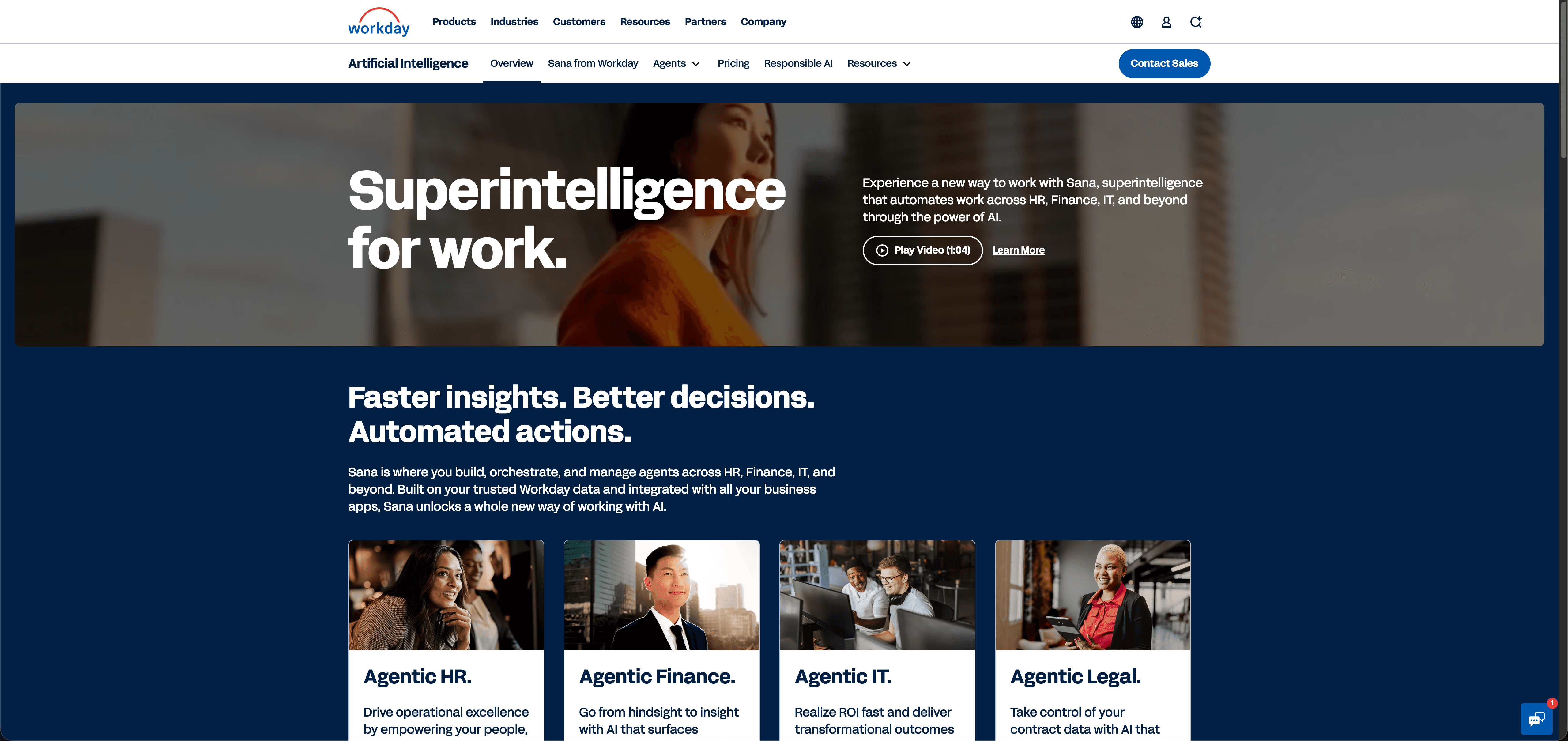
Workday is an enterprise cloud suite covering HR, finance, and workforce planning. Its AI layer, called Workday Illuminate, sits across that suite and powers the features most people mean when they say "Workday AI": predictive analytics, automated task suggestions, conversational assistants, and agentic workflows that can act on behalf of employees or managers without a human initiating each step.
Workday Illuminate is not a single product. It is the branded intelligence layer woven into Workday HCM, Workday Financials, and Workday Recruiting. When someone searches for the Workday AI assistant or asks what Workday AI is called, Illuminate is the answer. It surfaces recommendations inside existing Workday workflows instead of requiring a separate login or interface.
How Workday Illuminate Works in Practice
At its core, Illuminate applies AI to three distinct layers of the Workday suite:
Predictive analytics that surface workforce trends, flight risk signals, and compensation benchmarks before a manager has to go looking for them.
Conversational AI that lets employees ask questions in plain language and receive answers or complete transactions, such as requesting time off or updating personal information, without stepping through menus.
Agentic AI that can execute multi-step workflows autonomously, such as triggering provisioning tasks, routing approvals, or updating records across connected systems when a defined event occurs.
The agentic layer is where Workday AI capabilities have expanded most in 2025 and into 2026. Workday announced expanded Illuminate agents for HR, finance, and industry workflows that automate critical tasks and free teams to focus on strategy. Workday AI agents can be configured to act on specific triggers, like a new hire record being created, and execute a sequence of downstream tasks without waiting for manual input at each step.
Workday Illuminate AI Agents for Employee Onboarding
Workday Illuminate agents represent a shift in how onboarding automation gets executed inside Workday's ecosystem. Where earlier Workday AI features surfaced recommendations or surfaced data, Illuminate agents act on it.
When a new hire record is created in Workday, an Illuminate agent can read that event and begin executing downstream tasks: provisioning system access, triggering equipment requests, scheduling orientation sessions, and notifying the relevant managers, all without a coordinator manually working through a checklist. The agent holds context across each of those steps, so if one task is blocked, it can route around it or escalate instead of stall the entire sequence.
What Workday Illuminate Agents Handle in Onboarding
Illuminate agents cover four task categories inside an onboarding workflow:
Access provisioning requests based on role and department, pulled directly from the Workday employee record
Benefits enrollment prompts sent at the right intervals, tied to hire date instead of a manual calendar
Document collection workflows that track submission status and send follow-up nudges automatically
Manager alerts when onboarding milestones are missed or require sign-off
The agent architecture means these tasks run in parallel instead of sequentially, which cuts the time between a hire record being created and a new employee being fully configured across systems.
Workday and Slack Integration: Bringing HR Automation to Collaboration Tools
Workday and Slack serve fundamentally different functions in most organizations: Workday holds the system of record for employee data, while Slack is where work actually happens. Connecting them is what lets HR data drive action in the tools employees actually use.
The integration works through a combination of Workday's built-in API layer and middleware connectors. When a new hire record is created in Workday, that event triggers downstream actions in Slack: an automated welcome message, channel provisioning, and role-based group assignments. HR teams configure the triggers; the system handles execution from there.
There are a few approaches organizations take here:
The integration works through a combination of Workday's built-in API layer and middleware connectors. When a new hire record is created in Workday, that event triggers downstream actions in Slack: an automated welcome message, channel provisioning, and role-based group assignments. HR teams configure the triggers; the system handles execution from there.
There are a few approaches organizations take here:
Side-by-Side Comparison of Workday-to-Slack Integration Approaches
Approach | What It Does | Execution Scope | Who Owns Configuration |
|---|---|---|---|
Native Workday Connectors | Push data events to external systems when employee records change state | Notification and data sync only; downstream actions require separate automation | IT team configures API endpoints and field mappings |
Middleware Tools (Zapier, Workato) | Translate HR events into Slack actions without custom development | Single-step actions per trigger; multi-step workflows require chaining multiple zaps or recipes | Your team builds and maintains each workflow; updates required when systems change |
Agentic Workflow Automation | Read Workday status changes and execute multi-step provisioning sequences autonomously | End-to-end execution across Slack, identity providers, and SaaS tools in a single coordinated run | Platform manages orchestration logic; IT defines approval gates and scope |
The third approach goes furthest. Instead of simply posting a notification in Slack when something changes in Workday, agentic execution means the system acts on the change across every connected tool before an IT admin has reviewed a single ticket.
Automating the Full Employee Onboarding Workflow with Workday AI
Workday AI handles employee data. Slack is where work actually happens. Left disconnected, those two systems force IT and HR teams to manually bridge every step of the onboarding process, from provisioning accounts to chasing down equipment requests to confirming that new hires have completed their required training.
The workflow itself is rarely complicated. What makes it slow is that it lives across systems that don't talk to each other without human intervention.
What Automating This Workflow Actually Looks Like
A new hire record appears in Workday. That status change triggers a sequence: accounts get provisioned in Okta, the new hire gets added to the right Slack channels and Google Groups, a welcome message goes out, and a checklist of remaining steps posts in a dedicated Slack thread visible to both IT and HR. No ticket gets filed. No one manually monitors Workday for new records.
Workday's Illuminate AI agents can handle the data side of this, reading structured HR events and surfacing the right information at the right moment. Paired with a Slack-native workflow automation platform like Ravenna, those signals become executable actions across your full stack.
Where the Integration Pays Off
Provisioning happens before day one, not during it, because the trigger fires the moment the Workday record is created instead of when someone notices it.
New hires get a single Slack thread that guides them through setup steps, surfaces answers to common questions, and escalates anything that needs a human without requiring them to know who to ask.
IT and HR both get visibility into completion status without hunting across systems, because every action writes back to the same thread.
The result is an onboarding workflow that runs without coordinators managing it by hand.
The Workday AI Discrimination Lawsuit: What HR Teams Need to Know
Running parallel to Workday's product rollout is a legal story that every HR and recruiting team should understand before deepening their reliance on Workday's AI hiring tools.
The core case is Mobley v. Workday, a class action lawsuit alleging that Workday's AI-powered applicant screening tools discriminate against job seekers on the basis of race, age, and disability. The plaintiffs argue that because Workday's algorithms are trained on historical hiring data, they systematically filter out candidates from protected groups before a human recruiter ever sees their application. Legal analysis of the case looks at whether AI hiring tools fall under existing employment discrimination law.
The lawsuit frames Workday not as a neutral tech vendor but as an employment decision-maker subject to anti-discrimination law, a legal theory that, if it holds, would have wide implications for any company using AI screening tools at scale.
Three issues HR teams using Workday's AI hiring tools should track right now:
The discrimination allegations center on Workday Illuminate AI's role in resume screening and candidate ranking, the same capabilities Workday markets as core productivity features.
The case raises questions about whether vendors or employers bear liability when an AI tool produces discriminatory outcomes, a question courts have not definitively resolved.
Organizations currently using Workday's AI hiring features should document their own review processes and confirm they retain meaningful human oversight at each decision point.
The lawsuit does not mean Workday's AI tools are unusable. But it does mean that deploying them without audit trails, human review gates, and bias monitoring is a risk posture, not a tactical one.
Workday AI Implementation Challenges and Integration Complexity
Workday's AI features don't slot neatly into existing HR tech stacks. The architecture requires deliberate integration work, and teams that skip that planning tend to hit the same friction points repeatedly.
There are four areas that consistently create implementation delays:
Data readiness Workday Illuminate AI draws on employee records, job profiles, org structures, and historical transaction data to generate recommendations. If that underlying data is inconsistent or incomplete, the AI outputs reflect those gaps. Cleaning and normalizing data before activation isn't optional groundwork; it's what determines whether the AI behaves usefully or generates noise.
Permission and role configuration Workday's security model is granular by design. AI features that surface sensitive compensation or performance data require careful role scoping to avoid exposing information to the wrong audiences. Getting this right before rollout matters more than speed.
Integration with adjacent systems Illuminate agents can reach into connected systems, but those connections require API configuration and testing. Teams running Slack alongside Workday often find that the handoff between the two requires a separate orchestration layer to coordinate cross-system workflows reliably.
Change management and adoption AI tools in Workday tend to surface recommendations that employees and managers aren't accustomed to acting on inside an HRIS. Without a clear adoption plan, those features go unused regardless of how well they're configured.
None of these are unsolvable. But they do require sequencing the work before going live, not after.
Alternatives to Workday AI for Employee Onboarding Automation
Workday Illuminate handles a lot of the onboarding data management inside its own system, but it stops at the edge of Workday itself. Three tools come up most often when teams look for what to pair with it:
Rippling automates device provisioning, app access, and payroll setup in a single flow triggered by an HRIS event. When a new hire record is created, Rippling can ship a pre-configured laptop, provision role-based app access, and set up payroll, all from the same platform. The tradeoff: that tight integration works best when Rippling is your HRIS too. Teams running Workday as their system of record and Rippling as an IT automation layer will hit data-sync limitations and often find the workflows they want require the full Rippling HR stack to function correctly.
BambooHR covers onboarding task management and e-signatures well: new hire paperwork, offer letters, and document-collection checklists run through BambooHR without manual follow-up from HR. Where it stops: identity provisioning, software access, and Slack channel enrollment are outside BambooHR's scope. When a new hire completes their documents in BambooHR, IT still has to manually provision Okta, assign licenses, and add the employee to the right Google Groups. BambooHR manages the HR side of onboarding; everything downstream in the tech stack still requires a separate process and a separate owner.
Workato and Zapier can bridge Workday to downstream systems via custom-built triggers and actions. The flexibility is real: you can wire a new hire event in Workday to Okta account creation, a Slack welcome message, and a Google Group assignment using a chain of recipes or zaps. The maintenance cost is what teams underestimate. Each workflow your team builds is a workflow your team owns. When Workday updates its API, when Okta changes a field structure, or when your HR team adds a new employee attribute, someone has to update the automation. Workato offers deeper enterprise integration depth and more complex conditional logic; Zapier is faster to configure for simpler one-step triggers. Both put the orchestration burden on your team instead of managing it for you.
Ravenna: Agentic Onboarding Automation Across Your Whole Stack
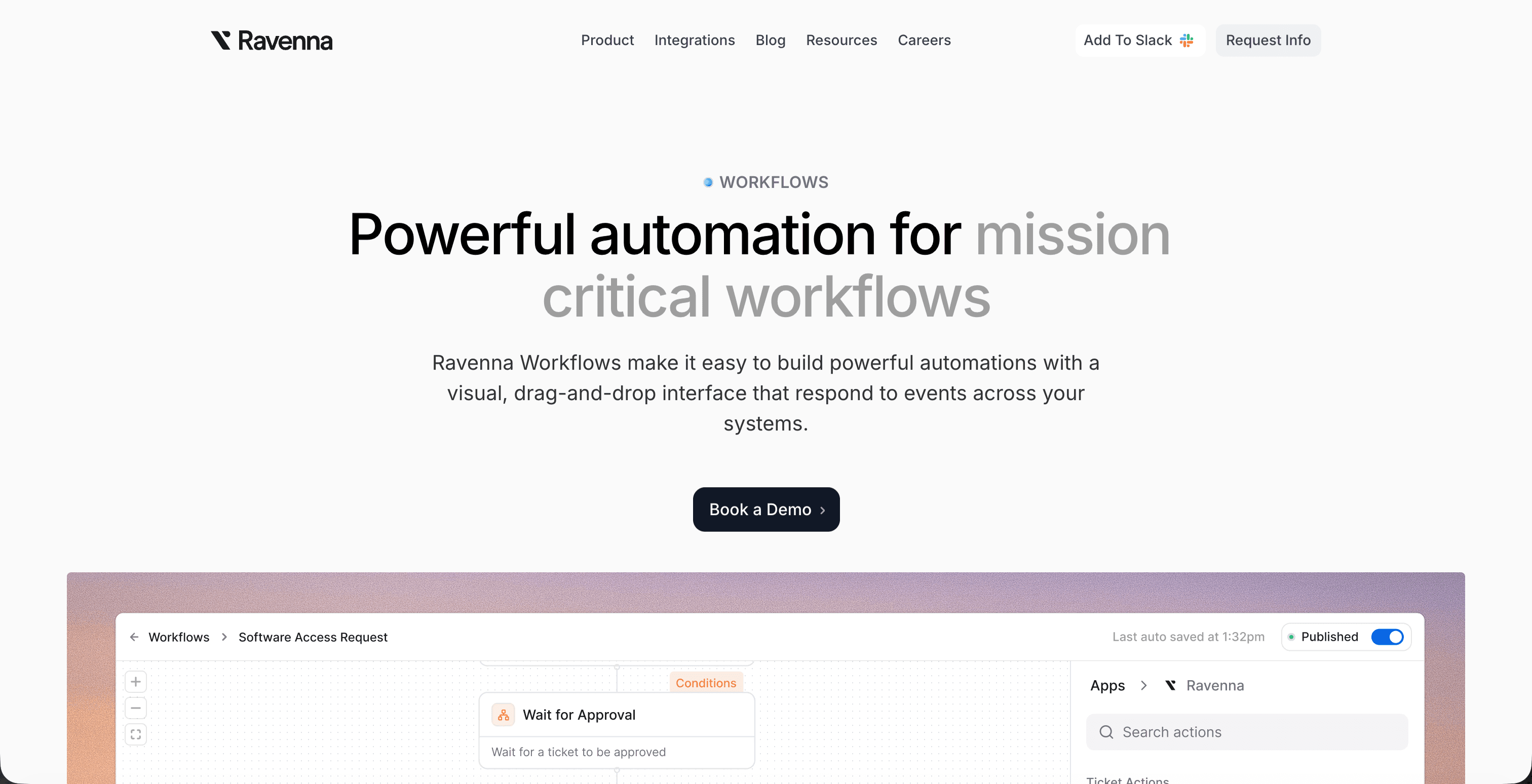
Ravenna is an AI-native workflow automation platform built for IT, HR, and Operations teams working in Slack. Where Workday Illuminate manages the employee record, Ravenna's AI agents execute everything downstream from it.
When a new hire's start date is confirmed in Workday, Ravenna's PeopleOps Agent reads that event, triggers provisioning in Okta, creates the Google Workspace account, adds the employee to the right Slack channels, assigns SaaS licenses based on their role and department, and posts a completed onboarding checklist back into Slack before the new hire's first day. IT doesn't open a ticket. HR doesn't chase status updates. The whole sequence runs autonomously.
That's the practical difference between an HRIS with workflow features and an agentic workflow automation layer. Workday manages the record. Ravenna executes the work.
How Ravenna Automates Employee Onboarding Workflows from Slack
Ravenna is a Slack-native workflow automation platform built for the kind of repetitive, multi-system work that onboarding generates every time a new hire joins. When a new employee record is created in Workday, Ravenna's PeopleOps Agent picks up that trigger and begins executing the provisioning sequence without anyone filing a ticket or chasing down approvals manually.
Here is what that looks like in practice. Workday confirms the new hire's start date and role. Ravenna reads that data, provisions the employee's Okta account, adds them to the correct Google Groups and Slack channels based on their department, assigns the right software licenses, and posts a checklist back into a designated Slack thread so both IT and HR can see what has been completed and what is still pending. The whole sequence runs before the employee's first day.
What the Workflow Actually Covers
Most onboarding breakdowns happen not because teams forget steps, but because those steps live across four or five disconnected systems with no single owner. Ravenna's PeopleOps Agent coordinates across all of them from a single Slack-based interface.
Identity provisioning: Ravenna creates the Okta account, assigns the correct groups and MFA policies, and confirms the account is active before the hire's start date arrives.
Application access: License assignments for tools like Google Workspace, Slack, and any role-specific software are handled automatically based on the job profile pulled from Workday.
Team and channel enrollment: The new employee is added to the correct Slack channels and Google Groups without an IT admin manually building that list each time.
Stakeholder visibility: A Slack thread keeps HR, IT, and the hiring manager updated on completion status in real time, so no one has to send a status email or log into a separate system to check progress.
Because Ravenna manages this entire sequence from Slack, there is no separate portal for the new hire's manager to check, no ticket queue for IT to monitor, and no manual handoff between HR and IT to trigger the next step.
Final Thoughts on Workday AI Capabilities and Workflow Automation
Workday's AI layer handles a lot of the onboarding logic: predictive analytics, conversational interfaces, and agent-based workflows inside the Workday suite itself. Where it stops is at the boundary of Workday: when a new hire record is created, someone still has to translate that event into provisioning actions across Okta, Google Workspace, Slack, and the rest of your stack. That gap is where onboarding breaks down, and it's where purpose-built workflow automation takes over. Ravenna reads Workday triggers and executes the downstream work autonomously, so new hires arrive on day one with accounts already configured and IT isn't manually working through a checklist. Reach out if you want to see what agentic onboarding looks like running from Slack.
FAQ
Can I automate employee onboarding without replacing our existing HRIS?
Yes. Ravenna reads employee data from Workday or other HRIS platforms and executes downstream provisioning tasks across your identity provider, collaboration tools, and SaaS stack without replacing the system of record. Workday remains your employee database; Ravenna handles the multi-step execution that normally requires manual coordination between IT and HR.
Workday AI vs Slack-native workflow automation for onboarding?
Workday Illuminate manages the HR data side and can surface recommendations, but it stops at the edge of Workday itself. Ravenna picks up where Illuminate ends, executing account provisioning in Okta, adding new hires to Slack channels and Google Groups, assigning licenses, and confirming completion across every connected system before day one.
What does the Workday AI discrimination lawsuit mean for companies using Workday hiring tools?
The Mobley v. Workday case alleges that Workday's AI screening tools systematically filter out candidates from protected groups before human review. Organizations using Workday's AI hiring features should document their review processes, retain meaningful human oversight at each decision point, and confirm they maintain audit trails for all automated candidate decisions.
How do I connect Workday to Slack for automated provisioning?
You can use native Workday API connectors, middleware tools like Zapier or Workato, or an agentic workflow automation platform like Ravenna. The third approach goes furthest: when a new hire record is created in Workday, Ravenna reads that status change and executes the full provisioning sequence across Okta, Slack, Google Workspace, and your SaaS tools as a coordinated workflow before IT opens a ticket.



