

TL;DR
ServiceNow helps IT teams track incidents and service requests, then connect that work to problem investigations and changes.
Use an incident when something breaks or a service degrades. Use a request when an employee needs something provided, such as app access.
Employees submit tickets through the channels their organization has set up. For incidents, agents record the details, set impact and urgency, and track the work to resolution.
Choose based on the workflows you need, and budget for configuration, upgrades and ongoing administration alongside the license.
ServiceNow helps IT teams keep track of support work: what's gone wrong, who's handling it and what still needs to happen. That might mean restoring a broken VPN connection or getting an employee access to a new app.
If you're new to the platform, the first thing to understand is that those jobs use different records. A service disruption is handled as an incident; a request for something new follows a service request process.
This guide explains the ServiceNow ticketing system in plain language, from choosing the right ticket type to creating an incident and following its progress. It also covers what ServiceNow does well and the setup work to consider if you're choosing a platform for your team.
What Is the ServiceNow Ticketing System?
Ticketing is part of ServiceNow's IT service management (ITSM) offering. You can record an issue, assign it to a team and track the work, with related processes for requests, problems and changes to IT services.
The distinction matters when a single outage creates several kinds of work. Your team might need to restore service, investigate the cause and approve a change to prevent it happening again. ServiceNow gives each activity its own record and lets you connect them.
How ServiceNow Organizes and Tracks Tickets
Start with these four record types:
Incident: Something is broken or degraded; the VPN is down, or an employee can't sign in to an app they normally use.
Request: Someone needs something provided, such as app access. ServiceNow groups the order under a Request (REQ), records each item as a Requested Item (RITM), and can create Catalog Tasks (SCTASKs) to track the fulfillment work.
Problem: A record used to investigate and manage the cause of one or more incidents.
Change: A record used to assess and control an addition, modification or removal that could affect an IT service.
The Six Incident States
ServiceNow documents six incident states. Your organization can configure the process, but these are the names you'll usually need to understand:
State | What it means |
|---|---|
New | Logged and waiting for investigation |
In Progress | Assigned and being investigated |
On Hold | Waiting for the caller, a vendor, or work on a related change or problem |
Resolved | A resolution has been provided; closure is still pending |
Closed | Final closure after acceptance or configured auto-close |
Canceled | A duplicate, unnecessary record or something that is not an incident |
An incident on hold while awaiting a caller's response can return to In Progress when the caller updates it. Resolved and Closed are separate: automatic closure follows the timing configured by your administrator, and callers can also accept a resolution.
How ServiceNow Sets Incident Priority
By default, Priority is read-only and calculated from impact and urgency. Impact describes the effect on the business; urgency describes how long a resolution can wait before the business impact becomes significant. Administrators control the lookup rules, and service-level agreement (SLA) definitions can use priority to set response or resolution targets.
Assignment Groups and Routing
Assignment group identifies the team responsible for the work; Assigned to identifies the person handling it. Configured assignment rules can route a new or updated incident when it's saved. Both assignment fields must be empty, and the incident must match the rule's conditions.
Additional comments are visible to users who can view the incident. Use Work notes for investigation details, following your organization's access and notification rules.
How Do You Create a Ticket in ServiceNow?
Employees usually raise tickets through a portal such as Employee Center, a configured email address, Virtual Agent, or a connected Slack or Teams app. Portal labels vary by organization, so look for something like Report an issue for incidents and a service catalog for requests.
The steps below follow ServiceNow's release documentation for an agent creating an incident in the standard form. Your screen may look different in Service Operations Workspace, and your administrator may have changed the fields.
Go to All > Incident > Create New, or select New from the incident list. If you can't see the module, ask your administrator to check your access; the documented roles include itil, sn_incident_write and admin.
Set the Caller, the person who reported the issue.
Write a useful Short description. VPN disconnects after sign-in gives the next agent more to work with than VPN issue. In Description, include the error message, who is affected, when it started and what has already been tried.
Set Impact and Urgency, and let ServiceNow calculate Priority.
Select an Assignment group if your process requires it. Leave routing to automation only when your team has configured and tested the relevant rules.
Complete any other required fields and select Submit. Keep the incident number so you can find the record and follow its progress.
For a service request, start with the relevant catalog item. New access to an app is a request; existing access that has stopped working may need an incident. Our guide to service request management covers how to structure the process around these requests.
What ServiceNow Does Well
ServiceNow's strength is the way it connects support work. Incidents, problems and changes share common Task fields, and reference fields link related records. An incident can identify the change that caused it, so the next agent can see what happened before the outage.
Parent and child incidents also help when several people report the same outage. In the documented process, resolving the parent resolves its child incidents too, so the team doesn't have to repeat the same resolution across every linked record.
If you need change control tied to configuration items, ServiceNow's configuration management database (CMDB) helps organize records of the services and components involved.
What to Plan for Before Adopting ServiceNow
Before you choose ServiceNow, work out what it will take to set it up and keep it running.
ServiceNow publishes its ITSM packages but asks buyers to contact sales for a quote. The packages also include AI capabilities, so check which features the proposal covers. Include implementation, integrations and ongoing administration when comparing the total cost.
ServiceNow's upgrade policy supports its current and immediately previous release families. It says customers generally need to upgrade about once a year to stay supported, based on its usual two release families per year. Set aside time for testing, and remember that ServiceNow can schedule an upgrade if your instance falls onto an unsupported release.
Customizations need maintenance. If an upgrade changes a configuration record your team has customized, such as a business rule or script, ServiceNow can skip that update to preserve your changes. An administrator then reviews the skipped records and decides what to retain, merge or revert.
Someone needs to own the platform. Assignment rules, catalog workflows and release testing need ongoing attention. Decide who will maintain them and how much time that work requires before committing to a rollout.
Who ServiceNow Is Right For
I believe headcount alone is the wrong test. The better question is whether you'll use the connected incident, problem and change processes, and whether you have people responsible for maintaining them.
ServiceNow makes sense when you need formal change control, detailed configuration records and connected workflows across teams. The case is weaker if your immediate need is a straightforward support queue and a few repeatable requests. Start with the work your team handles most often, then identify the approvals, records and integrations each request needs. If Jira is also on your shortlist, our Jira ticketing system guide explains its record types and workflows.
Can You Use ServiceNow With Slack or Microsoft Teams?
Yes, through ServiceNow's integrations. ServiceNow for Slack supports creating and updating incidents, adding comments, and other configured workflows. Its Microsoft Teams integration brings Virtual Agent into Teams and can support agent collaboration on major incidents. Available actions depend on your subscriptions, installed apps, permissions and configuration.
These integrations can let employees and agents complete work in chat while ServiceNow remains the underlying platform. Test the tasks your team actually performs, including updates and approvals, rather than judging an integration by ticket creation alone.
Automate IT Support With Ravenna
If you’re looking to upgrade from ServiceNow and are looking for an AI ITSM with agentic capabilities, give Ravenna a try.
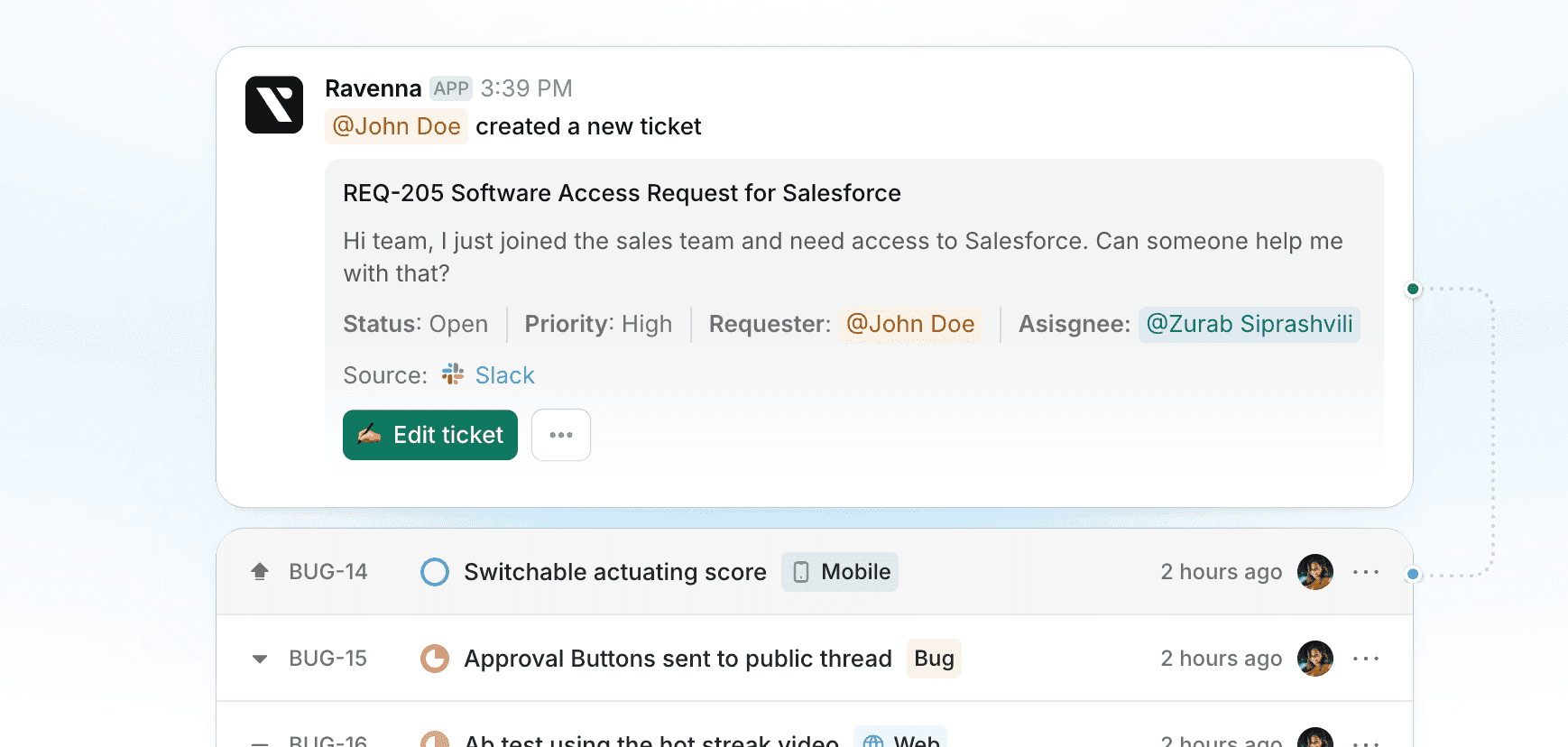
Ravenna handles employee support in Slack, with its Microsoft Teams integration currently in early access. Its agents can answer questions from connected knowledge sources, while configured workflows route requests for approval and carry out actions in integrated tools.

Ravenna's integrations page also lists bidirectional ServiceNow ticket sync. If you're keeping ServiceNow, include that sync in your evaluation of ticket routing and updates.
We're happy to walk through how Ravenna would fit your setup, or you can explore the docs first.
Frequently Asked Questions
How Do You Create a Ticket in ServiceNow?
Employees use their organization's portal, email or connected chat app. Agents can go to All > Incident > Create New, complete the required fields and submit; the available form and actions depend on permissions and configuration.
What Is an Incident in ServiceNow?
An incident records an unplanned interruption to an IT service or a reduction in its quality. An application outage is an incident; a request for new access is a different kind of work.
What's the Difference Between an Incident and a Request in ServiceNow?
An incident means something is broken or degraded, such as an app that no longer opens. A request asks IT to provide something, such as app access. ServiceNow records the overall Request and its Requested Items, with Catalog Tasks for fulfillment work where needed.
How Does ServiceNow Assign Tickets Automatically?
Assignment rules can route a new or updated incident when it's saved. Both assignment fields must be empty, and the incident must match the rule's conditions. Administrators need to configure those rules; leaving a field blank doesn't guarantee the ticket will reach the right team.



