

We’re introducing the Ravenna + Jamf integration, which lets teams connect their Jamf Pro tenant directly to Ravenna. The integration connects Jamf Pro directly to Ravenna’s AI-native service desk, allowing IT teams to view device data, troubleshoot issues, and trigger device actions without leaving their support workflow.
Device Context Automatically Surfaced
When a support request involves a device, the first step is usually identifying which device is assigned to the employee.
With the Jamf integration, Ravenna automatically surfaces device information inside the ticket sidebar. IT agents immediately see key details pulled from Jamf, including:
Device model
OS version
Serial number
FileVault encryption status
Instead of manually searching Jamf, agents get the context they need right away. This reduces investigation time and helps teams resolve requests faster.
AI-Powered Device Troubleshooting
Ravenna’s AI agents can also interact with Jamf device data as part of the support workflow.
Agents can ask Ravenna to check device information, verify system state, or provide troubleshooting guidance based on data retrieved from Jamf.
For example, Ravenna can help teams:
Verify whether a device is enrolled in Jamf
Check installed software or configuration profiles
Confirm device compliance status
Look up device specifications for troubleshooting
Because this happens directly within Ravenna, the device context becomes part of the support conversation instead of requiring a separate investigation.
Take Security Actions Without Switching Tools
Security incidents often require immediate device actions. Lost laptops, employee offboarding, or compromised machines all require quick responses from IT teams.
Through the Jamf integration, Ravenna allows agents to trigger key device actions directly from the service desk.
Teams can:
Lock lost or stolen devices
Retrieve FileVault recovery keys
Erase devices during offboarding
These actions can be executed without opening the Jamf console, reducing response time during critical events.
Automate Device Workflows
Beyond individual support requests, the integration also enables automated device workflows.
Using Ravenna’s workflow builder, teams can create automations that combine support events with Jamf device actions.
For example:
When an employee reports a stolen laptop, Ravenna can automatically identify the assigned device and lock it in Jamf.
During offboarding workflows, Ravenna can trigger device wipe actions.
These workflows remove manual steps and ensure consistent responses across IT operations.
Device Management That Fits Modern Support Workflows
Employees rarely submit support requests through traditional ticket portals anymore. Most requests happen in Slack, where teams already collaborate.
Ravenna brings the service desk directly into those environments. By connecting Jamf to Ravenna, device management becomes part of the same workflow where support conversations happen.
Employees ask for help in chat.
AI agents assist with troubleshooting.
Device context appears automatically.
IT teams take action without switching tools.
The result is faster resolutions and less operational friction for support teams.
Connect Ravenna to Jamf
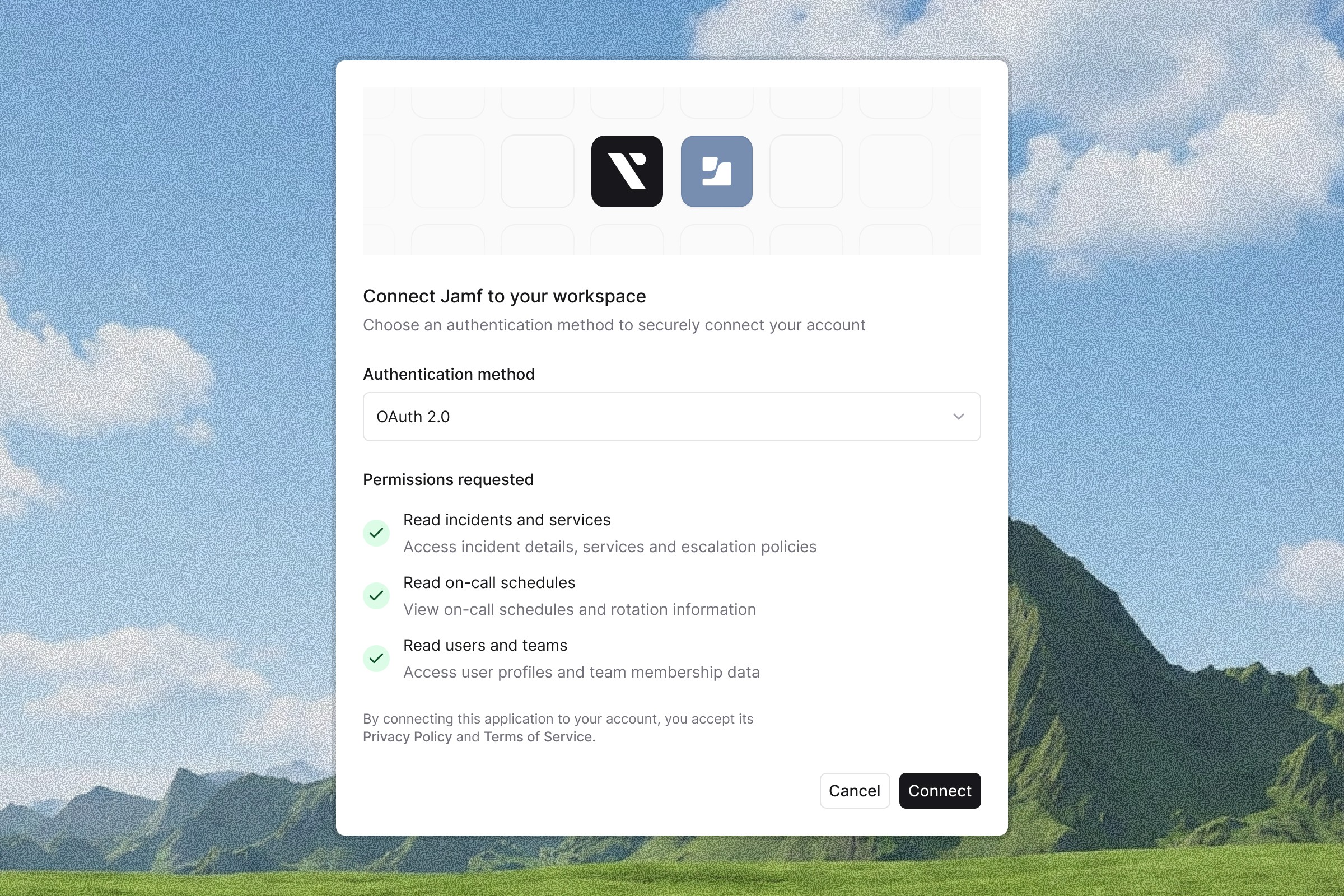
Ravenna connects directly to your Jamf Pro, bringing device context and actions into your service desk workflow. Setup happens inside Ravenna by connecting your Jamf tenant and configuring the integration.
Once connected, IT teams can troubleshoot devices, respond to incidents, and support employees without switching tools.
Learn more about the integration or request a demo!



