

The AI tools most IT teams use will summarize a ticket, suggest next steps, maybe draft a reply. Then they wait for you to do something with it. Autonomous AI workers for enterprise IT skip that handoff entirely. They take the ticket, verify what needs to happen, execute across your connected systems, and close it out with no approval required at every step. The difference shows up fast when you're handling 200 tickets a week and 65% of them follow the same patterns. One model reduces friction. The other reduces workload.
TLDR:
AI co-workers execute multi-step IT workflows autonomously, reducing median resolution time from 71 hours to 4.4 hours.
Autonomous AI deflects 30-60% of tickets before they reach human queues, freeing IT teams for strategic work.
AI assistants wait for prompts and stop after responding; AI co-workers own requests from intake to resolution.
Ravenna operates as a Slack-native workflow automation platform that executes IT tasks across your SaaS stack without human handoffs.
Defining AI Assistants, AI Agents, and AI Co-Workers in IT Operations
The three terms get used interchangeably, but they describe very different relationships between IT teams and AI.
An AI assistant waits. You open a chat window, ask a question, and it responds. It can summarize a knowledge base article, draft a reply, or suggest next steps, but the work stops the moment you stop prompting it. These tools are reactive by design.
An AI agent takes a step further. Given a goal, it can take a sequence of actions to reach it, checking system states, calling APIs, or querying databases without manual instruction at each step. Still, most agents operate within narrow, predefined boundaries.
An AI co-worker operates with broader context and ongoing accountability. It handles requests end-to-end, knows when to escalate, learns from outcomes, and fits into your existing workflows the way a teammate would. The distinction matters because the business value each model delivers is fundamentally different.
How They Compare in Practice
Capability | AI Assistant | AI Agent | AI Co-Worker |
|---|---|---|---|
Initiates action without prompting | ✗ No | ⚬ Partially | ✓ Yes |
Handles multi-step IT workflows | ✗ No | ⚬ Limited | ✓ Yes |
Escalates with context | ✗ No | ✗ No | ✓ Yes |
Learns from past interactions | ⚬ Rarely | ⚬ Rarely | ✓ Yes |
The Autonomy Scale: From Reactive Assistants to Proactive Co-Workers
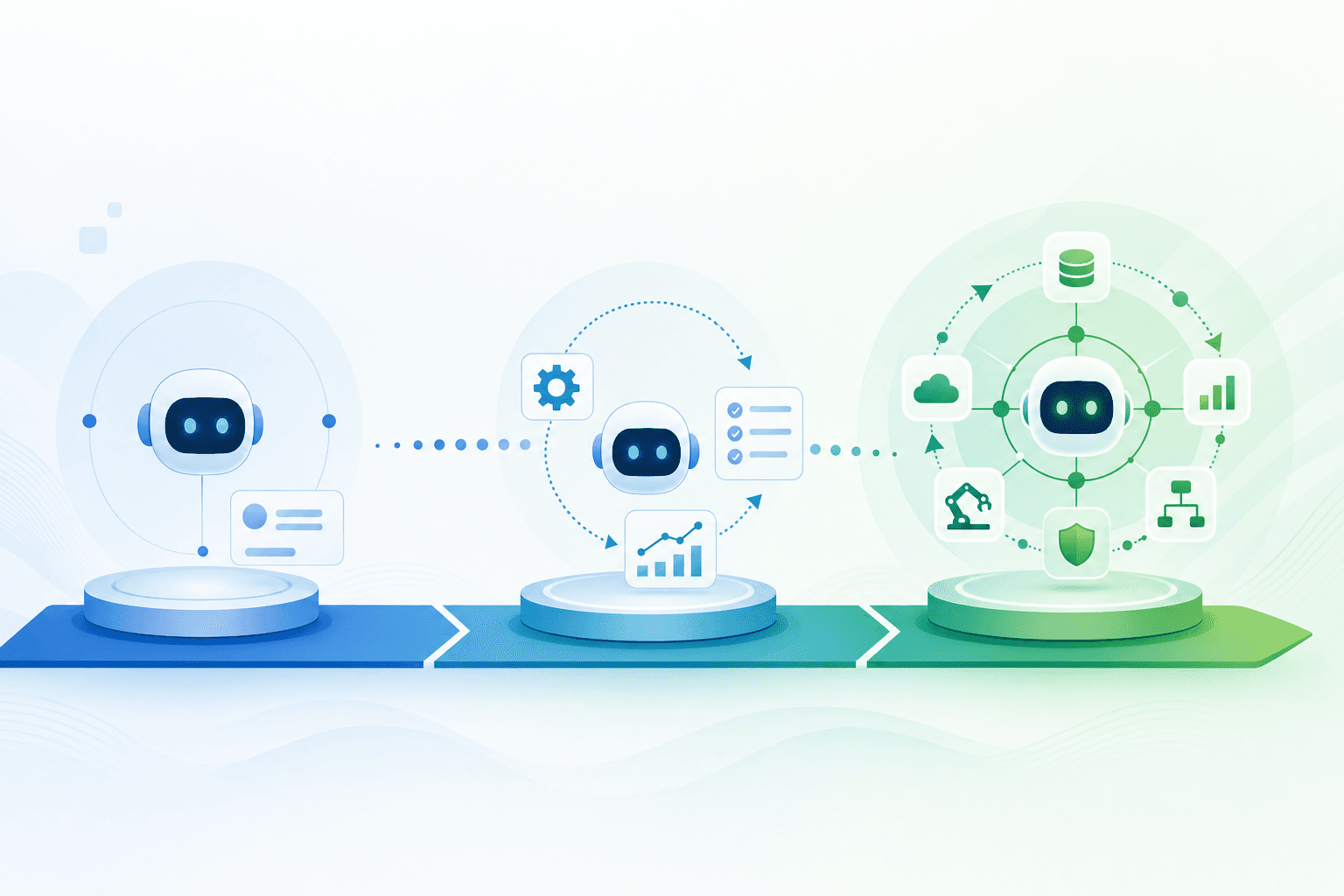
The difference between an AI assistant and an AI co-worker comes down to where it sits on the autonomy scale. At one end, you have reactive tools that wait for input, generate a response, and stop. At the other end, you have agentic systems that perceive context, plan across steps, and carry work through to completion without waiting to be prompted at every turn. Most IT teams are still working with tools closer to the reactive end. They get a suggestion, a draft, or a summary. Someone still has to act on it.
An AI co-worker operates differently. It can own a ticket from intake to resolution, coordinate across systems, and know when to escalate vs. when to close. The work moves forward whether or not a human is watching. That shift in autonomy is what separates tools that reduce friction from tools that reduce workload.
How AI Co-Workers Execute End-to-End IT Workflows Without Human Handoffs
When an employee submits a request to reset their VPN credentials, an AI co-worker doesn't wait for a human to triage the ticket, assign it to the right team, or chase down approvals. It reads the request, verifies the employee's identity against your directory, executes the reset across connected systems, and confirms resolution back to the user. The entire workflow runs without a single handoff.
This is the core distinction between an AI assistant and an AI co-worker in IT support. Assistants surface information and suggest next steps. Co-workers own the process from intake to resolution.
There are a few capabilities that make this possible:
Agentic reasoning lets the AI assess context and decide which actions to take, in what order, without waiting for human instruction at each step.
Multi-system integration means the AI executes actions across your identity provider, ITSM tool, and communication layer instead of just reading from them.
Conditional logic handling allows the AI to branch workflows based on policy rules, user attributes, or escalation thresholds in real time.
The Business Impact: Resolution Rates, Time Savings, and Capacity Gains
The numbers make the case clearly. Median IT resolution time without automation sits at 71 hours. With AI service desk tools in place, that drops to 4.4 hours, a 16x improvement, according to Fixify's 2026 IT Help Desk Benchmark Report, which analyzed 50,000+ tickets across 30+ organizations over a 14-month period. That is a different category of performance entirely, not an incremental gain.
Virtual Support Agents in agentic service desks deflect 30 to 60 percent of tickets before they ever reach a human queue, with resolution speeds 40 to 90 percent faster than manually handled requests. The math compounds quickly. Fewer tickets land on your team's plate, and the ones that do get resolved faster.
For IT leaders, the real gain is capacity. When autonomous AI handles routine requests end-to-end through service desk automation strategies, your team stops spending the week on password resets and access provisioning. That bandwidth moves to infrastructure, security, and decisions that actually require human judgment.
Decision-Making Authority: Where AI Assistants Stop and AI Co-Workers Begin
The line between the two comes down to execution authority. AI assistants surface information and wait. AI co-workers act within boundaries you define through agentic workflow automation. You set those parameters explicitly: which ticket categories get auto-resolved, which actions require manager approval, and which situations get escalated without any automated intervention. Within those rails, an AI co-worker handles the full lifecycle of a request from intake through resolution, without a human touching it.
This matters because industry analyses consistently show that a large share of IT tickets are routine, repetitive requests such as password resets, access provisioning, and onboarding tasks. An AI assistant still routes every one of those back to your team. An AI co-worker closes them. The authority boundary also works in reverse. When a request falls outside defined parameters, an AI co-worker flags it, documents the context, and escalates with everything a human needs to act quickly. Your team focuses on the work that genuinely requires judgment.
Workforce Transformation: Augmenting IT Teams Instead of Replacing Them
The concern that AI will eliminate IT jobs misreads what agentic AI actually does in practice. When an autonomous AI worker handles tier-1 tickets, onboarding workflows, and software provisioning, your IT team stops drowning in repetitive requests and starts focusing on architecture, vendor strategy, and security work that requires human judgment. This is a workforce multiplier effect. Research from McKinsey suggests that while AI will automate many tasks, it simultaneously creates demand for higher-order problem-solving roles. IT teams that adopt agentic AI tools tend to shift their time allocation without shrinking headcount.
The practical outcome looks like this:
Tier-1 support volume gets absorbed by the AI co-worker, which resolves common requests without human escalation.
IT engineers spend more time on projects that reduce technical debt and improve infrastructure resilience.
Team capacity expands without proportional headcount growth, meaning you can support more users per engineer.
The goal is augmentation. Your IT team becomes more capable, not smaller.
Ravenna: Purpose-Built AI Co-Workers for IT Operations
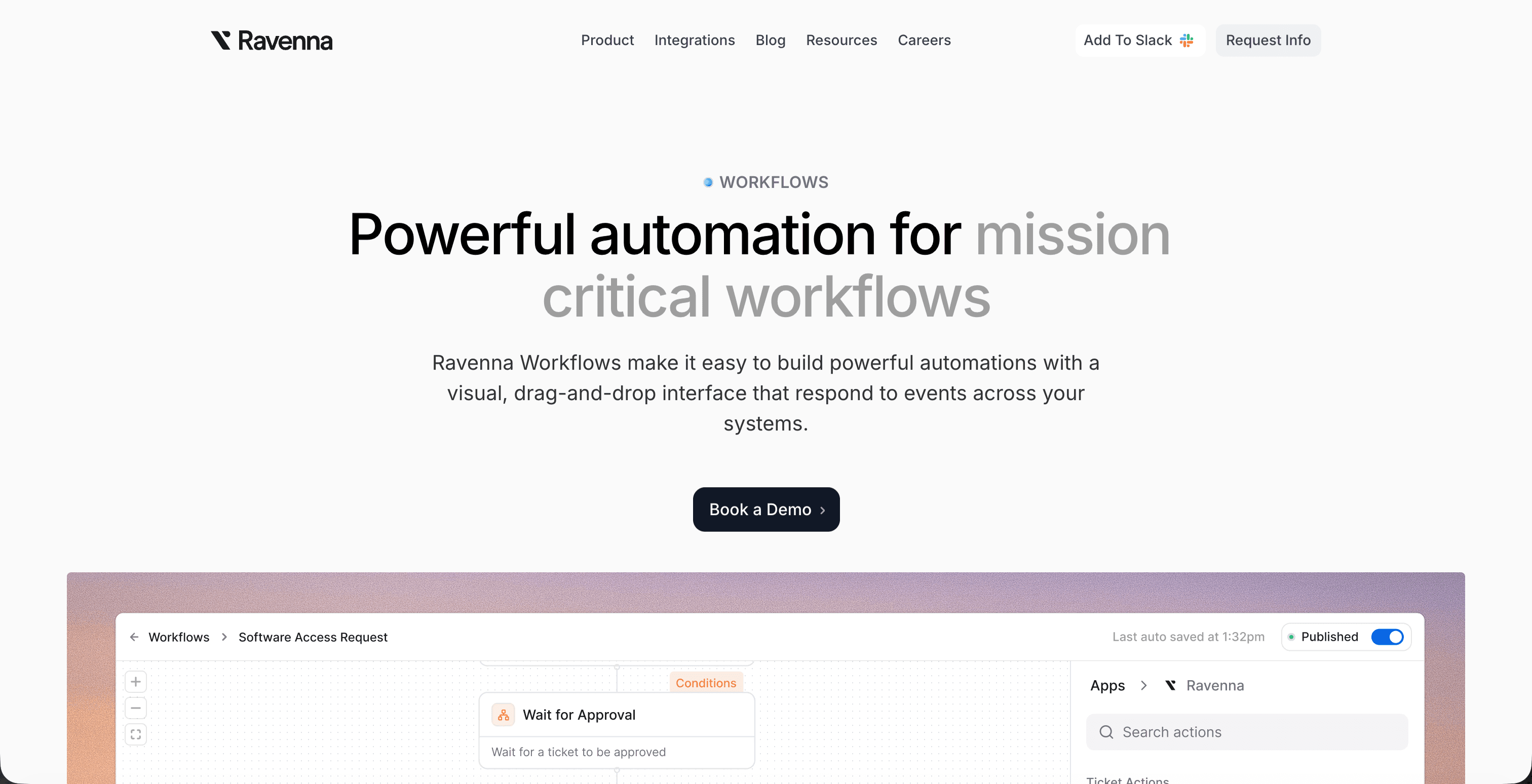
Ravenna is a workflow automation platform built for IT teams that need AI doing real work, not generating suggestions for humans to act on. The platform automates end-to-end workflows from start to finish: triaging incoming requests, routing tickets to the right queue or team member, provisioning access, and closing out resolved issues without waiting for manual sign-off.
The architecture is Slack-native, which matters because that's where IT requests actually live. Slack assistants for IT help desks make this possible: when an employee messages about a VPN issue or a software access request, Ravenna coordinates workflows across your connected tools and systems, identifying the right resolution path and executing against it automatically.
This is what separates an AI co-worker from an AI assistant:
An AI assistant surfaces the ticket and tells someone what to do next
Ravenna's automation layer takes the action, updates the systems, and loops in a human only when the situation genuinely requires judgment
IT teams using this Slack-native workflow automation report faster resolution times and fewer tickets that stall waiting for human triage. The work gets done. Your team focuses on the problems that actually need them.
Final Thoughts on the Shift From AI Assistants to AI Co-Workers
Autonomous AI workers for IT change the math on what your team can handle without adding headcount. The move from assistants to co-workers means tickets get resolved without waiting in a queue for human triage. If you want to see how this works with your actual workflows and systems, connect with our team to walk through it. Your IT engineers should be focused on infrastructure resilience, security architecture, and vendor strategy, not manually closing 65% of incoming requests.
FAQ
AI co-worker vs AI assistant IT: what's the practical difference?
An AI assistant waits for you to ask questions and suggests next steps, while an AI co-worker executes the full workflow from intake to resolution without human handoffs. The co-worker model means password resets, access requests, and software provisioning happen automatically across your systems instead of getting documented in a ticket queue.
Can autonomous AI workers actually handle IT workflows without constant supervision?
Yes, when built with the right boundaries. You define which ticket categories get auto-resolved, which actions require approval, and which situations escalate immediately. Within those parameters, agentic AI handles the full lifecycle of routine requests (the 65% of tickets that follow predictable patterns) while flagging edge cases with full context for human review.
How do agentic AI IT operations systems integrate with existing ITSM platforms?
Modern agentic platforms offer two deployment paths: standalone replacement or enhancement layer. Bidirectional integrations with tools like Jira Service Management and Freshservice let you keep your current ticketing system while the AI layer handles triage, automation, and resolution, syncing all updates in real time between systems.
What kind of time savings do IT teams see with autonomous AI workers?
Median IT resolution time drops from 71 hours to 4.4 hours with AI automation in place, based on analysis of 50,000+ tickets across 30+ organizations. Virtual Support Agents deflect 30-60% of tickets before they reach human queues, with 40-90% faster resolution on automated workflows compared to manual handling.
Will agentic AI replace IT jobs or just change how teams work?
Agentic AI changes workload allocation, not headcount. When tier-1 requests get automated, IT teams shift from spending weeks on password resets to focusing on infrastructure, security architecture, and vendor strategy: work that requires human judgment and delivers more strategic value to the business.



